
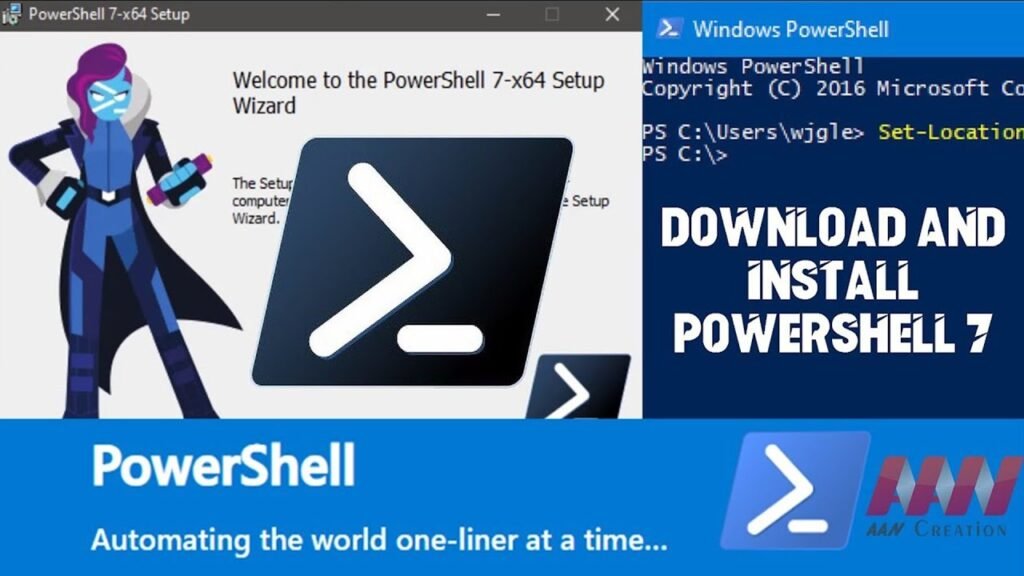

Windows comes with Windows PowerShell 5.1, which no longer gets new features. PowerShell 7 is the modern, cross-platform version. It’s faster, has better error messages and adds handy features like parallel loops and the && and || operators. It installs side by side with the old version, so nothing breaks.
Method 1: Install with winget (easiest)
- Right-click the Start button and open Terminal.
- Run:
winget install --id Microsoft.PowerShell --source winget - Accept the prompts and wait for the install to finish.
To update later, run:
winget upgrade --id Microsoft.PowerShellMethod 2: Microsoft Store
Open the Microsoft Store, search for PowerShell and install the app published by Microsoft Corporation. Store installs update automatically.
Method 3: MSI installer
- Go to the official PowerShell page on GitHub (the PowerShell/PowerShell repository) and open Releases.
- Download the .msi file for your system, usually the one ending in win-x64.msi.
- Run it. On the options screen, you can add PowerShell to the PATH, add “Open here” to the context menu and enable updates through Microsoft Update.
Open PowerShell 7
- Search the Start menu for PowerShell 7, or
- Type
pwshin any terminal or the Run box (Windows + R).
Check the version with:
$PSVersionTable.PSVersionMake PowerShell 7 the default in Windows Terminal
- Open Terminal, click the down arrow next to the tabs and choose Settings.
- On the Startup page, set Default profile to PowerShell (the black icon is PowerShell 7; the blue one is Windows PowerShell).
- Click Save.
Tips
- Install the PowerShell extension in Visual Studio Code if you write scripts. It uses PowerShell 7 for debugging and code suggestions.
- If
wingetisn’t recognised, update App Installer from the Microsoft Store. - Your profile file for PowerShell 7 is separate from the old one. Run
$PROFILEto see its path, and copy any aliases or settings you want to keep.
Frequently asked questions
Will my old scripts still work?
Most do. A few Windows-only modules need Windows PowerShell 5.1, which stays installed. You can run those scripts there, or use Import-Module -UseWindowsPowerShell in PowerShell 7.
What’s the difference between powershell and pwsh?
powershell starts the old Windows PowerShell 5.1. pwsh starts PowerShell 7.
