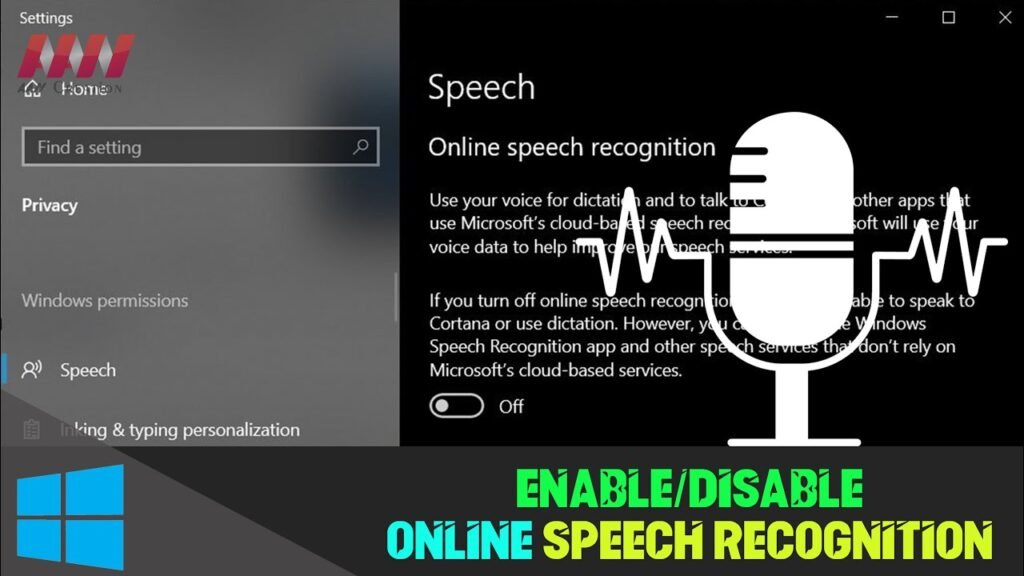

Windows can use Microsoft’s cloud speech service to understand your voice. This is called online speech recognition. It powers features like voice typing (Windows + H) and some voice commands. It’s more accurate than offline recognition, but it sends your voice recordings to Microsoft. You can switch it on or off at any time.
On Windows 11
- Open Settings with Windows + I.
- Go to Privacy & security > Speech.
- Turn Online speech recognition on or off.
On Windows 10
- Open Settings > Privacy > Speech.
- Turn Online speech recognition on or off.
What happens when it’s off
- Voice typing may stop working or ask you to turn it back on, depending on your Windows version and language.
- Voice Access in Windows 11 works on your device and doesn’t need online speech recognition.
- Live Captions also runs on your PC and isn’t affected.
Delete your saved voice data
Turning the setting off stops new recordings from being sent. To remove data already linked to your Microsoft account, sign in to the Microsoft account privacy dashboard in a browser and clear your voice activity.
Using Voice Access instead
- Go to Settings > Accessibility > Speech.
- Turn on Voice access and follow the setup to download the speech model.
- Say “Voice access wake up” to start giving commands.
Frequently asked questions
Does turning it off affect typing with the keyboard?
No. It only affects features that turn your voice into text or commands. Normal typing, text suggestions and Copilot chats by text work as before.
Why is the setting greyed out?
Your PC may be managed by work or school, and a policy controls the setting. Check Settings > Accounts > Access work or school, or ask your IT team.
Does turning it off affect Narrator?
Narrator reads text aloud and doesn’t need online speech recognition, so it keeps working. Features that listen to your voice and send it to the cloud are the ones affected.
Should I keep it on?
If you use voice typing often and accuracy matters, leave it on. If you rarely speak to your PC and care about privacy, turning it off is a simple choice.