
Recorded a clip with a long, boring start? You don’t need a paid video editor to cut it. Windows has free tools that can trim a video in a few clicks: the Photos app and Clipchamp, both from Microsoft.
Trim a video with the Photos app
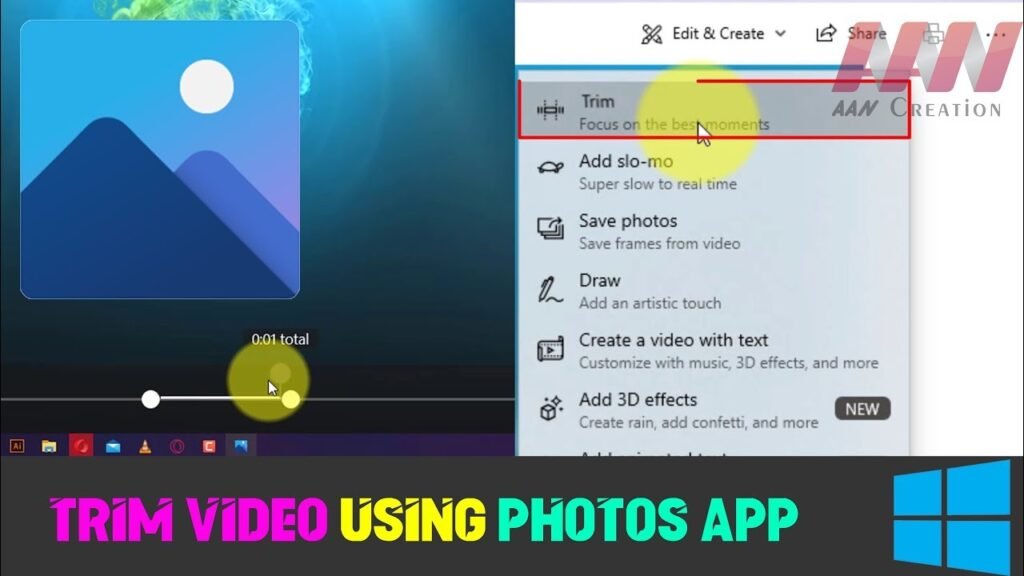
The current Photos app on Windows 11 has a simple trim tool for videos.
- Right-click the video in File Explorer and choose Open with > Photos.
- While the video is open, look at the toolbar at the top and click the Trim button (a scissors or trim icon). If you only see an edit button, click it first.
- Drag the left handle on the timeline to where you want the video to start.
- Drag the right handle to where you want it to end.
- Press Play to check the result.
- Click Save as copy so your original file is not changed.
The trimmed copy is saved in the same folder as the original, usually with a new name.
If the Photos app shows no trim option, update it from the Microsoft Store under Library, or use Clipchamp below.
Trim a video with Clipchamp
Clipchamp is Microsoft’s free video editor and is included with Windows 11. On Windows 10 you can install it from the Microsoft Store.
- Open the Start menu, search for Clipchamp and open it. Sign in with your Microsoft account if asked.
- Click Create a new video.
- Drag your video into the media area, then drag it onto the timeline at the bottom.
- Click the clip on the timeline, then drag its left or right edge inward to cut the start or end.
- To remove a part from the middle, move the playhead to the spot and use the split (scissors) tool, then delete the unwanted piece.
- Click Export and choose a quality, such as 1080p.
Useful tips
- Always save a copy. Keep the original until you’re happy with the trimmed version.
- For a quick screen recording, the Snipping Tool can record and the Photos app can then trim the result.
- Clipchamp’s free plan exports up to 1080p without a watermark.
Frequently asked questions
Does trimming reduce video quality?
Trimming in Photos keeps the quality close to the original. In Clipchamp, choose the same resolution as your source video when you export.
Where is the old “Video Editor” from Windows 10?
The legacy Video Editor in Photos has been replaced by Clipchamp. The steps above use the current tools instead.