
Total PC Cleaner is a UWP app for Windows 10 that helps you clean up
junk files and optimize system performance. This application is completely
free, simple to use, and ad-free. Download Total PC Cleaner and see for
yourself!
Total PC Cleaner: Optimize Memory and Windows System, Clean Up Free Disk Space.
The application supports finding and deleting components:
* System Caches: System cache.
* Caches for Active Applications: The cache for all active applications.
* Mail Caches: System Mail application cache.
* Office Caches: MS Office software cache.
* Browser Caches: Browser caching.
* Downloads: A file in the system’s Downloads folder that contains
web-based files.
web-based files.
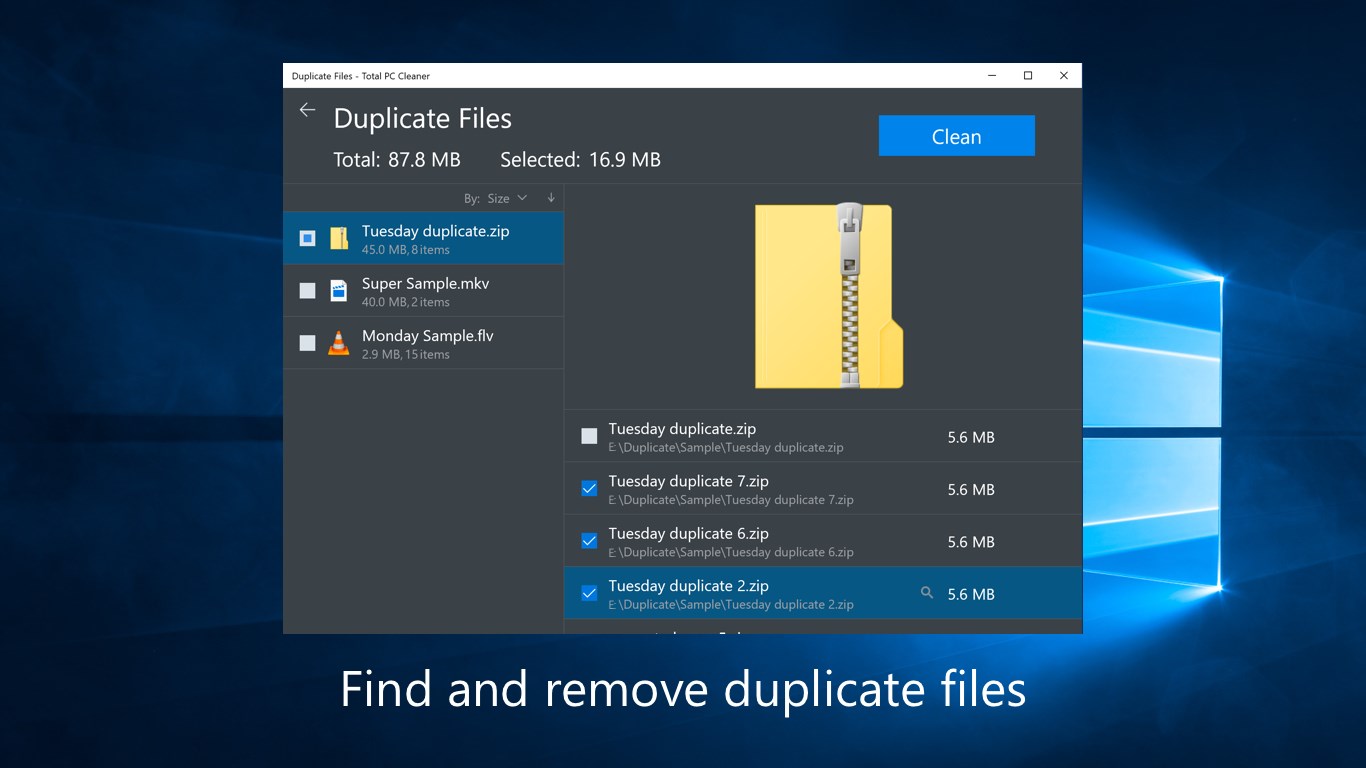
* Large Files: Files larger than 100 MB.
How to use Total PC Cleaner:
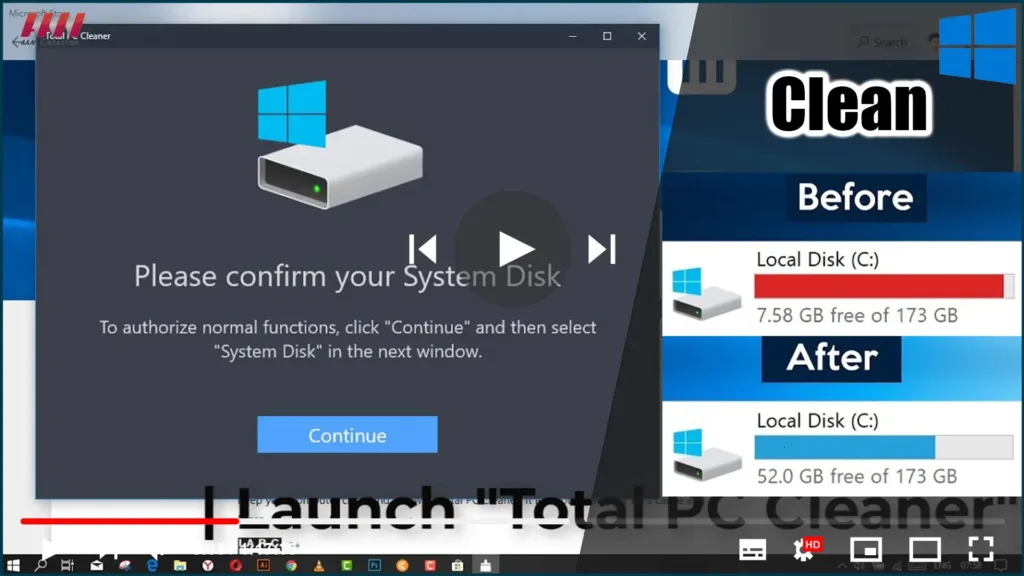
01. After downloading the application to your computer, you start the
program. Click the Continue button in the window that appears.
program. Click the Continue button in the window that appears.
(adsbygoogle = window.adsbygoogle || []).push({});
02. Select Windows installation partition -> Select Folder.
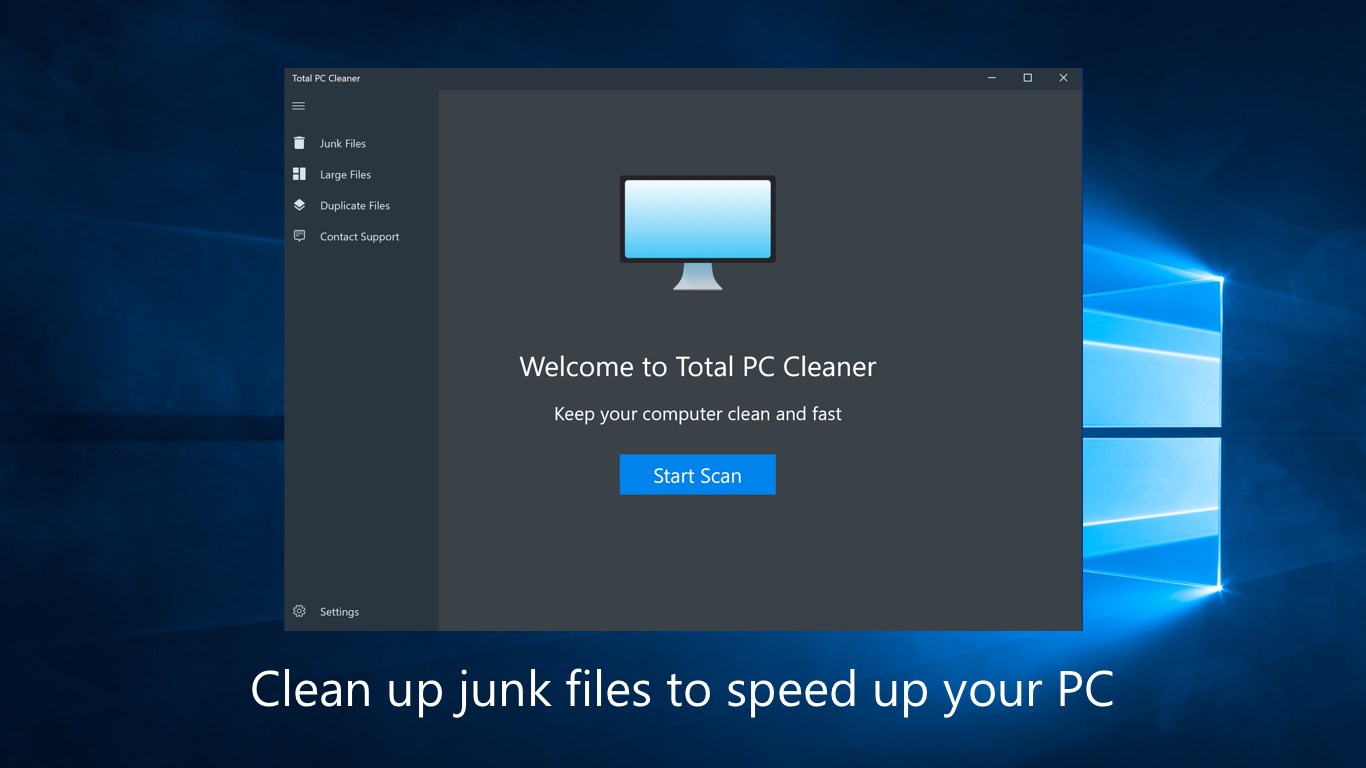
03. In the new window, click Start Scan to scan all the unnecessary
files on your computer.
files on your computer.
04. After the scan is complete, the size of the junk file will be
displayed. Junk files in System Caches, Application Caches, Mail
Caches, Office Caches, and Browser caches are pre-selected by
default. With Downloads and Large Files, you should check the
component before deleting it.
displayed. Junk files in System Caches, Application Caches, Mail
Caches, Office Caches, and Browser caches are pre-selected by
default. With Downloads and Large Files, you should check the
component before deleting it.

* Downloads: go to the Downloads folder to check.
* Large Files: Click the Detail box directly above the
application’s interface to check.
application’s interface to check.
Then click Clean.
05. After the deletion process is complete, click Done. When
done, your computer has been cleaned without interference in the
registry like CCleaner or affecting the computer.
done, your computer has been cleaned without interference in the
registry like CCleaner or affecting the computer.