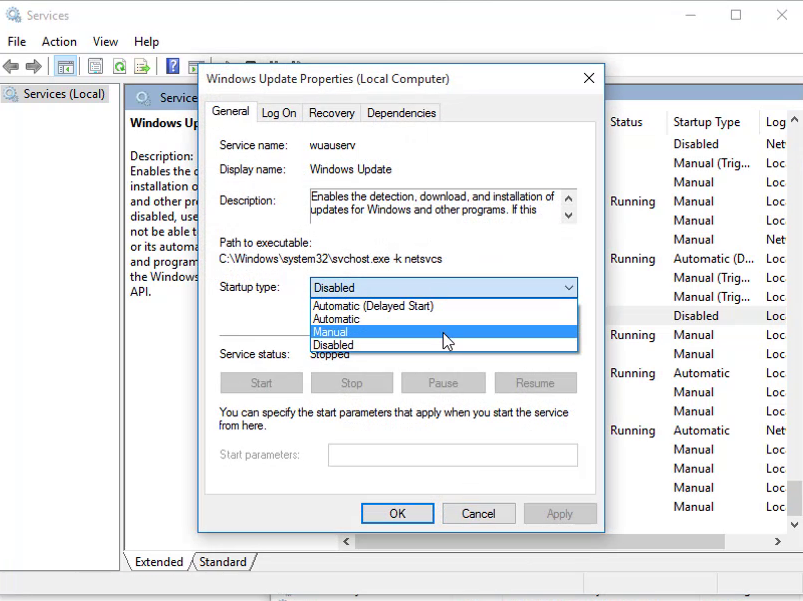
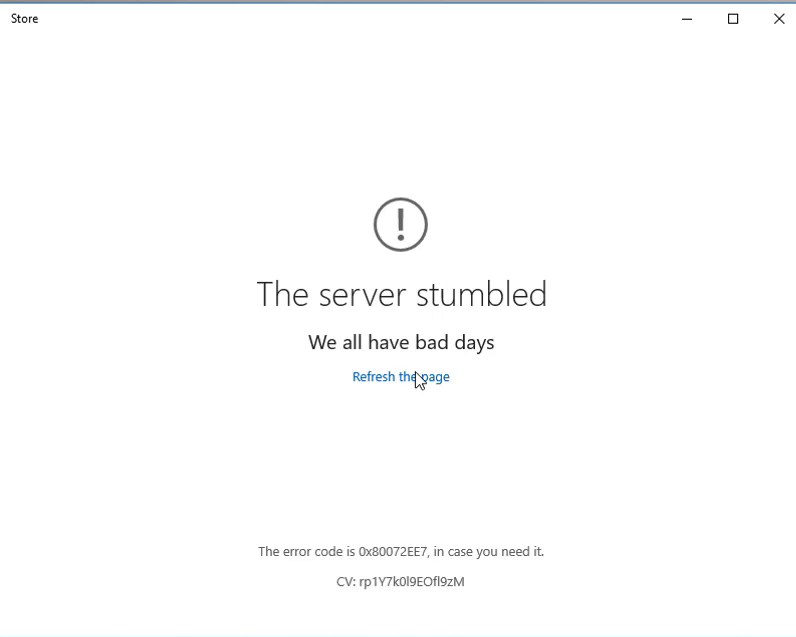
Error code 0x80072ee7 is a common issue experienced by users of Windows 10 when attempting to access the Microsoft Store. This error is typically accompanied by messages such as “The server has stumbled” or “We couldn’t connect to the server,” despite the device being connected to the Internet.
Follow these steps to resolve the Windows Store error 0x80072ee7:
Step 01: Open Task Manager
- Press Ctrl + Shift + Esc to open the Task Manager.
Step 02: Go to the Service Tab
- In the Task Manager window, click on the Services tab at the top.
Step 03: Open Services
- Scroll down and click on the Open Services link at the bottom of the window.
Step 04: Change Windows Update Settings
- In the Services window, locate Windows Update from the list of services.
- Double-click Windows Update to open its properties.
- Change the Startup type from Manual to Automatic.
- Click Apply and then OK.
After completing these steps, restart your computer and try accessing the Microsoft Store again. This should resolve the 0x80072ee7 error and allow you to connect to the store.