



* LAV Video decoder 0.74.1 x86 & x64 (XP/2000 version is 0.69).
* ffdshow DirectShow Video Codec 1.3.4533 x86 & x64.
* XviD Video (Encoder) Codec v1.3.5.
* x264 Video (Encoder) Codec v44.2851.
* Lagarith Lossless Video (Encoder) Codec v1.3.27 x86 & x64.
* LAV Audio Decoder 0.74.1 x86 & x64 (Legacy version is 0.69).
* Sony DSD Decoder 1.0 x86.
* DivX Audio Decoder 4.1 x86.
* DSP-worx Bass Source Filter/Decoder v1.5.2.0 x86.
* Haali Media Splitter/Decoder 1.13.138.44 x86 & x64 – For MP4, MKV, OGM and AVI files.
* LAV Splitter 0.74.1 x86 & x64 (Legacy version is 0.69).
* ReClock Video renderer v1.9.0.0 x86.
* xy-VSFilter v3.0.0.211 x86 & x64 – Subtitle Readers.
* CDXA Reader v1.7.13 x86 & x64 (XP/2000 version is 1.6.8) – Also known as Form 2 Mode 2 CD or XCD x86 & x64 (Legacy version is 0.69).
* Icaros 3.1.0 x86 & x64.
* Application Tuning – Changes the default settings for Media Player Classic, NVIDIA 3D Vision Player, and Stereoscopic Player.
(adsbygoogle = window.adsbygoogle || []).push({});
Package Utilities:
* Media Player Classic Home Cinema 1.8.6 x86 (XP/2000 version is 1.6.8) – Selectable by right-clicking on any file.
* Disc Handler – For double click playback on BluRay disc icons in Windows Explorer.
* Codec Settings GUI – Allows the user to modify codec, graphics and sound settings.
* Codec Settings UAC (User Account Control) Manager – Copies settings between users.
* Update Checker – Checks for updates once every 7 days (Administrator only).
* Tray Menu – Gives easy access to codec utilities and allows fast audio profile switching.
02. In the “Windows Settings” window click on “System”.
03. On the “System” pane click on “Default apps”.
04. On the “Choose default applications” pane click on “Films & TV” under “Video Player”.
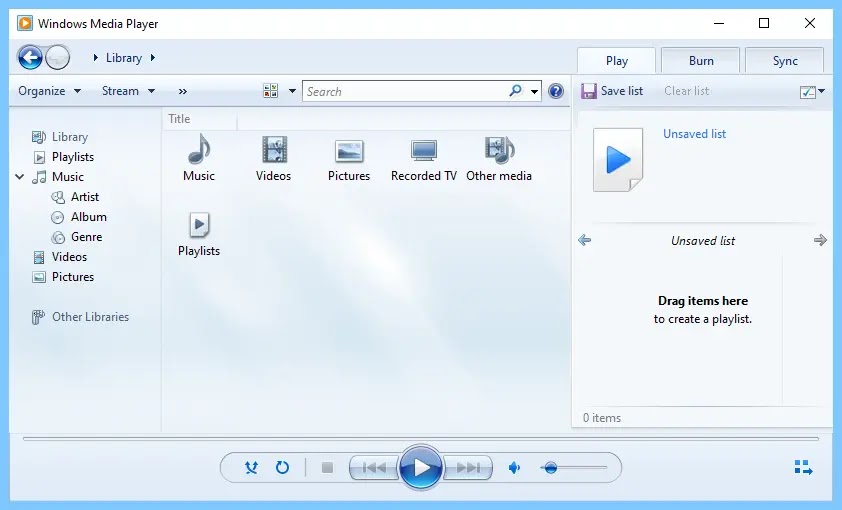
05. On the “Choose an application” pop-up menu click on “Windows Media Player” to set Windows Media Player as the default player for video files.
Footnote: The same method can be used to apply file associations for music, by simply clicking on “Groove Music” under “Media Player” instead of changing Video Player in step 4.

