
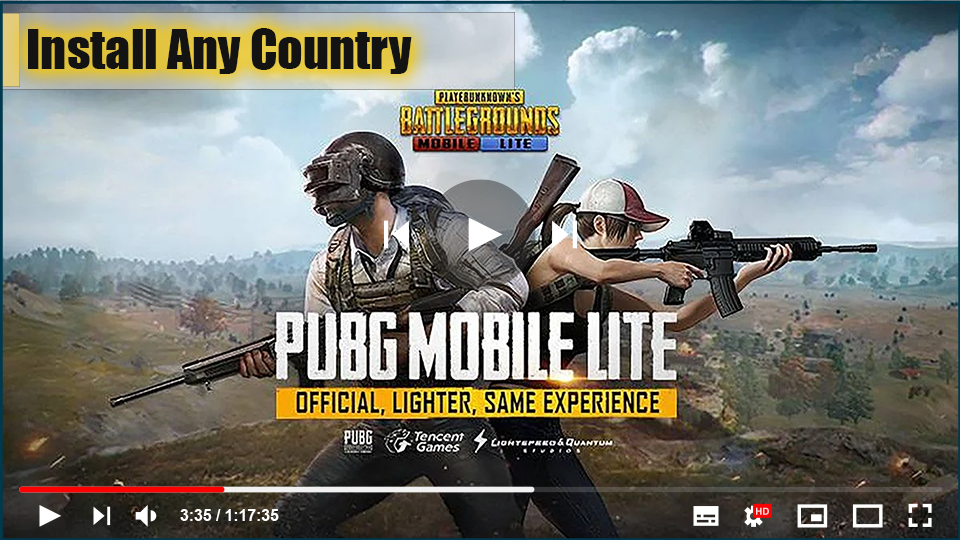

Tencent Games has released PUBG Mobile LITE, but it is only available
in certain countries. The PUBG Mobile is now available only in the
Philippines on the Google Play Store, but players from India could get their
hands on PUBG Mobile LITE by downloading APK onto their smartphone.
What is PUBG Lite version?
The PUBG Lite version is a simplified version of the battle royale
game. It will consume less powerful smartphones. PUBG Mobile Lite is a
visual similarity between the official PUBG Mobile and the PUBG Mobile
Lite. The splash and login screens of both apps bear an uncanny
resemblance.
game. It will consume less powerful smartphones. PUBG Mobile Lite is a
visual similarity between the official PUBG Mobile and the PUBG Mobile
Lite. The splash and login screens of both apps bear an uncanny
resemblance.
The number of competitors has been reduced to 40 in the PUBG Mobile
Lite version. In TTP, PUBG Mobile Lite will have fewer game modes such
as squad, duo, and solo matches.
Lite version. In TTP, PUBG Mobile Lite will have fewer game modes such
as squad, duo, and solo matches.
PUBG Mobile Lite Size?
PlayerUnknown’s Battlegrounds Mobile is 1.8GB in size, but PUBG
Mobile Lite is only 388MB. The lite version includes a map that
appears to be an excerpt from Erangel. The same can be said for
the graphics, which have been toned down in the Lite version so
that they can be easily supported on phones with low
specifications.
Mobile Lite is only 388MB. The lite version includes a map that
appears to be an excerpt from Erangel. The same can be said for
the graphics, which have been toned down in the Lite version so
that they can be easily supported on phones with low
specifications.
(adsbygoogle = window.adsbygoogle || []).push({});
How to Download & Install PUBG Lite on PC
01. Visit PUBG Lite’s official website via Chrome-
https://lite.pubg.com
https://lite.pubg.com
02. Need to apply for PUBG ID & Download the pubg Lite
Launcher setup
Launcher setup
03. Download option & Scroll down to click the orange
Download button to get the PUBG Lite version
Download button to get the PUBG Lite version
04. Click the Apply for ID button on the top right &
center the required credentials to create an account.
center the required credentials to create an account.
05. Click the confirmed to register link to verify PUBG ID.
07. Open PUBG Lite Launcher & use the ID and Password you
had created before to log into the launcher.
had created before to log into the launcher.

08. Launcher will open you will get an orange button, you need
to click to download PUBG Lite on your PC (File size will be
1.9GB).
to click to download PUBG Lite on your PC (File size will be
1.9GB).
09. Once downloaded, close the launcher

