
What is TubeBuddy?
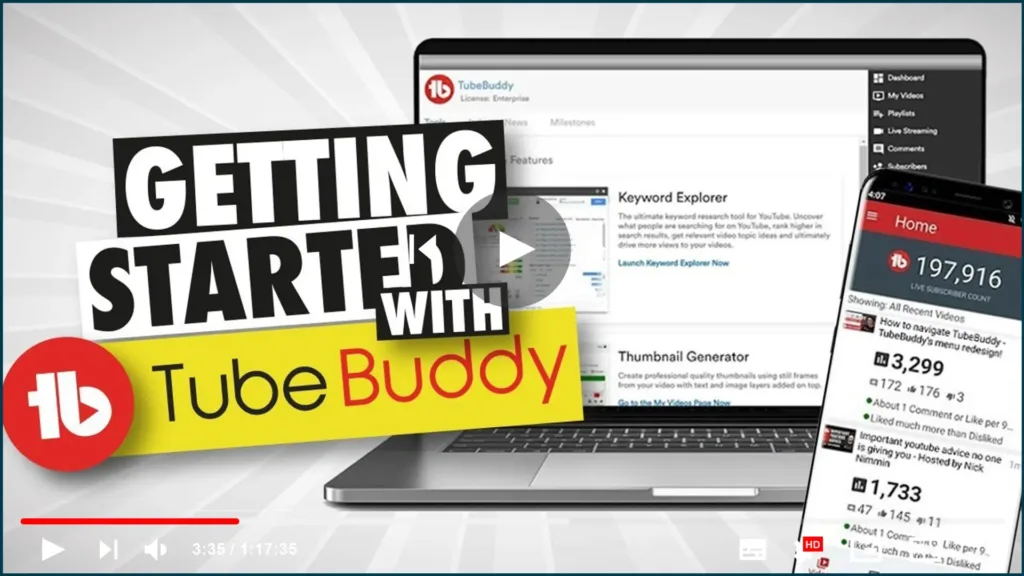
TubeBuddy is a collection of
browser extensions
and tools for YouTube. It simplifies your life as a YouTube creator by
making everyday tasks faster and more convenient. Trim silence, replace
noisy or corrupted audio tracks and automatically fix hums, background
noise, and other video issues. With a few clicks, you can adjust the
volume of all videos from a single channel. Analyze your video content and
provide feedback on factors such as video length, watch time, and the
number of views, among others. And so much more!
browser extensions
and tools for YouTube. It simplifies your life as a YouTube creator by
making everyday tasks faster and more convenient. Trim silence, replace
noisy or corrupted audio tracks and automatically fix hums, background
noise, and other video issues. With a few clicks, you can adjust the
volume of all videos from a single channel. Analyze your video content and
provide feedback on factors such as video length, watch time, and the
number of views, among others. And so much more!
TubeBuddy is free to use with limited features, but a paid subscription
includes additional tools and options.
includes additional tools and options.
How can TubeBuddy help grow my YouTube channel?
(adsbygoogle = window.adsbygoogle || []).push({});
TubeBuddy
can assist you in growing your YouTube channel in a variety of ways.
Here are a few examples:
1. Optimize your videos automatically for better YouTube performance.
This includes things like removing silence, fixing audio issues, and
optimizing video length and file size.
2. Analyze your video content and provide feedback on factors such as
video length, watch time, and the number of views, among others. This
data can assist you in making more informed decisions about the
content you create and how to optimize it for success.
03. With key metrics like views, subscribers, and earnings, you can
easily manage and track your progress. This data can assist you in
determining where your efforts are paying off and where you may need
to make changes.
easily manage and track your progress. This data can assist you in
determining where your efforts are paying off and where you may need
to make changes.
4. Connect with other creators and work on projects together.
TubeBuddy facilitates the discovery, contact, and collaboration of
other creators. This can help you reach new audiences and broaden your
reach.
TubeBuddy facilitates the discovery, contact, and collaboration of
other creators. This can help you reach new audiences and broaden your
reach.
5. Gain access to premium features and tools that can assist with
video editing, transcription, and other tasks. These tools will assist you
in taking your YouTube channel to the next level.
video editing, transcription, and other tasks. These tools will assist you
in taking your YouTube channel to the next level.
How do I get started with TubeBuddy?
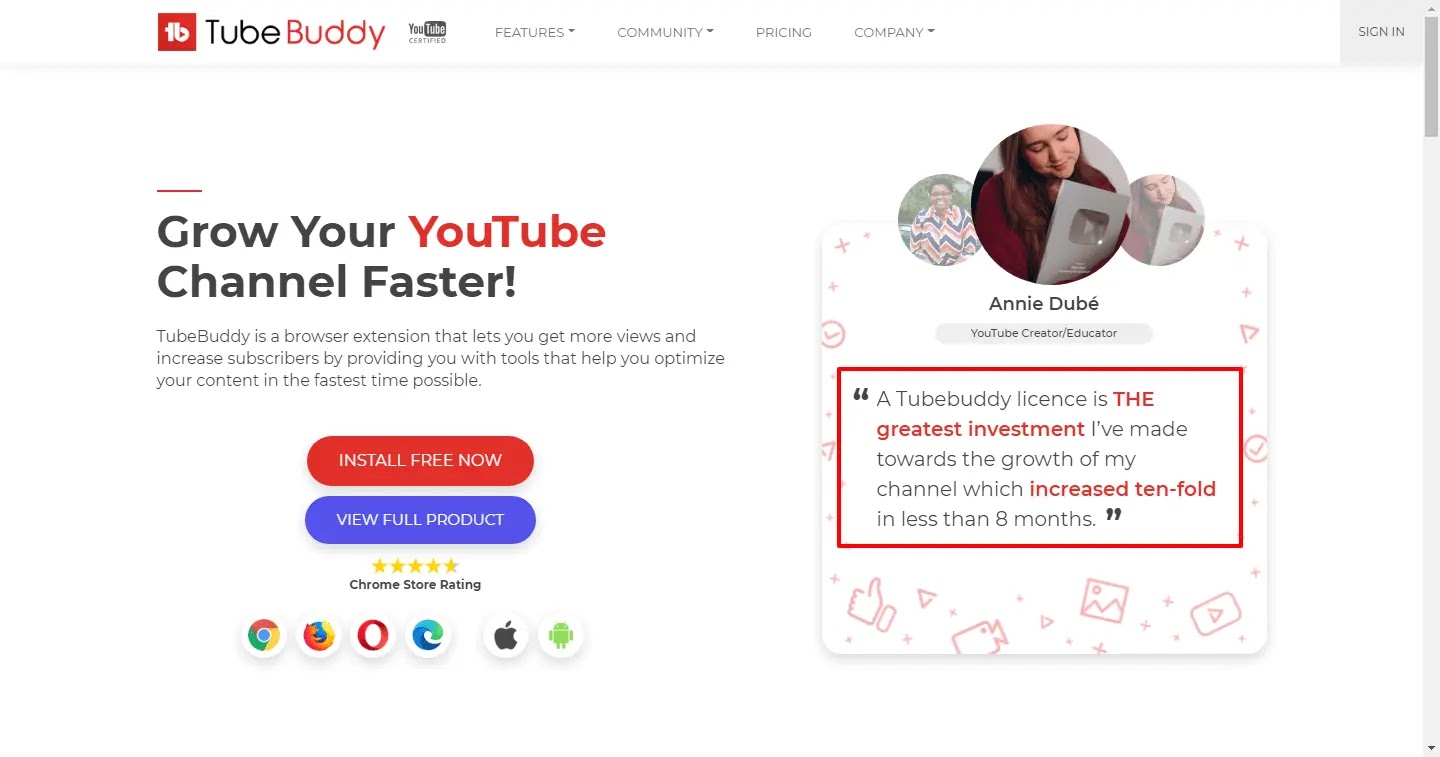
To begin using TubeBuddy, go to the website and
create an account. Then, install the browser extension and begin using the tools. A
mobile app for Android and iOS devices is also available.
create an account. Then, install the browser extension and begin using the tools. A
mobile app for Android and iOS devices is also available.
TubeBuddy is free to use with limited features, but there is a paid
subscription that includes additional tools and options.
subscription that includes additional tools and options.
Visit the website today to learn more about how TubeBuddy can help you
grow your YouTube channel.
grow your YouTube channel.
How much does TubeBuddy cost?

(adsbygoogle = window.adsbygoogle || []).push({});
TubeBuddy is an excellent choice for any new YouTube channel. It’s
free and includes all of my favorite basic tools, but they also have
paid plans with even more features to help you get started or grow
faster!
free and includes all of my favorite basic tools, but they also have
paid plans with even more features to help you get started or grow
faster!
Plans start at $9 per month and go up to $49 per month. If your
channel has fewer than 1000 subscribers, they will give you a 50%
discount. The RisingStarBuddy plan costs only 4.5$, making it very
affordable if you’re just getting started!
channel has fewer than 1000 subscribers, they will give you a 50%
discount. The RisingStarBuddy plan costs only 4.5$, making it very
affordable if you’re just getting started!
TubeBuddy is the only YouTube SEO and channel growth tool I
recommend to anyone who wants to grow their channel. It’s so simple
that no technical knowledge is required! Simply install it in your
browser.
recommend to anyone who wants to grow their channel. It’s so simple
that no technical knowledge is required! Simply install it in your
browser.