
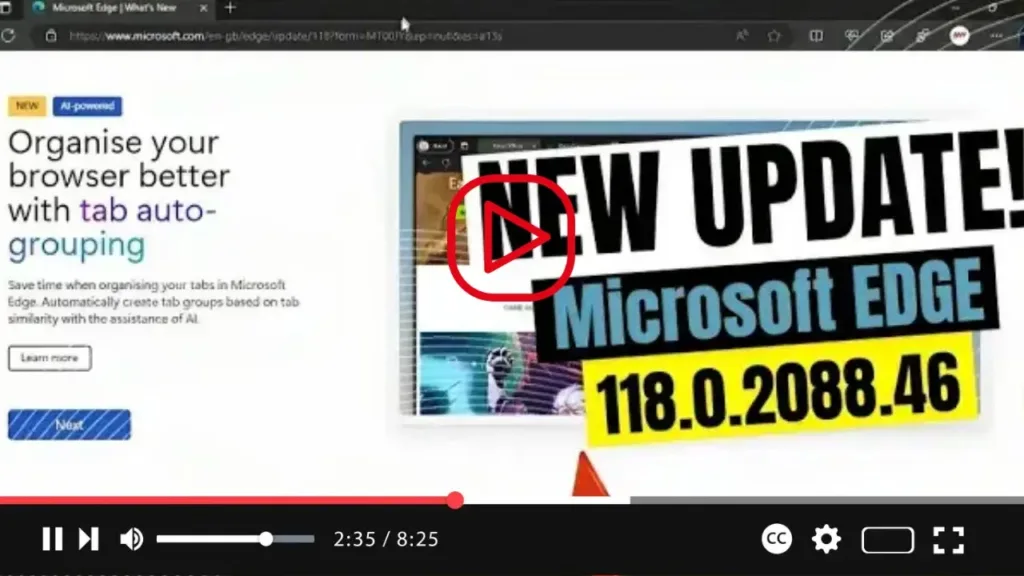

Version 118.0.2088.46: October 13, 2023
Fixed Various Bugs and Performance Issues
Stable channel security updates are listed here.
Announcement: Icon Change in Edge Sidebar
In an upcoming update to Microsoft Edge, the Bing icon entry point in the Microsoft Edge sidebar will change to the new Copilot icon. No other changes in the experience are expected.
.webp)
Feature Updates
Microsoft Edge for Business Banner: The in-product Microsoft Edge for Business banner is being deprecated and will no longer be visible.
Find on Page: Searching for a word or phrase on a webpage has become easier with the new smart find update to Find on page. Now when you search with Find on page, we suggest related matches and synonyms, making it effortless to find what you’re looking for, even if you misspell a word in your search query. Administrators can control the availability using the RelatedMatchesCloudServiceEnabled policy.
New SmartScreen Policy: The ExemptSmartScreenDownloadWarnings policy lets administrators create a dictionary of file type extensions with a corresponding list of domains that are exempted from SmartScreen AppRep warnings.
New Microsoft Edge Update Policies:
- MeteredUpdatesDefault: Allows administrators to control the “Download Updates over metered connections” setting.
- MeteredUpdates: Applies to targeted apps. When a policy is configured to Allow, updates occur on a metered connection, such as cellular connections.
Policy Updates
.webp)
New Policies:
- BeforeunloadEventCancelByPreventDefaultEnabled: Control the behavior for the cancel dialog produced by the beforeunload event.
- CompressionDictionaryTransportEnabled: Enable compression dictionary transport support.
- DataUrlInSvgUseEnabled: Data URL support for SVGUseElement.
- ExemptSmartScreenDownloadWarnings: Disable SmartScreen AppRep based warnings for specified file types on specified domains.
- ForceBuiltInPushMessagingClient: Forces Microsoft Edge to use its built-in WNS push client to connect to the Windows Push Notification Service.
- ForcePermissionPolicyUnloadDefaultEnabled: Controls whether unload event handlers can be disabled.
- PictureInPictureOverlayEnabled: Enable Picture in Picture overlay feature on supported webpages in Microsoft Edge.
- SendMouseEventsDisabledFormControlsEnabled: Control the new behavior for event dispatching on disabled form controls.

