
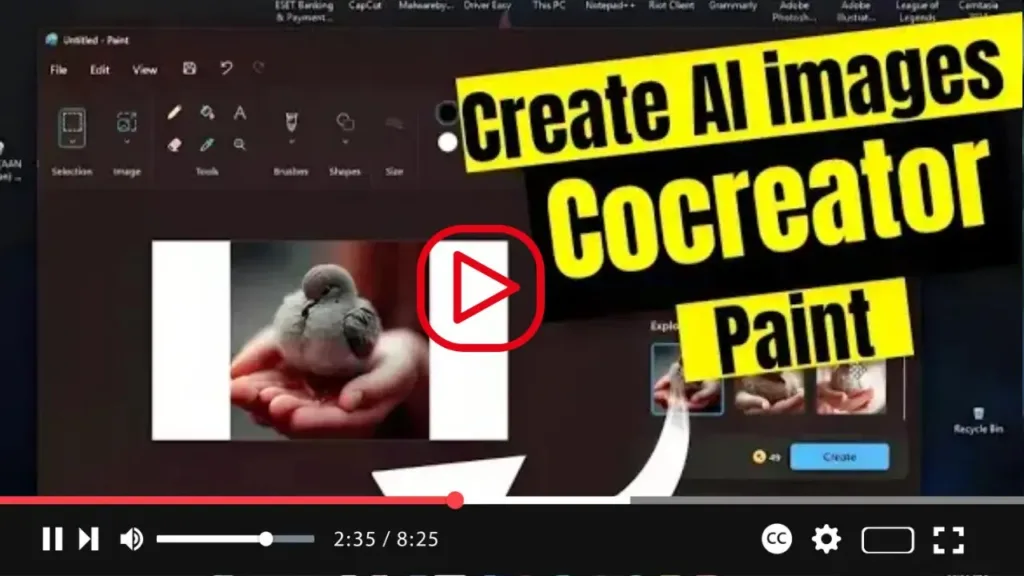

Introducing Paint Cocreator: Unleash Your Creativity with AI Assistance
Exciting news for Windows 11 users! The Microsoft Paint app now offers the innovative “Paint Cocreator” feature, also known as “Cocreator,” leveraging the DALL-E AI model from OpenAI. This groundbreaking feature allows users to generate virtually any image from a text description, revolutionizing the creative process.
But what sets Paint Cocreator apart? Unlike traditional image creation tools, Cocreator isn’t designed to generate complete images. Instead, it serves as a catalyst for creativity, providing users with a starting point to ignite inspiration and continue building upon their ideas. With Cocreator, users can seamlessly integrate AI-generated images into layers within the Paint app, allowing for the creation of more complex and visually captivating pieces of art.
.webp)
At the time of this writing, Paint Cocreator is available in preview to users in select regions, including the United States, France, United Kingdom, Australia, Canada, Italy, and Germany. Additionally, the feature is exclusively accessible on devices enrolled in the Dev or Canary Channels of the Windows Insider Program.
.webp)
Here’s how you can get started with Paint Cocreator:
- Open Paint on your Windows 11 device.
- Click the profile menu located on the top-right side of the screen.
- Confirm that you’re signed in with your Microsoft account.
- Click the Cocreator button from the toolbar.
- If applicable, click the Join Waitlist button and await an email notification on your Microsoft account granting access to the feature.
- Compose a description of the image you wish to create.
- Select one of the three samples generated by Paint Cocreator to add the image to your Paint canvas.
.webp)
With these simple steps, Paint Cocreator will generate three samples based on your description, providing you with a selection of options to incorporate into your image creation process. Prepare to unleash your imagination and embark on a journey of artistic exploration like never before with Paint Cocreator on Windows 11.

