
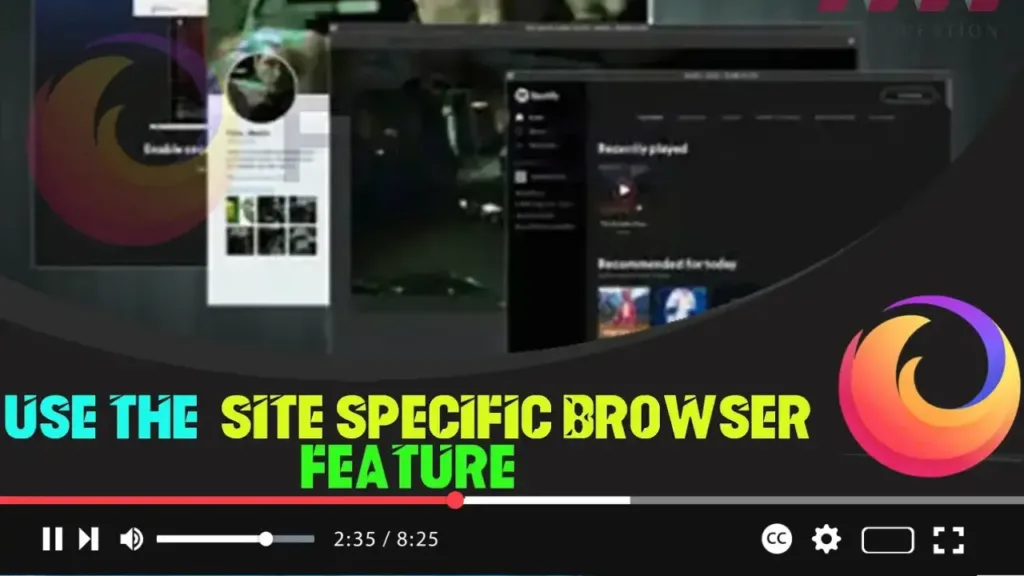

The Site-Specific Browser (SSB) feature in Firefox, available from version 73 and above, allows you to launch any website in a minimal UI window. This feature is similar to Kiosk mode but opens the site with no toolbars or navigation controls and does not run in full-screen mode, making it act like a desktop application. This guide will help you enable and use the Site-Specific Browser feature in Firefox.
Why Use Site-Specific Browser?
- Clutter-Free Browsing: Removes toolbars and navigation controls for a cleaner interface.
- Desktop Application Feel: Websites behave like standalone desktop applications.
- Focused Environment: Ideal for dedicated web apps and distraction-free browsing.
How to Enable Site-Specific Browser
Before you can use the Site-Specific Browser feature, you need to enable it in Firefox. You can follow the instructions in the previous video for enabling this feature.
How to Use Site-Specific Browser in Firefox
Follow these steps to launch a website in Site-Specific Browser mode:
Step 01 Open Mozilla Firefox
Step 02 Navigate to the Website:
- Open the website you want to launch in Site-Specific Browser mode.
Step 03 Access the Site-Specific Browser Option:
- Click on the three-dot menu button located next to the website address in the address bar.

Step 04 Select “Use this site in-app mode”:
- From the menu, select “Use this site in-app mode.”
Additional Tips for Using Site-Specific Browser
- Pin to Taskbar: Once the website is open in Site-Specific Browser mode, you can pin it to your taskbar for easy access, just like a regular application.
- Multiple Sites: You can create multiple Site-Specific Browser windows for different websites, allowing you to switch between them seamlessly.
- Focus Mode: Use this feature for productivity applications or frequently visited websites to stay focused and avoid distractions from other tabs.
By following these steps, you can effectively use the Site-Specific Browser feature in Firefox to create a clean and focused browsing environment. This feature is especially useful for web apps and frequently used websites, giving them a dedicated space similar to desktop applications.

