

I really like my Chrome extensions, and when they work, they are
fantastic tools. However, I ran into an issue when one of my add-ons
crashed when I opened Google Chrome. Worse, because it did not load
properly, I could not uninstall it in the normal manner. Fortunately,
there are several methods for uninstalling Chrome extensions.
fantastic tools. However, I ran into an issue when one of my add-ons
crashed when I opened Google Chrome. Worse, because it did not load
properly, I could not uninstall it in the normal manner. Fortunately,
there are several methods for uninstalling Chrome extensions.
The removal instructions provided below are for the Google Chrome
browser. Microsoft’s Edge desktop browser, on the other hand, is built
on the open-source Chromium project. Any extension installed from the
Google Chrome Web Store should function properly in Edge. This means
the same removal procedures should work too.
browser. Microsoft’s Edge desktop browser, on the other hand, is built
on the open-source Chromium project. Any extension installed from the
Google Chrome Web Store should function properly in Edge. This means
the same removal procedures should work too.
This is the quickest and simplest method for removing Chrome
extensions.
extensions.
01. In Chrome’s address bar, type chrome://extensions.
(adsbygoogle = window.adsbygoogle || []).push({});

02. Chrome will display your extensions in a nice grid. Microsoft
Edge uses rows.
Edge uses rows.
Each extension displays an icon, a name, a short description, a
Details button, a Remove button, and a status toggle.
Details button, a Remove button, and a status toggle.
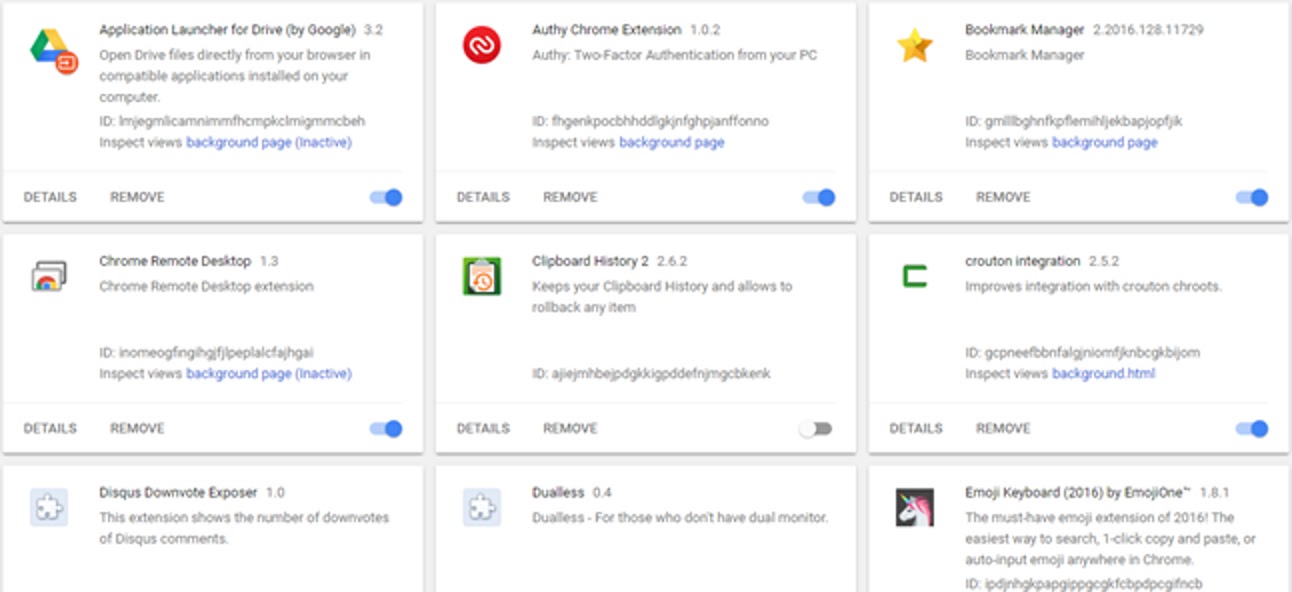
03. To delete the browser extension, click the Remove button.
* To disable browser extensions, toggle the blue status toggle in the
lower right corner. It will be removed from your browser’s toolbar as
a result of this.
lower right corner. It will be removed from your browser’s toolbar as
a result of this.
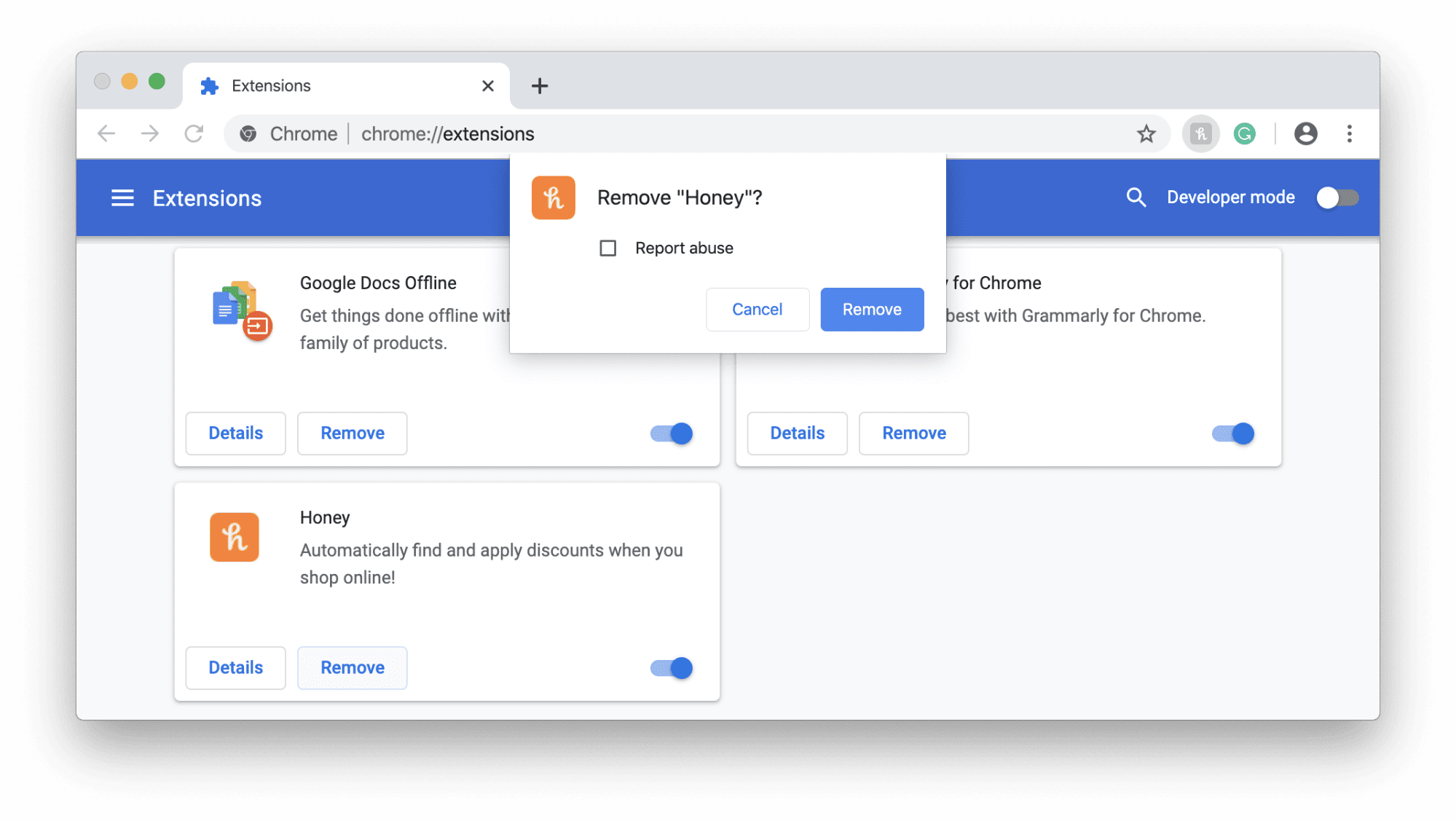
04. A confirmation dialog will appear.
05. Click the Remove button to confirm the deletion.
(adsbygoogle = window.adsbygoogle || []).push({});
06. Click Remove again.
The above process works well except if the extension crashes. In many
cases, you won’t see it in the extension listing. It’s harder to
delete an extension that doesn’t show in the list. This is a trick
certain malware authors use. They may also redirect you to another
page.
cases, you won’t see it in the extension listing. It’s harder to
delete an extension that doesn’t show in the list. This is a trick
certain malware authors use. They may also redirect you to another
page.

