
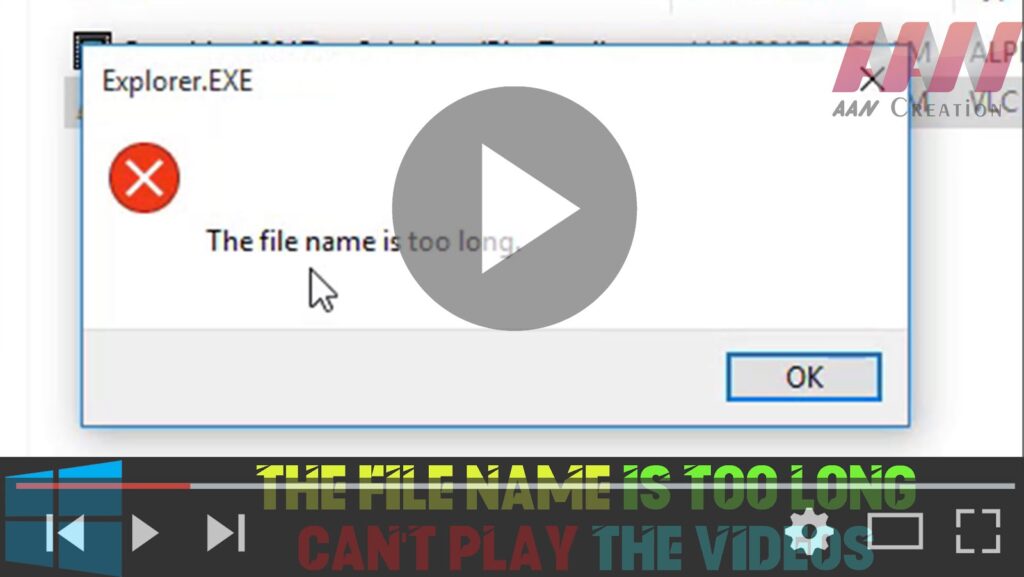

If you’re encountering issues playing videos on Windows 10 due to long file names, it’s likely that the file path exceeds the maximum limit. Here’s how to resolve the problem by renaming the video file:
Step 01: Right-Click the Video
- Locate the video file that you’re unable to play.
- Right-click on the video file to open the context menu.
Step 02: Select Rename
- From the context menu, choose the Rename option. This will allow you to modify the file name.
Step 03: Change to a Shorter Name
- Enter a new, shorter name for the video file. Aim for a name that is less than 10 words to avoid issues with path length.
- Press Enter to save the new name.

Step 04: Play the Video
- Once you’ve renamed the file, try playing the video again using any media player. It should work without any issues.
By following these steps, you can easily resolve the “The file name is too long” error and enjoy your videos without interruptions.

