

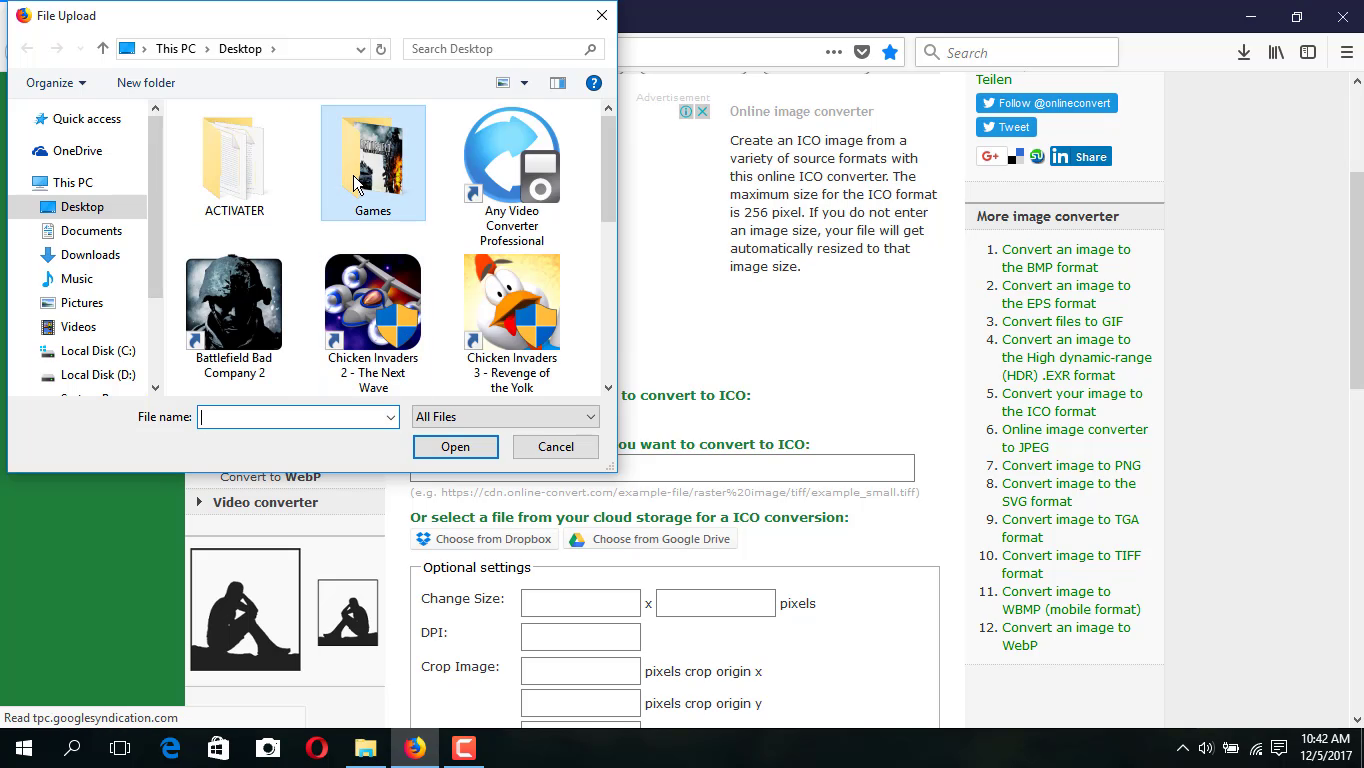
Change your folder icons. you can’t change the normal JPG, PNG image file. you want to change this file to an icon type .that only you can change. Go to this website or you can use these Websites.
To Change Folder Icons
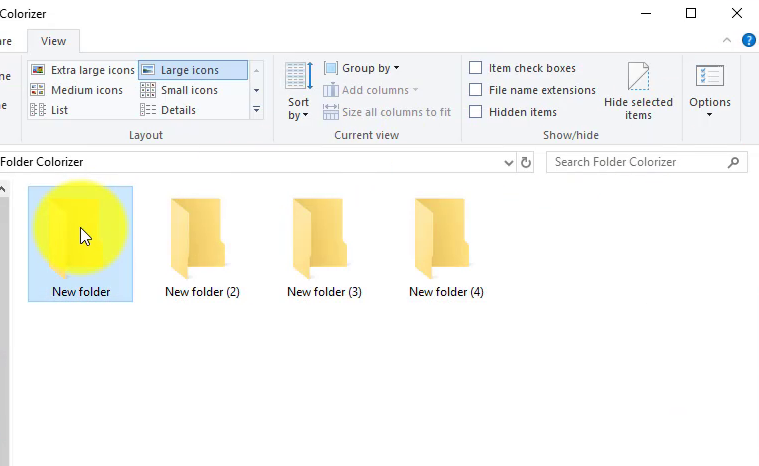
Changing the icon for a folder is a good way to pretty things up and call attention to important items. To change a folder icon.
01. Right-click the folder you want to change and choose “Properties.”
02. In the folder’s properties window, switch to the “Customize” tab.
04. In the “Change Icon” window, you can select any icon you want from the built-in Windows icons or you can click “Browse” to locate your own icons.
05. If you browse for your own icon file, you can select any EXE, DLL, or ICO file. After selecting the file, the “Change Icon” window will show the icons contained in the file you selected. Click the one you want and then click “OK.” Here, we’re changing the icon for this folder to a red one to make it stand out more.
06. Back in the properties window, and click “OK.”
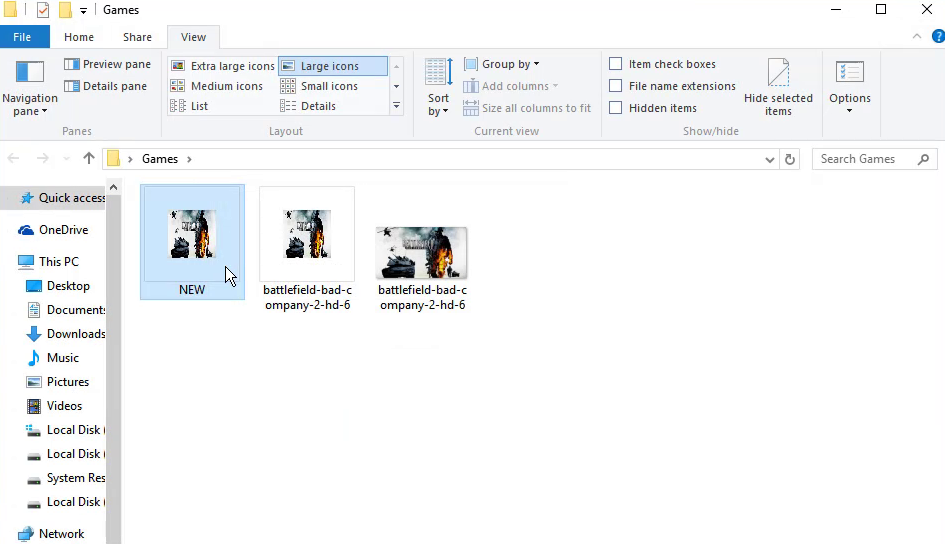
The folder should now show up in File Explorer (or on the desktop) with the new icon.

