
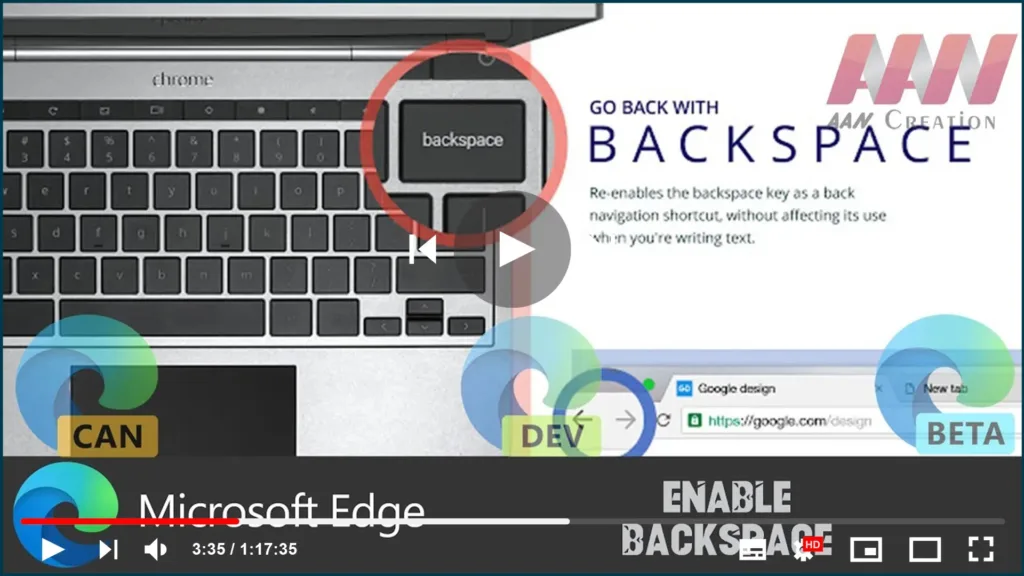

When using a browser, the Backspace key on the keyboard has long been used to return to the previous page. Although, the key has been disabled on both Chrome and the Edge Chromium browsers. Even if we press the backspace key, it won’t do anything.
The primary reason for disabling backspace is to ensure that no data is lost if it is accidentally used. One prime case is where you perform a monetary transaction. If you hit the backspace key by accident, you may get a double deduction. During any form of submission, the scripts might be performing 2-3 steps, and that’s where the problem occurs.
Now that you understand why the key is disabled, let’s look at how to reactivate it. While it works, be cautious not to hit it during the required form submission.
Use these steps to Enable.
01. Go to the Extension page, and install it on Chrome or Edge.

It will re-enable the backspace key as a back navigation button once installed. When you are typing anything, it will preserve the Delete function.

