
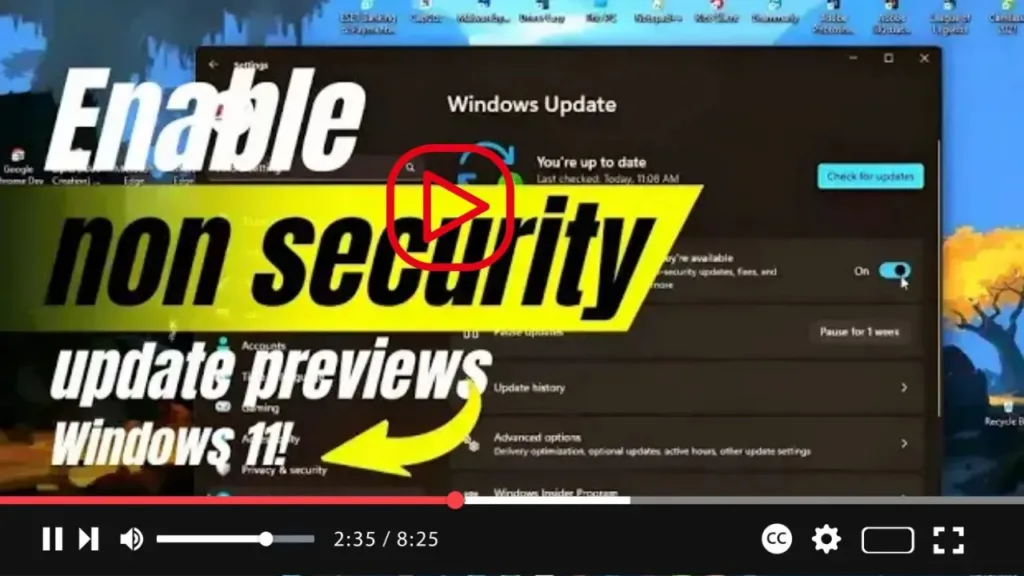

Interested in getting the latest non-security updates ahead of Patch Tuesday on Windows 11? We’ve got you covered. With this guide, you’ll learn how to enable an option to automatically download and install these updates, ensuring you stay up-to-date with the latest fixes, features, and improvements.
Here’s how you can receive optional update previews with the new fixes, features, and changes before they become available to everyone on Windows 11:
- Open Settings on Windows 11.
- Click on Windows Update.
- Turn on the “Get the latest updates as soon as they’re available” toggle switch.

Once you’ve completed these steps, your system will start receiving updates from the “D” release, which contains non-security fixes, new features, and improvements. These updates are part of the monthly maintenance schedule on Windows 11, ensuring you’re always ahead of the curve with the latest enhancements.

