
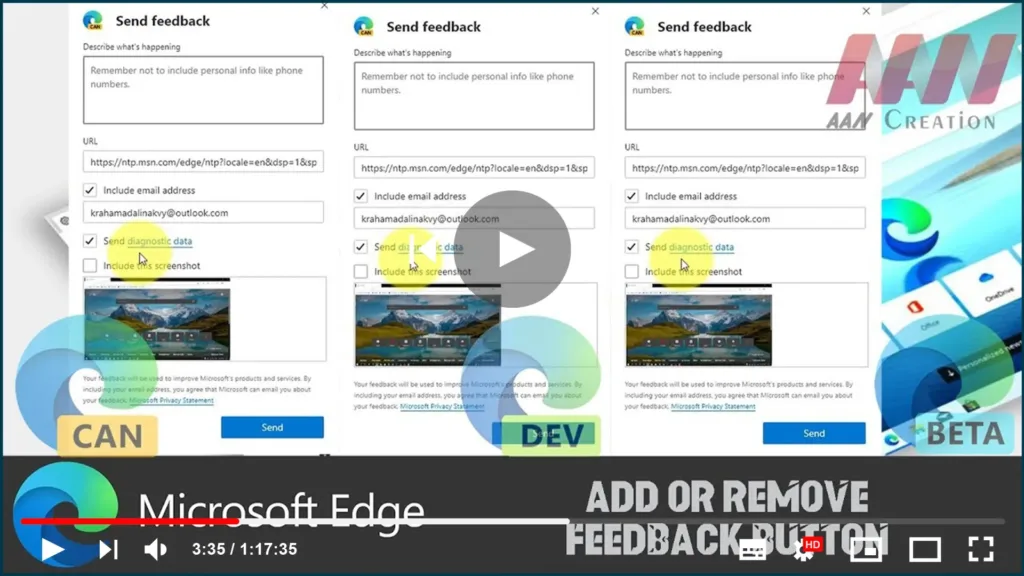

The Microsoft Edge browser, which is built on Chromium, includes a feedback button on the toolbar that allows you to send feedback with a single click. Because some users prefer to remove that button, Microsoft has added a number of options to the browser.
Microsoft Edge is now a Chromium-based browser with exclusive features like reading Aloud and services that are tied to Microsoft rather than Google.

For the time being, the stable version of Microsoft Edge Chromium is available to the general public. Edge Stable 80 has already received a few updates, including support for ARM64 devices. Furthermore, Microsoft Edge continues to support a number of aging Windows versions, including Windows 7, which has recently reached the end of its support life cycle. View the list of Windows versions that Microsoft Edge Chromium supports. Finally, users who are interested in deployment and customization can download MSI installers.
Edge includes a special feedback tool, which is accessible via a toolbar and menu button. The button allows you to quickly send your suggestions and inform Microsoft about any problems you encounter while using the browser.
In this Guide, you’ll learn the steps to Add or Remove Feedback Button in Microsoft Edge Chromium.
01. Open Microsoft Edge.
02. Click on the menu button with three dots.
03. Click on the Settings
04. On the left, click on Appearance.
05. On the right, turn on or off the toggle option Show feedback button for what you want

Right-click on the Feedback button and Select Hide from the toolbar from the context menu.

