
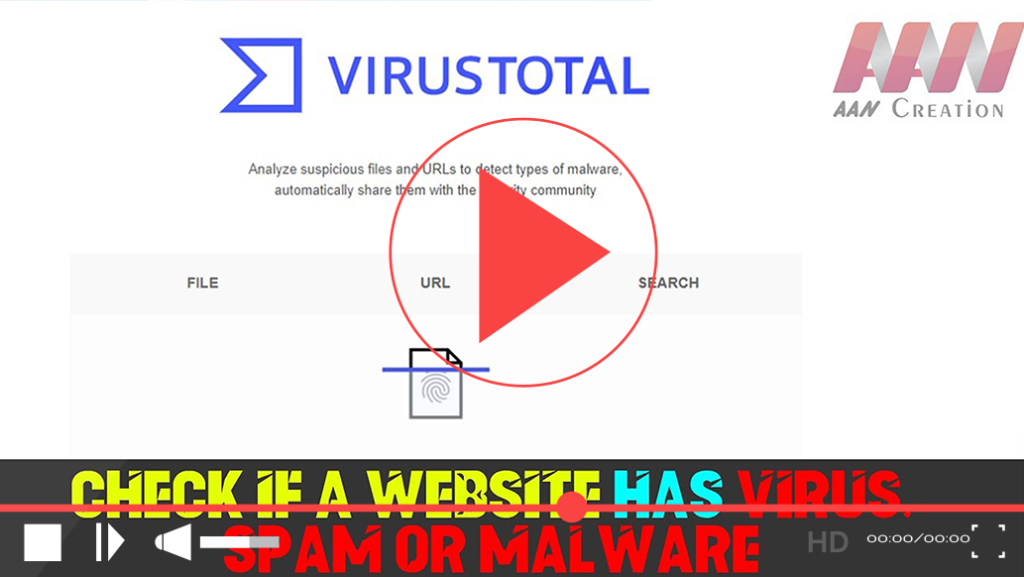

In today’s digital landscape, ensuring the safety and security of your online activities is paramount. With the increasing prevalence of malware, viruses, and spam on the internet, it is essential to verify the safety of websites before engaging with them. One of the most reliable tools for this purpose is VirusTotal. This guide will provide an in-depth overview of how to use VirusTotal and other methods to check if a website is safe.
What is VirusTotal?
VirusTotal is a powerful online tool that allows users to analyze files and URLs for potential threats using multiple antivirus engines and website scanners. By leveraging a collective database of security data from various sources, VirusTotal provides insights into whether a specific file or URL poses a risk.
How to Check a Website Using VirusTotal
Step 01: Visit the VirusTotal Website
Open your web browser and navigate to VirusTotal.
Step 02: Analyze a URL
- Click on the URL tab at the top of the page.
- Enter the URL of the website you want to check into the search box.
- Click the Search button.
Step 03: Review the Results
After submission, VirusTotal will analyze the URL against its database of known threats. The results will display:
- A summary indicating whether the URL is safe or potentially harmful.
- Detailed reports from various antivirus engines, showing detection labels and comments from users.

(adsbygoogle = window.adsbygoogle || []).push({});
Additional Methods to Check Website Safety
While VirusTotal is a highly effective tool, it’s always good to have multiple methods for verifying website safety.
1. Use Browser Extensions
Consider installing browser extensions that can automatically check the safety of websites you visit. Some popular options include:
- Web of Trust (WOT): This extension provides community-driven ratings based on the website’s trustworthiness and safety.
- McAfee WebAdvisor: Offers safety ratings and alerts you to potential dangers while browsing.
2. Check Online Reputation Services
Web reputation services like Norton Safe Web, Google Safe Browsing, and Trend Micro Site Safety Center can provide additional insights about the safety of a website. Here’s how to use them:
Step 01: Visit the online reputation service website (e.g., Norton Safe Web).
Step 02: Enter the URL you want to check and click on the search icon.
Step 03: Review the safety rating and any user comments regarding the site.
3. Look for HTTPS and Security Seals
When browsing websites, always look for the following indicators:
- HTTPS: Secure websites will display “HTTPS” in the URL, indicating a secure connection. The padlock symbol next to the URL in the browser’s address bar is also a good sign.
- Security Seals: Reputable websites often display security seals from recognized security providers (e.g., Norton Secured, McAfee Secure) that indicate the site has been verified for safety.
Understanding VirusTotal’s Features
- Free and Unbiased: VirusTotal is free for non-commercial users and serves as an aggregator of information from multiple antivirus engines without promoting any particular brand.
- Community Contributions: Users can comment on files and URLs, providing feedback and sharing knowledge about potentially harmful content. This helps identify false positives and improve the collective understanding of web safety.
- Real-Time Updates: VirusTotal frequently updates its malware signatures to ensure it uses the latest threat data available.
Conclusion
Checking if a website has a virus, spam, or malware is essential for maintaining online safety. By using tools like VirusTotal, browser extensions, and reputation services, you can enhance your ability to identify potential threats. Always remember to look for secure connections and verify the authenticity of a website before sharing personal information or engaging in transactions. Staying informed and vigilant can significantly reduce your risk of encountering malicious content online.

