
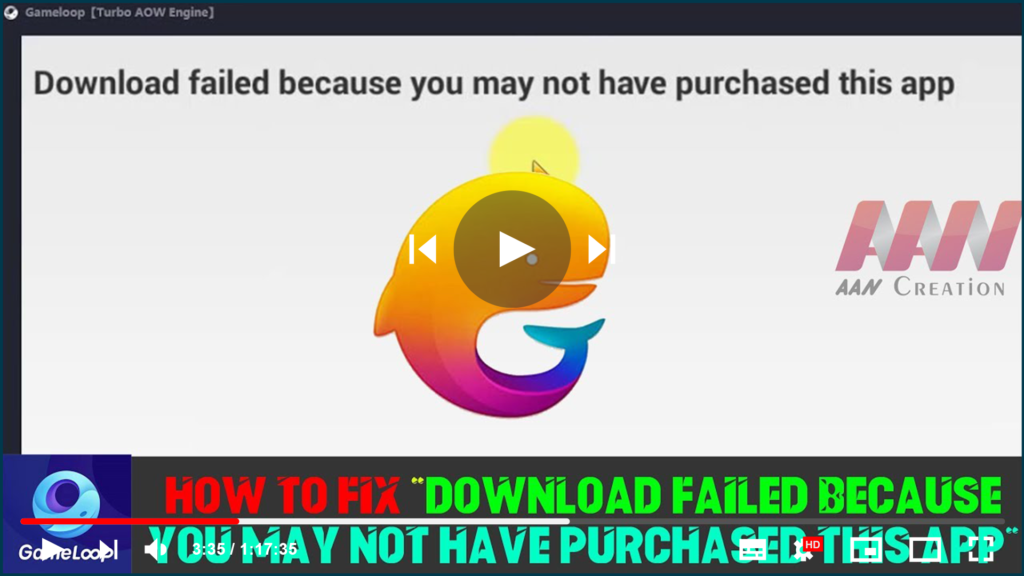

If you’re getting the PUBG Mobile error message “Download Failed Because You May Not Have Purchased The App,” you’re not alone. Because many users are experiencing the same issue for the same reason, we will explain briefly. In this troubleshooting guide, we’ve shared a completely official and simple solution to the problem.

To be more specific, this PUBG Mobile error is quite old, and according to the majority of affected users, only app cache or older/corrupted OBB data is one of the main causes of this issue, as the full and updated OBB file is required to verify and run the game smoothly. Otherwise, you will repeatedly see the download failed and not purchased error message during startup.
So, without further ado, let’s dive right into the potential steps listed below.
To begin, clear the app cache from the device Settings > Installed Application > Select your PUBG Mobile game and tap on it > Now, tap on Clear Cache and rerun the game to check for issues.

Clearing the app cache usually deletes temporary files that can cause problems with the game launch or gameplay. If the preceding steps do not work for you, try the following method.
You should now uninstall the PUBG Mobile game and reinstall it for free from the Google Play Store. We anticipate that reinstalling the official game will resolve this issue. However, if the problem persists, you can take the following steps:
* Navigate to Internal Storage in the File Manager app.
* Navigate to the Android folder under All Files.
* Then, navigate to the OBB folder and see if the obb package is present.
* If Tencent is not available, return to the All Files section and search for it.
* You will find a tencent.ig.obb file here that is larger than 1GB in size.
* Recheck the game after moving the obb file to the Android/OBB folder.

If you don’t see any Tencent OBB files on your internal storage, it means the obb file is missing and the game isn’t running. So, open any browser and look for the PUBG Mobile OBB file. There are numerous websites where you can download both the PUBG Mobile APK and the OBB file. Make sure to get the most recent version and install the PUBG Mobile APK on your device (after uninstalling the existing one).
Once installed, launch the File Manager app and navigate to the internal storage > Android > OBB folder. You’re finished. Have fun with your game.
Fixed | failed to start emulator Tencent gaming buddy PUBG Mobile(2 Ways), Tencent Gaming Buddy – Change the language to English – PUBG Mobile.

