
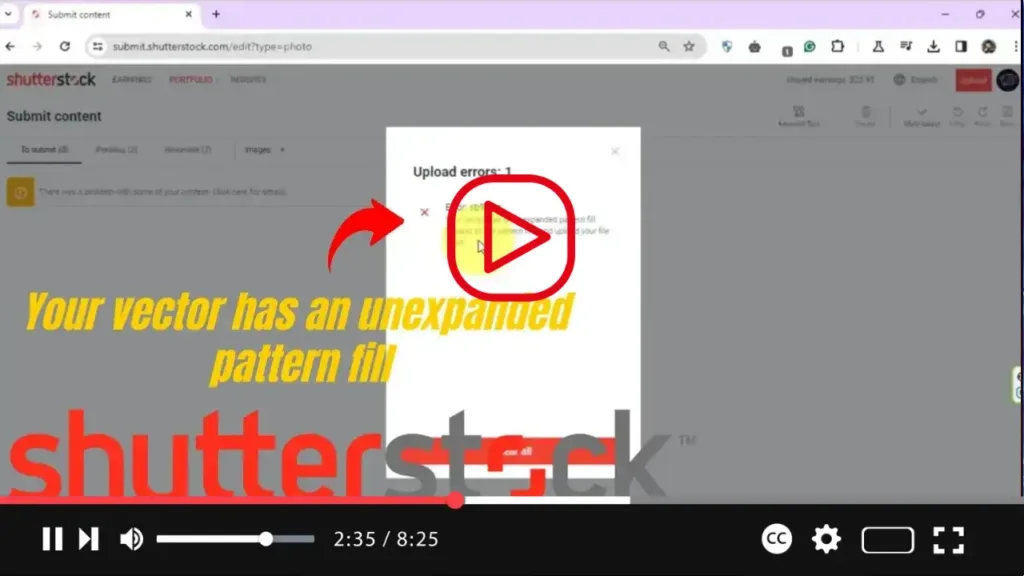

Dealing with the frustrating Shutterstock error message “Your Vector Contains Inaccessible Objects” when uploading EPS files? Fret not! We’ve got the perfect solution for you. In this comprehensive tutorial, we’ll guide you through a step-by-step process using Adobe Illustrator to troubleshoot and resolve this issue seamlessly.
.webp)
No more struggling with unexpanded pattern fills! Our tutorial will empower you to overcome this common obstacle effortlessly. Watch as we demystify the process and provide you with practical solutions to navigate through the error seamlessly.
.webp)
So, are you ready to bid farewell to the Shutterstock error once and for all? Tune in now, like, share, and subscribe for more insightful tutorials. Let’s embark on this journey together and conquer the challenges of vector file compatibility!

