
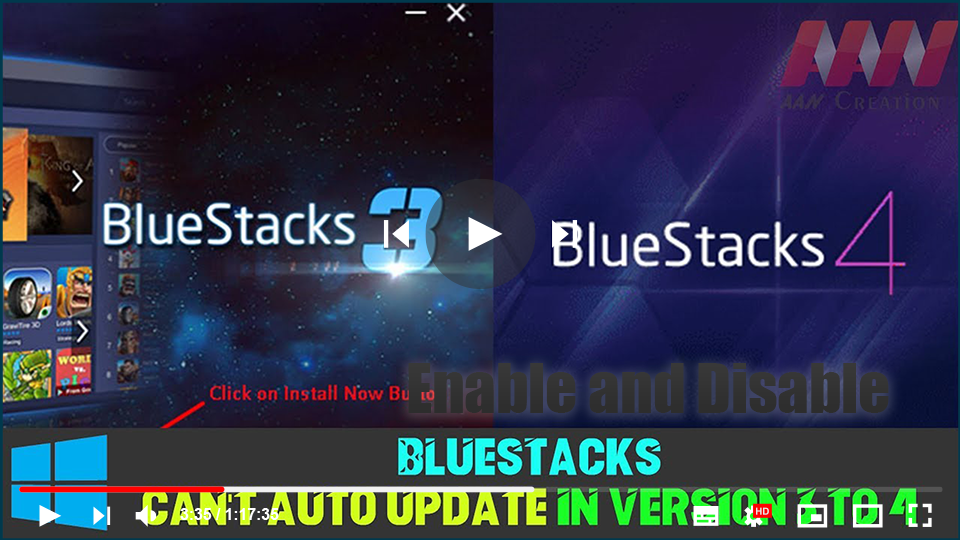

BlueStacks is an Android emulator that allows users to run mobile games and applications on their desktop computers. While BlueStacks usually offers automatic updates, upgrading from Version 3 to Version 4 may not happen automatically due to compatibility issues. Follow this step-by-step guide to manually update BlueStacks from Version 3 to Version 4 and enjoy the enhanced features of BlueStacks 4, including improved gaming performance, reduced memory usage, and a more optimized experience.
Why Upgrade to BlueStacks 4?
BlueStacks 4 offers significant improvements over Version 3, including:
- Higher Performance: Uses less memory and CPU.
- Faster Gaming: Reduces in-game lag and increases frame rates.
- More Features: Adds new functionalities and better control systems for a smoother gaming experience.

(adsbygoogle = window.adsbygoogle || []).push({});
Manual Update Steps to Upgrade to BlueStacks 4
Step 01: Visit the Official BlueStacks Website
- Open your browser and go to the official BlueStacks website.
- Look for the download option for the latest version of BlueStacks 4.
Step 02: Download BlueStacks 4
- Click the download link to get the latest version of BlueStacks 4.
- Save the file to your computer where you can easily locate it.

Step 03: Install BlueStacks 4
- Open the downloaded setup file.
- Follow the on-screen instructions to install the latest version of BlueStacks.
- Make sure you close any other applications that may interfere with the installation process.
Step 04: Wait for the Installation to Complete
- The installation process will take a few minutes, depending on your system.
- Once the installation is complete, launch BlueStacks 4 from the desktop shortcut or start menu.
Step 05: Log In to Your Google Account
- After the update, log in to your Google account on BlueStacks 4 to sync your apps and data.

What If the Auto-Update Isn’t Available?
If your BlueStacks 3 does not prompt for an update or show the latest version available, follow the steps outlined above to manually install BlueStacks 4. Manual installation ensures that you get the latest features, bug fixes, and performance improvements.
By upgrading to BlueStacks 4, you can take full advantage of its superior gaming performance and enjoy a smoother, distraction-free mobile gaming experience on your PC.

