

Introducing the Latest Windows 11 23H2 Update: Enhanced Settings Experience
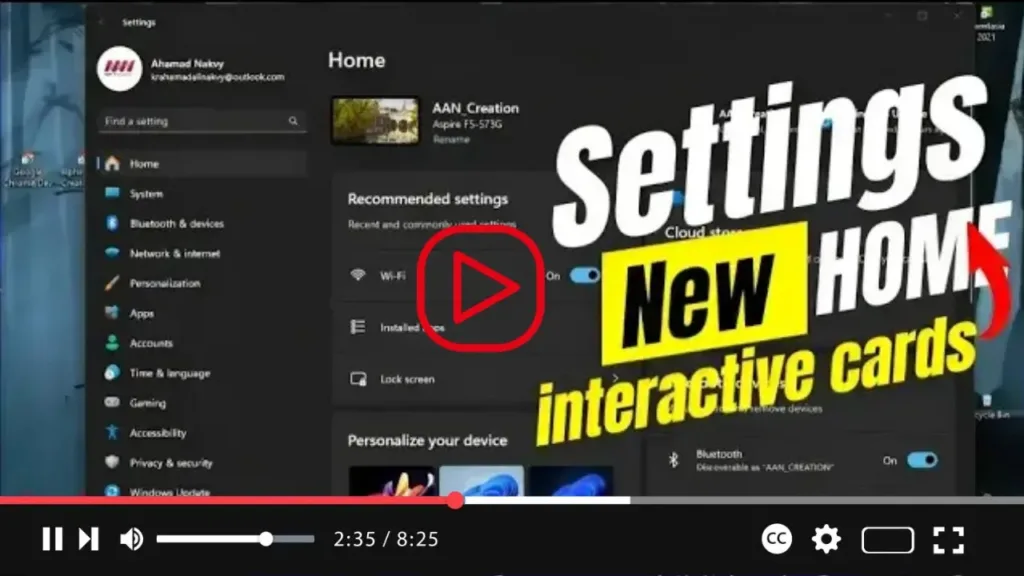
Exciting news for Windows 11 users! With the upcoming 23H2 improvements, Microsoft is set to unveil a brand new “Home” page for the Settings app. This revamped page introduces a fresh design utilizing interactive cards, reminiscent of widgets, to represent various device and account-related settings.
What can you expect from this new Home page? According to Microsoft, it offers users an intuitive overview of their device, grants quick access to specific settings, and facilitates efficient management of their accounts. The dynamic grouping of cards adjusts based on users’ preferences and usage patterns, ensuring a personalized experience tailored to each individual’s needs.
Each card on the Home page has been meticulously optimized to deliver only the most pertinent information and controls, streamlining the process of adjusting settings on your device setup. With just a few clicks, users can effortlessly navigate through their settings and make necessary adjustments with ease.

The Home page comprises two primary sections. At the top, users will find essential details about their device, including a desktop preview, computer name, and the option to conveniently change the device name. This provides users with immediate access to crucial device information, empowering them to customize their settings to suit their preferences effectively.
Stay tuned for more updates as Microsoft continues to roll out exciting enhancements to the Windows 11 experience, making it more intuitive and user-friendly than ever before.

