
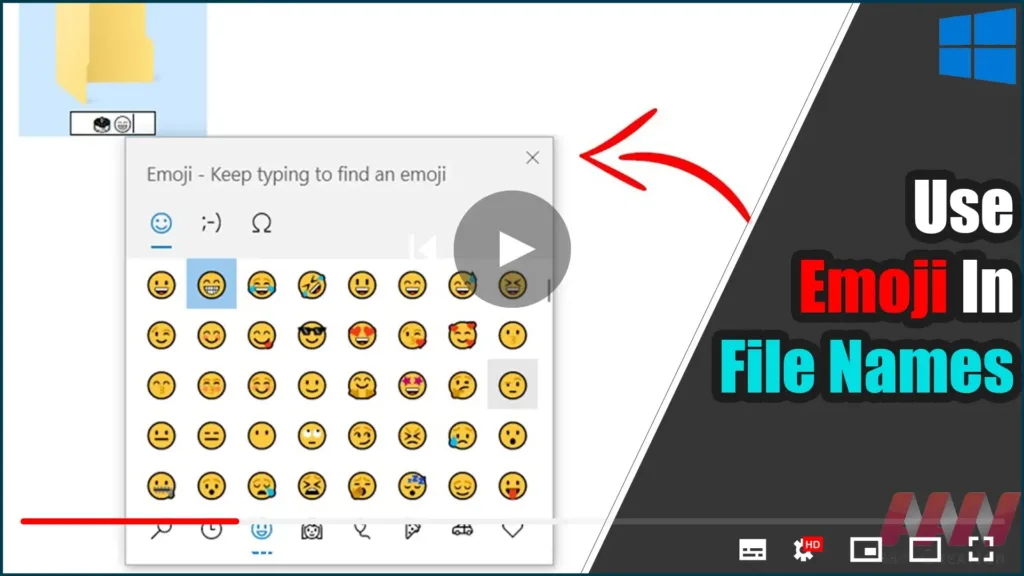

Emojis can be used in the name of a file or folder in Windows 10. This is
possible thanks to the built-in Emoji Panel feature, which allows you to
select any emoji you want. This is how.
possible thanks to the built-in Emoji Panel feature, which allows you to
select any emoji you want. This is how.
Emojis are smileys and ideograms that are commonly used in apps,
particularly chats and instant messengers. Smileys are a fairly old
concept. They were initially implemented primarily through static images
and animated GIFs for web pages and instant messaging apps. Modern
smileys, also known as “Emojis,” are typically implemented in Unicode
fonts and, on occasion, as images. They are natively supported by a large
number of apps on mobile platforms, but color emoji support in Windows
Desktop apps is uncommon unless the app supports DirectWrite. Emojis can
be rendered using Unicode fonts on Android, iOS, and Windows starting with
Windows 8.
particularly chats and instant messengers. Smileys are a fairly old
concept. They were initially implemented primarily through static images
and animated GIFs for web pages and instant messaging apps. Modern
smileys, also known as “Emojis,” are typically implemented in Unicode
fonts and, on occasion, as images. They are natively supported by a large
number of apps on mobile platforms, but color emoji support in Windows
Desktop apps is uncommon unless the app supports DirectWrite. Emojis can
be rendered using Unicode fonts on Android, iOS, and Windows starting with
Windows 8.
Microsoft has simplified the process of entering and finding emojis using
a physical keyboard connected to your computer beginning with Windows 10
build 16215.
a physical keyboard connected to your computer beginning with Windows 10
build 16215.
Before you begin, please keep in mind that certain special characters
cannot be used in file or folder names. You must avoid using the
following special characters:’@ # $ % & () = + [] | ;:,'”. > /?
cannot be used in file or folder names. You must avoid using the
following special characters:’@ # $ % & () = + [] | ;:,'”. > /?
Follow these steps to use Emoji in Folder and File Names in Windows 10.
01. Open File Explorer.
02. Navigate to the object that you want to rename. It could be a file,
folder, or hard drive.
folder, or hard drive.
03. Press F2 or select Rename from the context menu to edit the item’s
name.
name.
04. While renaming, press the Win + . or Win +; keys to open the Emoji
Panel.
Panel.
(adsbygoogle = window.adsbygoogle || []).push({});

05. Select the desired emojis. You can enter a combination of them.
06. Hit the Enter key to confirm the change and exit the file name
editor.
editor.


