
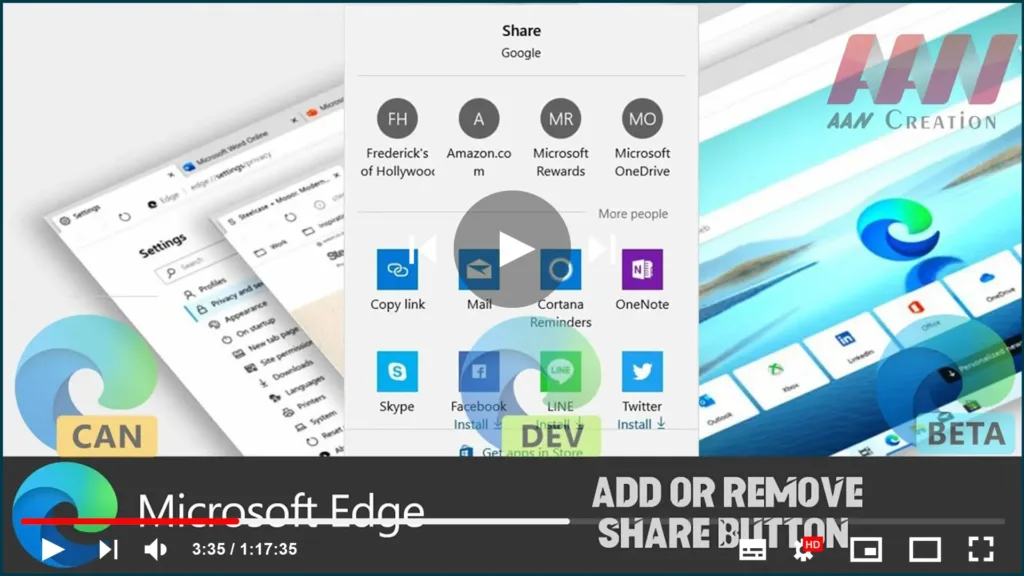

Microsoft Edge has received a long-awaited change – now you can enable the Share button in the toolbar. The change has landed in the latest Canary build of the browser and soon will reach over app branches, including Dev, Beta, and Stable.
In this guide, you’ll learn the steps to Add or Remove the Share Button in the Chromium Version of Microsoft Edge.
01. Open Microsoft Edge.
Use these steps to Add or Remove the Share Button.
01. Open Microsoft Edge.
02. Click on the menu button with three dots.
03. Select Settings from the menu.
04. In Settings, click on Appearance on the left.

05. On the right, turn on or off (default) the toggle option Show share button.
When the share button is enabled, you can share the page URL with one click via any of the Store apps.

