
When you play an emulator using Gameloop. It has a built-in video recorder,
but the videos are at terrible frame rates and are unusable. or the videos in
black and white or not in the correct positions.
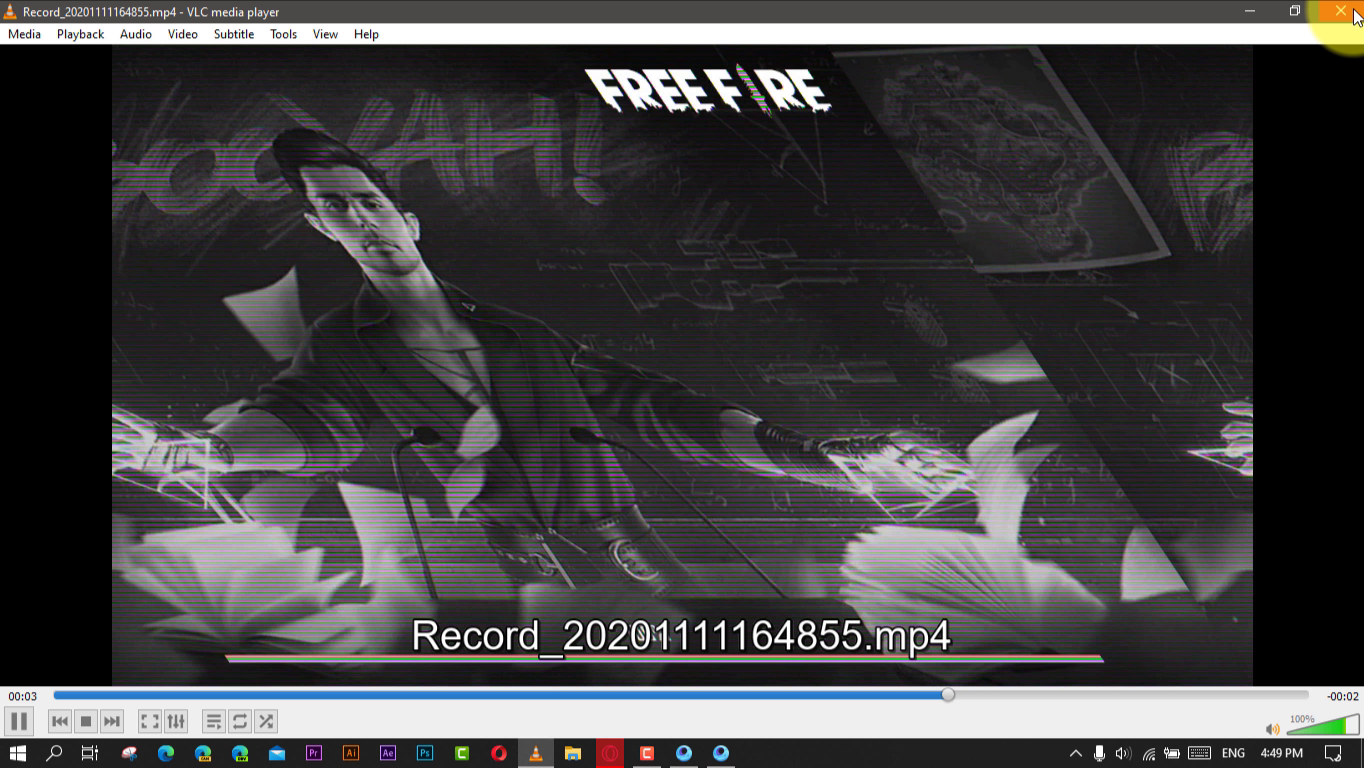
In this video, you’ll learn the steps to Fix the Game loop video recorder not
working or terrible video output. use these steps:
(adsbygoogle = window.adsbygoogle || []).push({});
01. Open game loop Emulator.
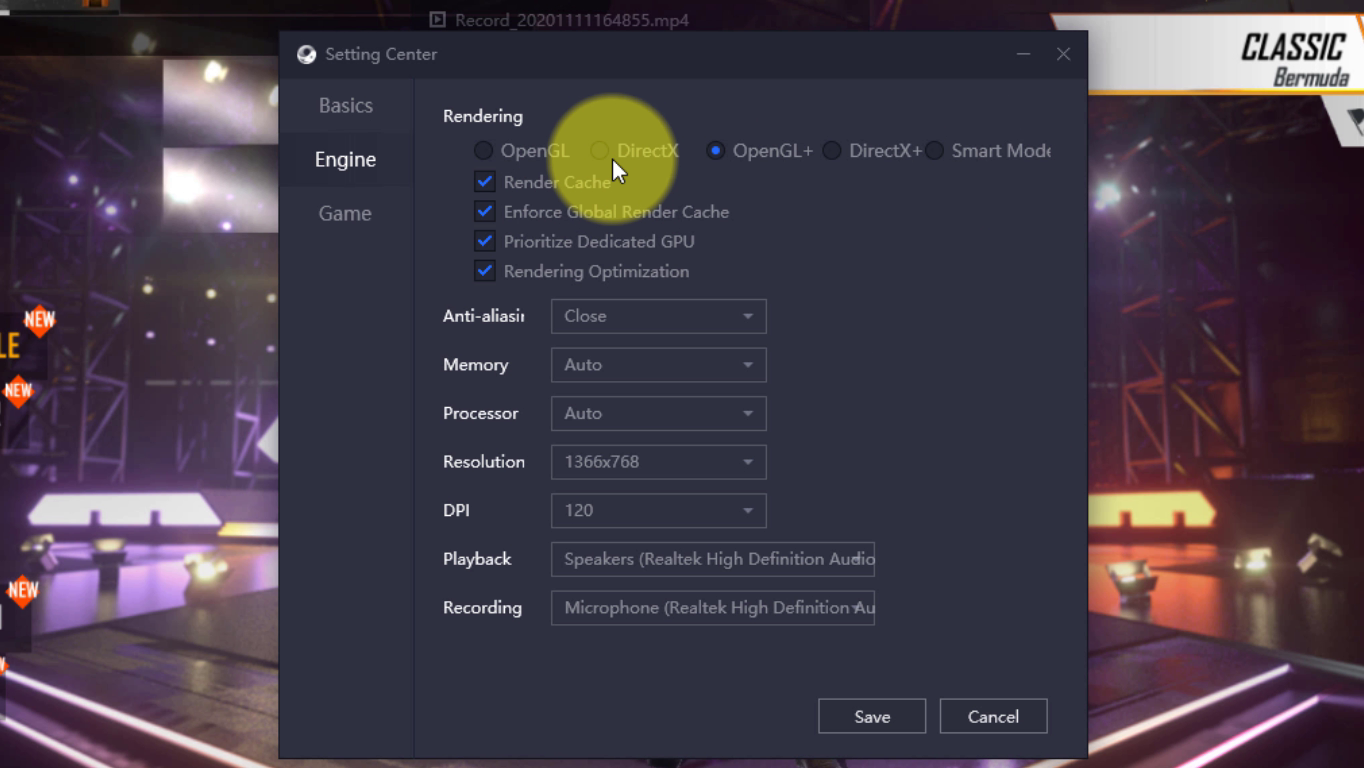
02. Open the game loop emulator setting.
03. Click the engine setting.
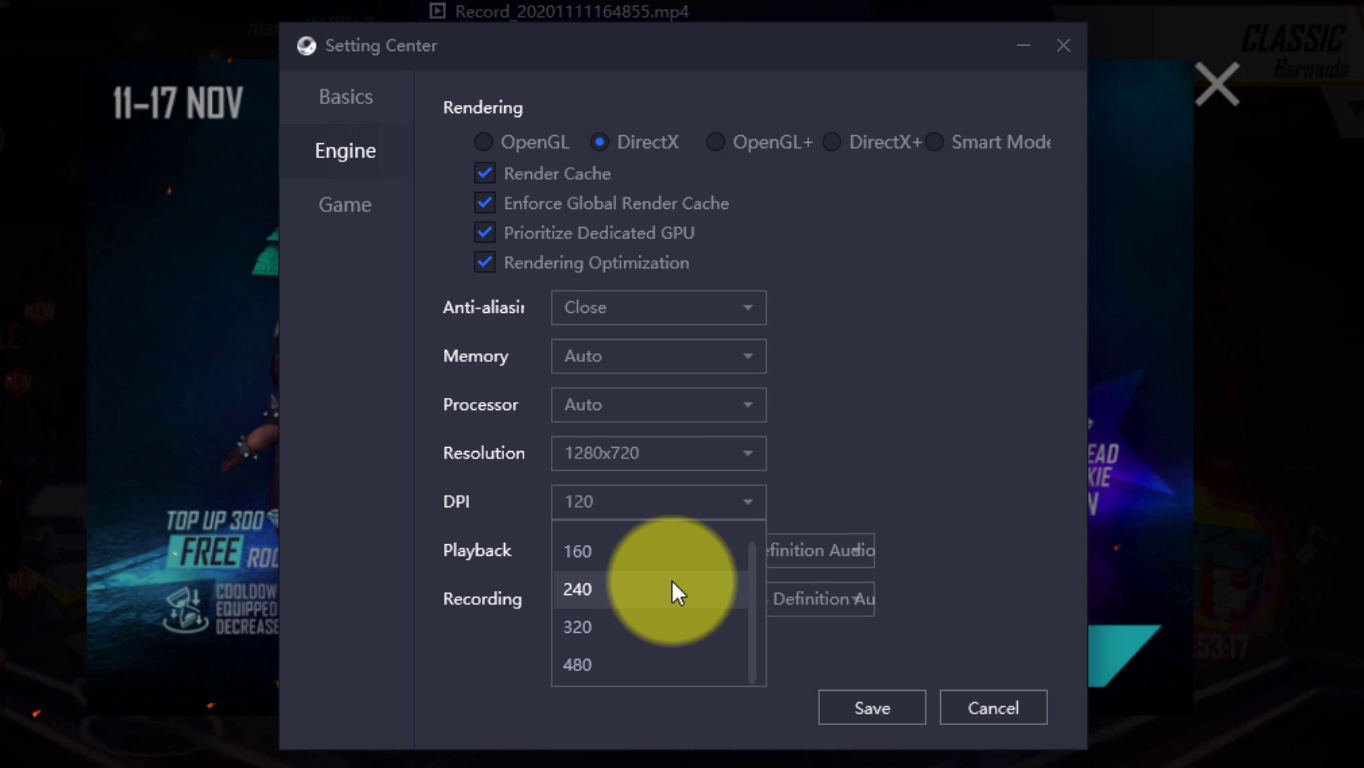
04. Change the rendering option to DirectX.
05. increase the DPI option.
06. Restart the game loop emulator
After complete those steps, Check the video recorder working perfectly. if not
working try the different rendering and DPI options.
(adsbygoogle = window.adsbygoogle || []).push({});

