nakvy88@gmail.com

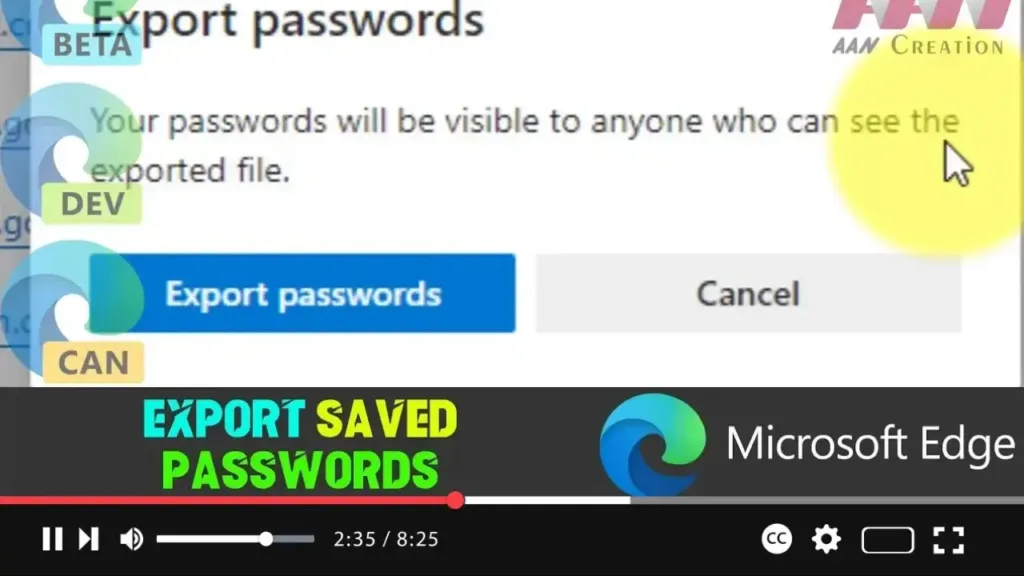
How to Export Saved Passwords on Microsoft Edge Chromium

Microsoft Edge Chromium offers a convenient way to save passwords for frequently visited websites and services like email, social media, and banking platforms. This feature streamlines the sign-in process, allowing you to log in to your accounts without re-entering credentials every time. If you’re considering setting up a password manager or switching to a different […]

How to Export Saved Passwords on Microsoft Edge Chromium Read More »
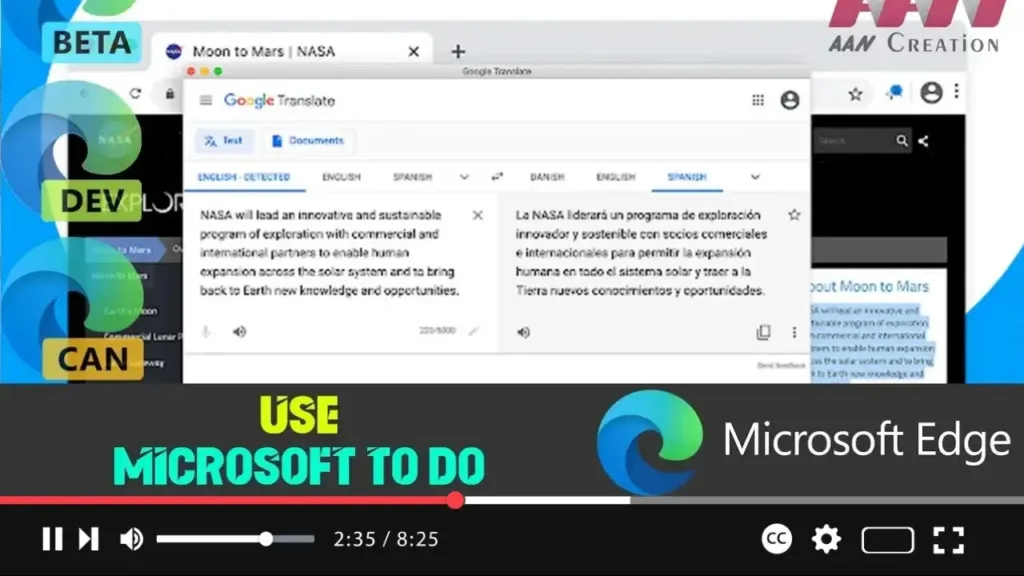
How to Use Microsoft To Do in Microsoft Edge Chromium

Microsoft To-Do is a powerful task management tool that allows you to organize your tasks with due dates, reminders, notes, and other attributes. While there isn’t an official Microsoft To-Do extension created by Microsoft for Edge Chromium, there are third-party extensions that can help you seamlessly integrate your task management with your web browsing. These

How to Use Microsoft To Do in Microsoft Edge Chromium Read More »

How to Install Microsoft To Do in Microsoft Edge Chromium

Microsoft To-Do is a versatile task management tool that helps you organize and track your tasks efficiently. Available across various platforms like Windows 10, Android, iOS, and as a web application, Microsoft To-Do is an essential tool for anyone looking to streamline their daily workflow. However, while Microsoft To-Do offers robust task management features, it

How to Install Microsoft To Do in Microsoft Edge Chromium Read More »

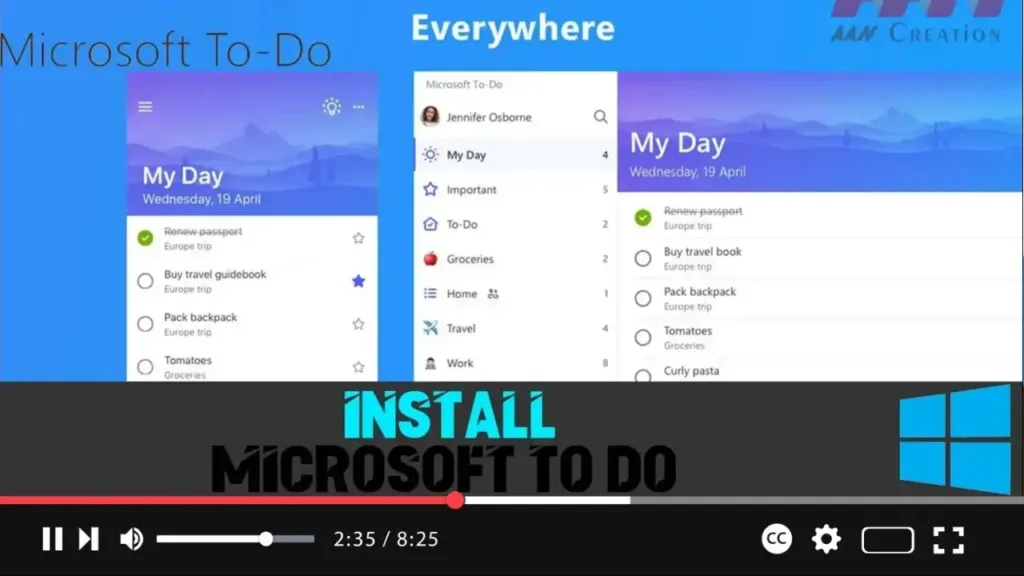
How to Install Microsoft To Do in Windows 10

Microsoft To-Do is a versatile task management tool designed to help you organize and prioritize your tasks efficiently. Available across multiple platforms, including Windows 10, Android, iOS, and as a web application, Microsoft To-Do integrates seamlessly with your devices, allowing you to keep track of your tasks from anywhere. Benefits of Using Microsoft To-Do Before

How to Install Microsoft To Do in Windows 10 Read More »

How To Enable or Disable Suggestions from Pinterest in Microsoft Edge Chromium

Microsoft Edge, especially in its Canary build, introduces a range of innovative features to enhance user experience. One such feature is the ability to get suggestions from Pinterest in your Collections. This functionality, announced at the Build 2020 online event, is particularly useful for users who frequently use Pinterest for inspiration, ideas, or project planning.

How To Enable or Disable Suggestions from Pinterest in Microsoft Edge Chromium Read More »

How to Enable & Disable Sync for Extensions on Microsoft Edge Chromium

Microsoft Edge Chromium offers a convenient feature that allows you to synchronize all installed extensions across multiple devices where you’re signed in with the same Microsoft account. This feature ensures that any extension you install, remove, or configure on one device will automatically be applied to all your other devices running Microsoft Edge. This is

How to Enable & Disable Sync for Extensions on Microsoft Edge Chromium Read More »
How to Use Tab Groups in Microsoft Edge Chromium

Browsing with multiple tabs open is a common experience, but it can quickly become overwhelming to manage and navigate through them, especially if they are related to different topics. The Tab Groups feature in Microsoft Edge Chromium provides a solution by allowing you to organize your tabs into groups. This feature makes it easier to

How to Use Tab Groups in Microsoft Edge Chromium Read More »
How to Enable or Disable Tab Groups in Microsoft Edge Chromium

The Tab Groups feature in Microsoft Edge Chromium allows users to organize their tabs into visually distinct groups, making it easier to manage multiple tabs based on topics or tasks. This feature can be incredibly useful for those who frequently browse multiple websites simultaneously and want a more organized tab experience. Although Tab Groups were

How to Enable or Disable Tab Groups in Microsoft Edge Chromium Read More »

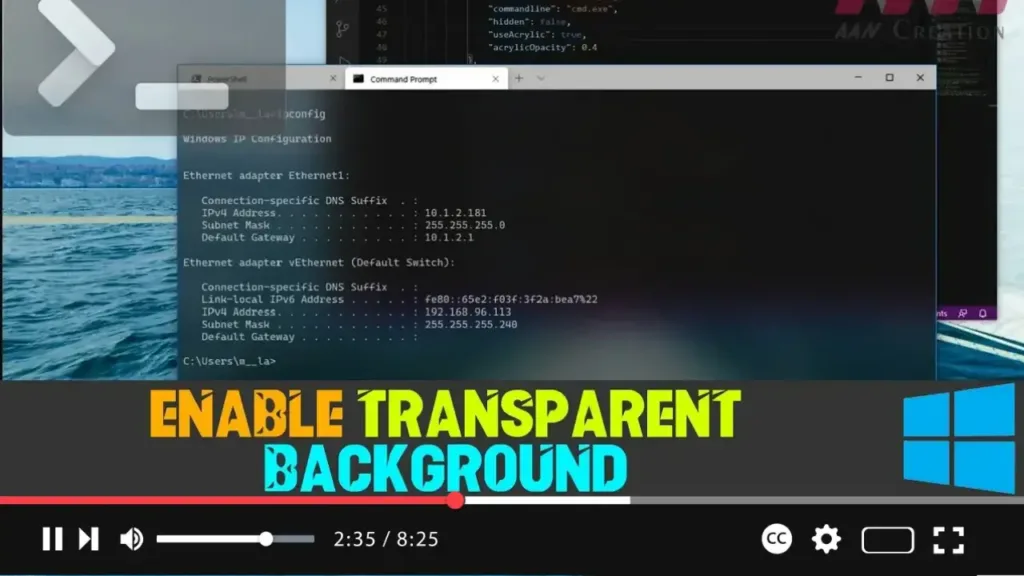
How to Enable Transparent Background on Windows Terminal

Windows Terminal is the primary command-line tool in Windows 10, offering support for Command Prompt, PowerShell, and Linux. It is highly customizable, allowing users to tailor the terminal to their preferences. One popular customization is the ability to set a transparent background, giving the terminal a modern, sleek look with added blur and noise textures

How to Enable Transparent Background on Windows Terminal Read More »