nakvy88@gmail.com

How to Fix | Enable Q and E (Peek and Fire) Not Working in Gameloop

Gameloop (formerly Tencent Gaming Buddy) is a popular emulator for playing mobile games like PUBG Mobile on a PC. However, players sometimes encounter issues where the “Peek and Fire” functionality (bound to Q and E keys) doesn’t work. This feature is crucial as it allows you to lean and fire while staying behind cover, giving […]

How to Fix | Enable Q and E (Peek and Fire) Not Working in Gameloop Read More »
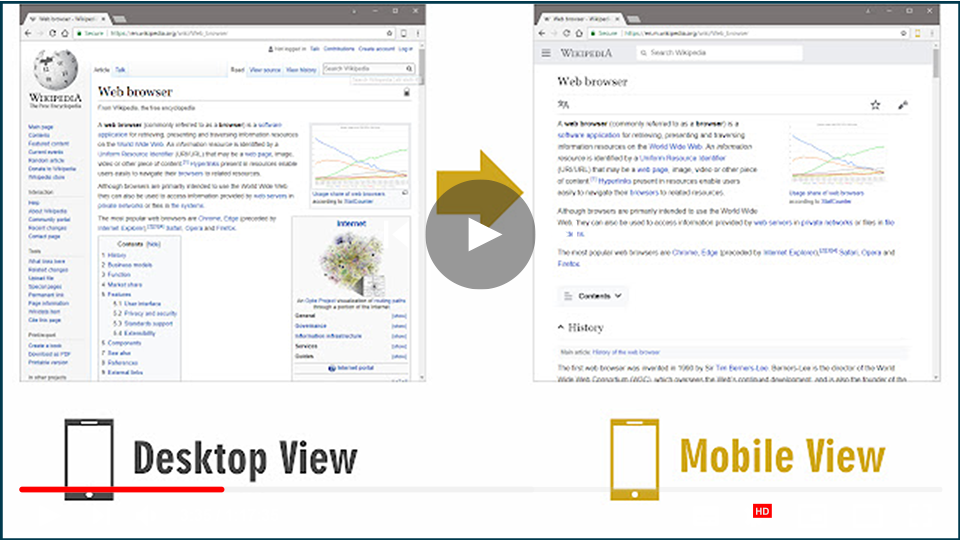
How to Switch to Mobile Website View on Desktop

Switching to a mobile view on a desktop browser can be beneficial for web developers, designers, or anyone who wants to check how a website looks on mobile devices. Here are two effective methods to switch to mobile view effortlessly. Method 1: Using an Extension (Mobile View Switcher) The Mobile View Switcher extension is a

How to Switch to Mobile Website View on Desktop Read More »

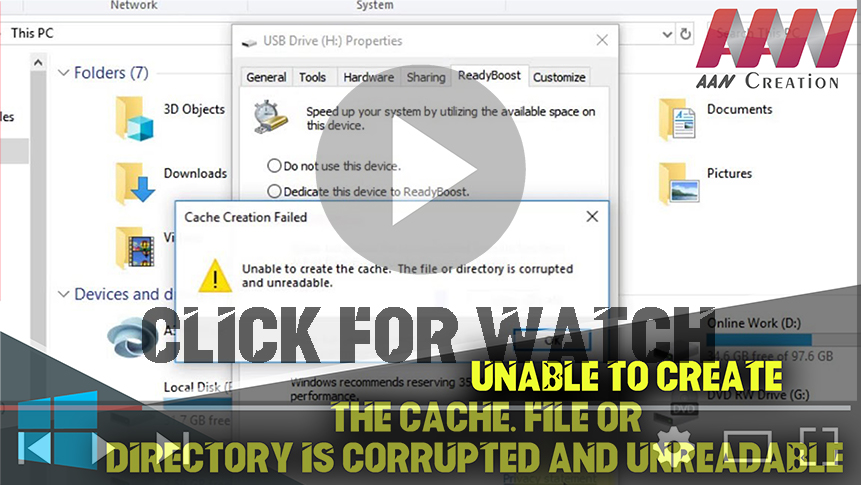
USB Drive (ReadyBoost) | Unable to Create the Cache: File or Directory is Corrupted and Unreadable

Unable to Create the Cache. File or Directory is Corrupted and Unreadable. A damaged file system usually causes this issue. & since we’re talking about flash drives, it’s most likely NTFS or FAT. The flash drive can also be infected with viruses & malware, which is quite possible because of the portability of USB drives.

USB Drive (ReadyBoost) | Unable to Create the Cache: File or Directory is Corrupted and Unreadable Read More »

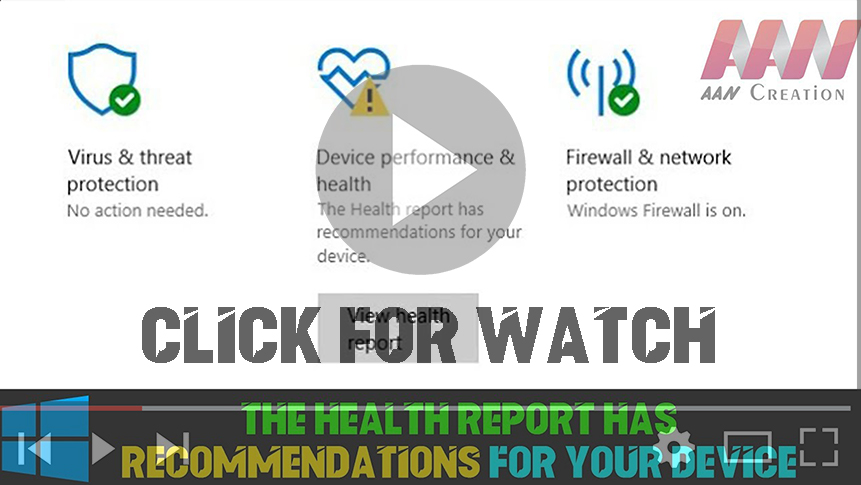
FIX|The health report has recommendations for Your Device(This can impact your device battery Life)

Windows Defender Battery Life Warning – infinite timeout After the 1703 Creators Update installed, I received a battery power warning that “The sleep timeout on this device is currently set to infinite”.  Opening the power settings and correcting the battery timeout from ‘Never’ to 15 minutes did not clear the warning, even after a restart. 

FIX|The health report has recommendations for Your Device(This can impact your device battery Life) Read More »

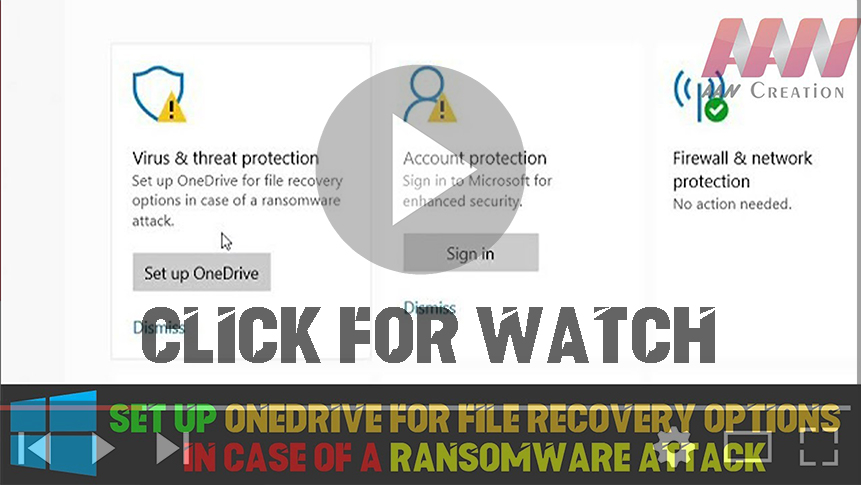
Set up Onedrive for File Recovery Options in Case of a Ransomware Attack (Fix | 2 Ways)

In April, Microsoft announced enhanced protection capabilities for OneDrive users, particularly targeting ransomware attacks. These improvements provide Office 365 Home and Office 365 Personal subscribers with new tools to safeguard their files and ensure a smooth recovery process in the event of a cyber incident. By integrating OneDrive’s Files Restore feature with Windows Defender Antivirus,

Set up Onedrive for File Recovery Options in Case of a Ransomware Attack (Fix | 2 Ways) Read More »

How to Post Large Thumbnails on Facebook Without Any Third-Party Website

Posting large thumbnails on Facebook can significantly enhance your content’s visibility and engagement. While many people turn to third-party websites to achieve this, Facebook offers built-in tools to ensure your thumbnails appear prominently. This guide will walk you through the process of posting large thumbnails effectively. Understanding Facebook’s Thumbnail System When you share content on

How to Post Large Thumbnails on Facebook Without Any Third-Party Website Read More »

How to Enable Adobe Flash in Google Chrome

Adobe Flash has historically been a vital platform for displaying multimedia content like animations and interactive graphics. However, due to security concerns and the rise of HTML5, Adobe officially discontinued Flash Player on December 31, 2020. Despite this, some platforms still rely on Flash for specific functionalities. If you need to enable Adobe Flash in

How to Enable Adobe Flash in Google Chrome Read More »

How to Hide/Unhide Extension Icons From Chrome Toolbar

Chrome extensions can greatly enhance your browsing experience, but the icons for these extensions can clutter the toolbar. Fortunately, hiding these icons is simple and can help you maintain a clean and organized interface. Whether you want to hide an icon that runs in the background or unhide one for easy access, follow these straightforward

How to Hide/Unhide Extension Icons From Chrome Toolbar Read More »

Community posts are only available on your(computer’s latest version/YouTube app/mobile)right now.

Accessing Community Posts on YouTube Community posts on YouTube allow creators to engage with their audience through polls, images, updates, and more. However, you may encounter a message indicating that community posts are only available on the latest version of the YouTube app or on computers. If you’re having trouble accessing these posts, follow these

Community posts are only available on your(computer’s latest version/YouTube app/mobile)right now. Read More »

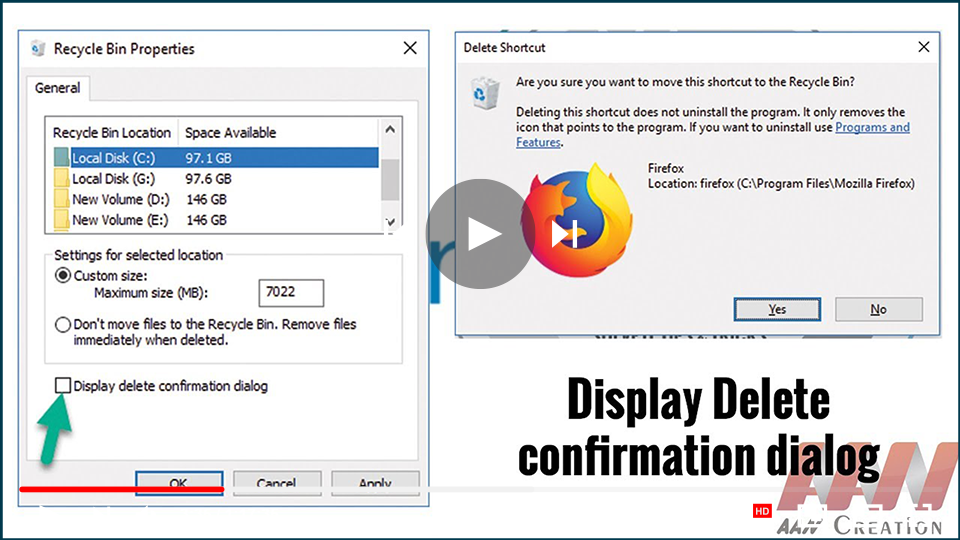
How to Enable the Delete Confirmation Dialog in Windows 10

The Delete Confirmation Dialog box feature is disabled by default in Windows 10. If the user accidentally selects the delete option or presses the delete button, the file or folder will be moved to the Recycle Bin.   If the “Do not move to the Recycle Bin” feature is enabled in the system then the

How to Enable the Delete Confirmation Dialog in Windows 10 Read More »