nakvy88@gmail.com

Automatically Fix Windows 10 Updates Issue (Windows Official Tool)

If you’re facing problems with Windows Updates, such as errors during installation or slow scanning, the official Windows tool is designed to resolve these issues automatically. This tool supports Windows 10, Windows 8.1, and Windows 7, and is particularly useful for fixing common Windows Update errors. Common Windows Update Error Codes The tool can fix […]

Automatically Fix Windows 10 Updates Issue (Windows Official Tool) Read More »
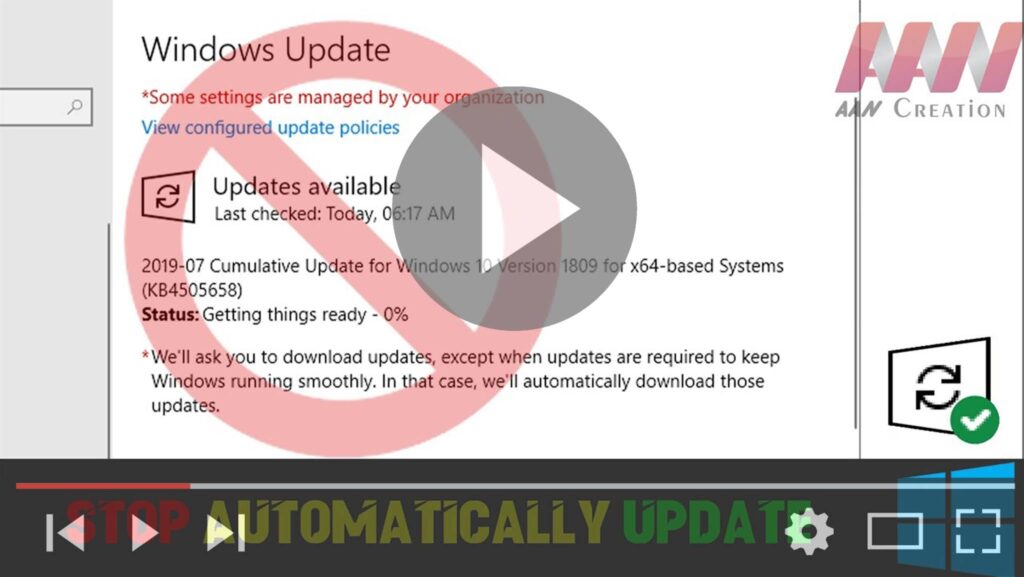
How to Disable Windows 10 Automatic Updates

Windows 10, Standard updates, or cumulative updates always download and install automatically as soon as they are ready for the device. Although this approach makes sure that every computer has the latest security patches, performance, and stability improvements, it’s as well among one of the features that users complain the most. Usually, it’s because to

How to Disable Windows 10 Automatic Updates Read More »

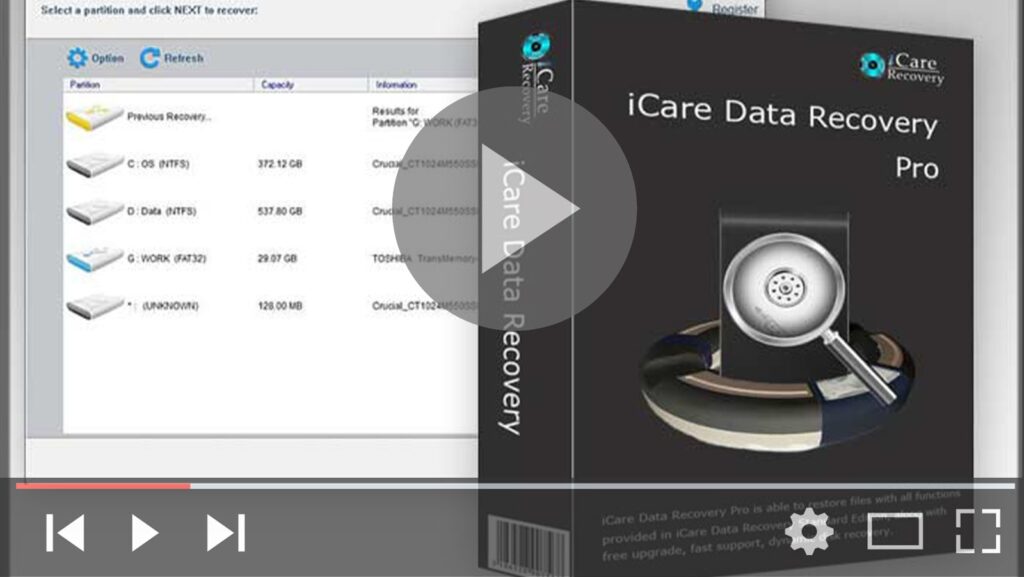
iCare Data Recovery Free – 100% Freeware

Data loss won’t be your biggest nightmare anymore! As one of the best & Free data recovery software – iCare Data Recovery works as a comprehensive solution for data recovery which provides files recovery and easy access for wrong formatted drives, partition deleted, software unexpected crashes, unexpectedly operations, inaccessible drive, raw drive or raw file

iCare Data Recovery Free – 100% Freeware Read More »

How to Remove Shortcut Virus from USB Pen Drive

Pendrive or SD Cards are the very usual device to transfer data from one PC/Laptops to another, sometimes we get errors while connecting Pendrive, & during data transfer one of them is Shortcut Error, basically, this is a Virus known as Shortcut virus, it changes every file into shortcut in Pendrive or Hard drive. In

How to Remove Shortcut Virus from USB Pen Drive Read More »

How to Use a Pen Drive as RAM to Speed Up Your Computer

If your computer is struggling with performance due to low RAM, you can utilize a pen drive (USB flash drive) as additional memory through a feature called ReadyBoost. This can help your system manage more tasks and run smoother. Here’s how to set it up: Step 01: Insert and Format Your Pen Drive Insert your

How to Use a Pen Drive as RAM to Speed Up Your Computer Read More »

How to Fix (0xc000007b) Error. Works for All Windows (FIXED)

On Windows 0xc000007b application error is very common and users may encounter it regularly. However, few users know how to fix it. That’s because this error can be caused by various reasons and there is no single fix that can deal with it. Here we’ll talk about different methods for different problems. Upgraded the computer

How to Fix (0xc000007b) Error. Works for All Windows (FIXED) Read More »

How To Change Folder ICON in Windows Make Your Windows Colorful

Change your folder icons. you can’t change the normal JPG, PNG image file. you want to change this file to an icon type .that only you can change. Go to this website or you can use these Websites. To Change Folder Icons Changing the icon for a folder is a good way to pretty things

How To Change Folder ICON in Windows Make Your Windows Colorful Read More »

How to Disk Cleanup in Windows Tool

On windows, To delete temporary files: Disk Clean-up (cleanmgr.exe) is a computer maintenance utility included in Microsoft Windows designed to free up disk space on a computer’s hard drive. The utility first searches and analyzes the hard drive for files that are no longer of any use, and then removes the unnecessary files. There are

How to Disk Cleanup in Windows Tool Read More »

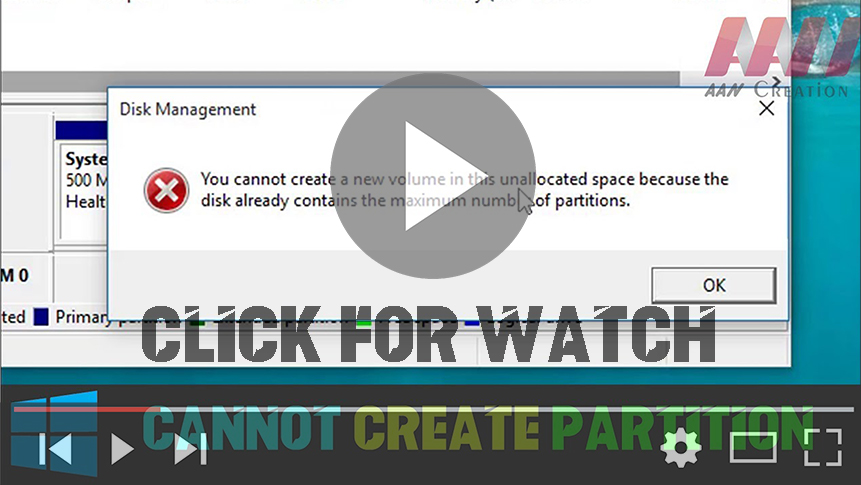
How to Fix Can’t Create Partition in Windows (Already contains the maximum number of partitions)

You Cannot Create a new volume in the unallocated space because the disk already contains the maximum number of partitions. this video about how to fix your partitions problem follow this video and fix your problem. you can use this method all type of windows pc AOMEI Partition Assistant Standard is a FREE disk partition

How to Fix Can’t Create Partition in Windows (Already contains the maximum number of partitions) Read More »