FireFox Browser

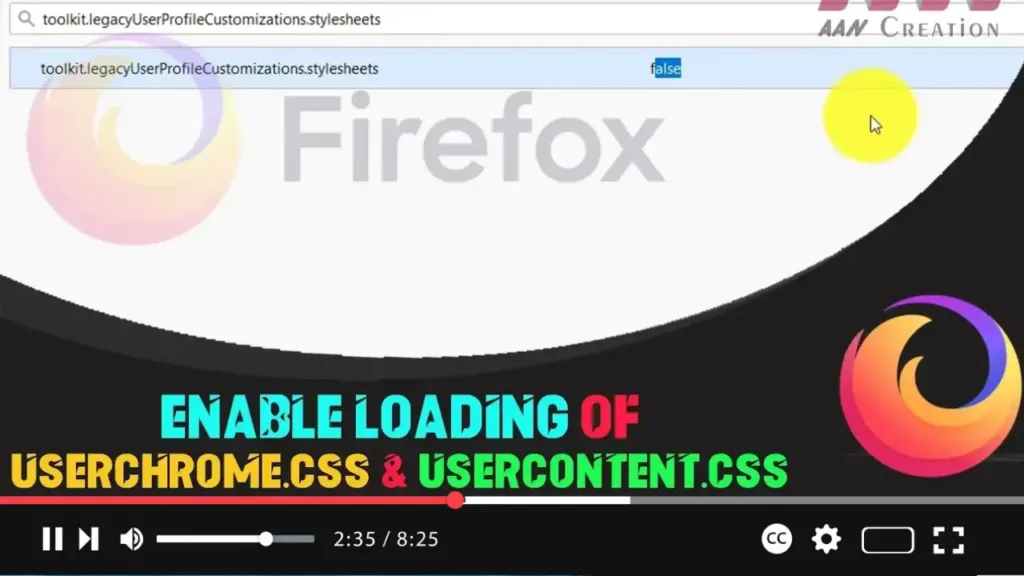
How to Enable Loading of userChrome.css & userContent.css in Firefox

  Starting from Firefox 69, the browser no longer loads userChrome.css or userContent.css by default. These files are used by many users to customize and tweak the Firefox interface. If you want to re-enable the loading of these CSS files, you can do so easily through the about:config page. This guide will walk you through […]

How to Enable Loading of userChrome.css & userContent.css in Firefox Read More »
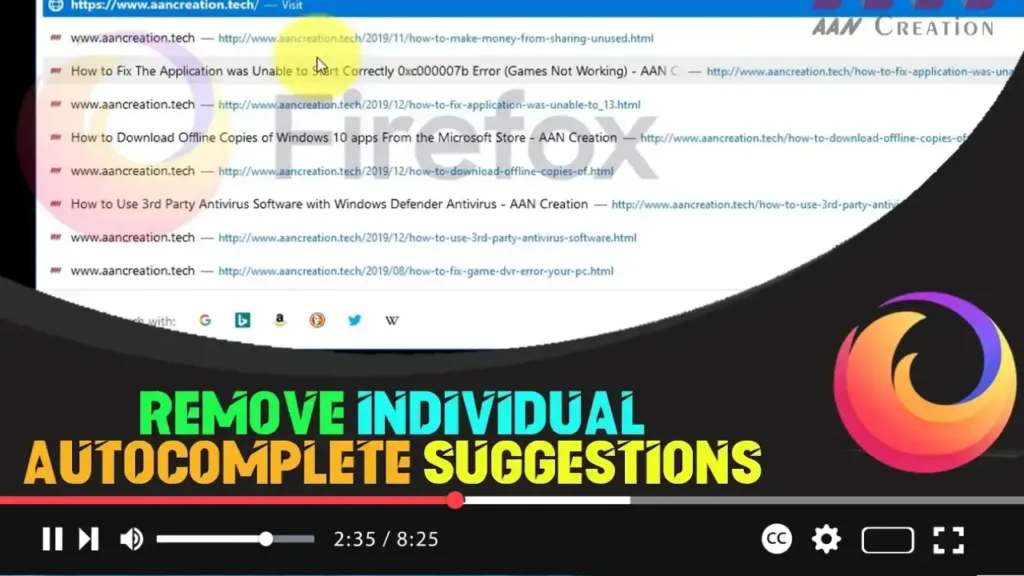
How to Remove Individual Autocomplete Suggestions in Firefox Browser

  Mozilla Firefox’s autocomplete feature is designed to make browsing faster by predicting and completing your queries based on your browsing history, bookmarks, and open tabs. While this feature is convenient, it can sometimes suggest entries that are outdated or no longer relevant. Fortunately, Firefox allows you to remove individual autocomplete suggestions easily. Here’s a

How to Remove Individual Autocomplete Suggestions in Firefox Browser Read More »

How to Enable or Disable the Feature that Prevents Firefox from Suspending Tabs

  Starting with Firefox 67, Mozilla introduced a feature that automatically suspends unused tabs when your computer’s memory is running low (defined as lower than 400MB). This feature helps to optimize performance by freeing up memory. However, some users may prefer to keep all tabs active regardless of memory usage. This guide will show you

How to Enable or Disable the Feature that Prevents Firefox from Suspending Tabs Read More »

How to Enable Picture-in-Picture Mode in Firefox Browser

  Modern browsers, including Firefox, now come with a Picture-in-Picture (PiP) mode. This feature allows videos playing in the browser to open in a small, resizable overlay window that can be managed independently from the browser’s main window. This guide will show you how to enable Picture-in-Picture mode in Firefox and how to use it

How to Enable Picture-in-Picture Mode in Firefox Browser Read More »

How to Enable Site-Specific Browser Feature in Firefox Browser

  The Site-Specific Browser (SSB) feature, available in Firefox version 73 and above, allows you to launch any website in a window with a minimal UI. Similar to Kiosk mode, the site opens with no toolbars or navigation controls but does not run in full-screen mode, making it act like a desktop application. By default,

How to Enable Site-Specific Browser Feature in Firefox Browser Read More »

How to Export and Import Bookmarks to HTML File in Firefox

  Backing up your bookmarks in Mozilla Firefox is an essential practice, especially if you have a considerable collection. Exporting bookmarks to an HTML file not only provides a secure backup but also allows you to transfer your bookmarks to another PC, mobile device, or even a different browser. This guide will walk you through

How to Export and Import Bookmarks to HTML File in Firefox Read More »

How to Add Chrome Extensions For FireFox Browser

Mozilla released Firefox 57, which included support for WebExtensions, the same technology that Google uses in Chrome to power extensions. One of the primary advantages of WebExtensions support is that Firefox users will be able to install the majority of Google Chrome extensions; at the very least, this simplifies things. Developers will find it easy

How to Add Chrome Extensions For FireFox Browser Read More »

How to Show and Hide Firefox Bookmarks

On Windows, the Ctrl+Shift+B shortcut hides the Bookmarks Toolbar in Firefox. Starting with Firefox 84, it will be easier to access bookmarks saved in the “Other Bookmarks” folder, the Bookmarks Toolbar will display the Other Bookmarks folder. The folder will be automatically removed from the Toolbar if you move bookmarks to another folder or the

How to Show and Hide Firefox Bookmarks Read More »