Help Desk Troubleshooting

How to The File Name is too Long – Can’t Play the Videos on Windows 10

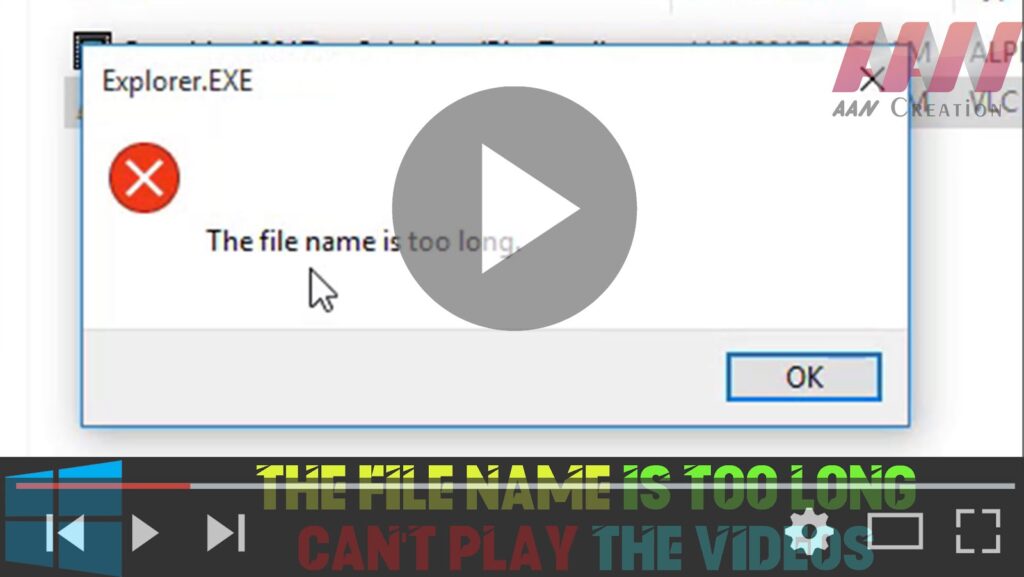
If you’re encountering issues playing videos on Windows 10 due to long file names, it’s likely that the file path exceeds the maximum limit. Here’s how to resolve the problem by renaming the video file: Step 01: Right-Click the Video Locate the video file that you’re unable to play. Right-click on the video file to […]

How to The File Name is too Long – Can’t Play the Videos on Windows 10 Read More »

How to Fix VirtualBox VM_Failed: VT-x is not available. Error Code (0xc80004005)

If you use VirtualBox to create and run virtual machines on Windows 10, you may encounter an “E FAIL (0x80004005)” error code at some point, preventing the virtual machine from starting. The failure usually occurs after upgrading to a new version (build) of Windows 10 or after making changes to the Microsoft Hyper-V feature. Whatever

How to Fix VirtualBox VM_Failed: VT-x is not available. Error Code (0xc80004005) Read More »

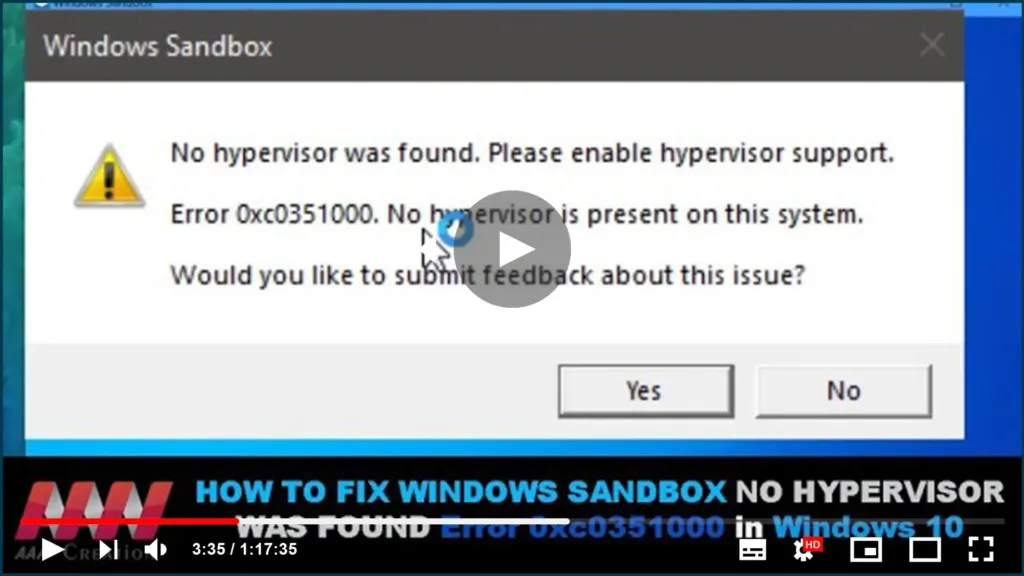
How to Fix Windows Sandbox No Hypervisor Was Found Error 0xc0351000 in Windows 10

Sometimes, Windows users get an error prompting that “No hypervisor was found. When you open Windows Sandbox, please enable hypervisor support.” In this guide, you’ll learn the steps to Fix Windows Sandbox No Hypervisor Was Found, Please enable hypervisor support Error in Windows 10. There some futures we need to check. no hypervisor was founded

How to Fix Windows Sandbox No Hypervisor Was Found Error 0xc0351000 in Windows 10 Read More »

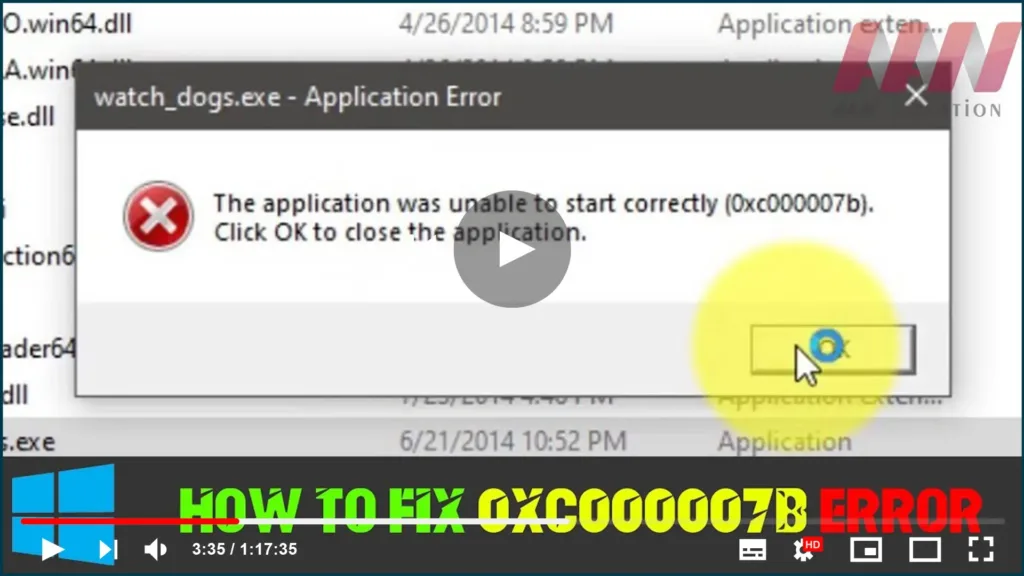
How to Fix The Application was Unable to Start Correctly (Games Not Working)

On Windows 0xc000007b application error is very common and users may encounter it regularly. However, few users know how to fix it. That’s because this error can be caused by various reasons and there is no single fix that can deal with it. Here we’ll talk about different methods for different problems. Upgraded the computer

How to Fix The Application was Unable to Start Correctly (Games Not Working) Read More »

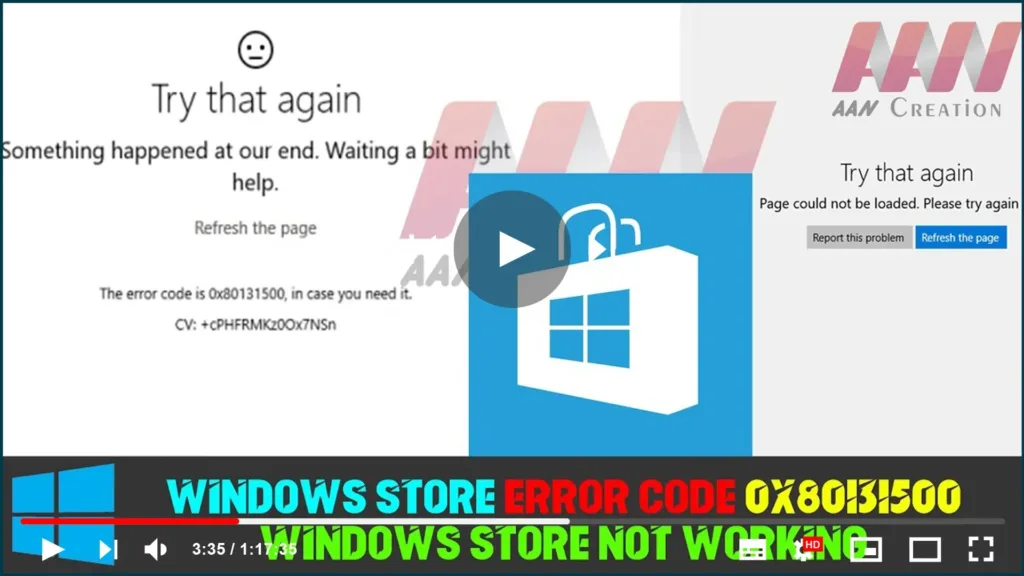
How to Fix Windows Store Error Code 0x80131500/Windows Store Not Working in Windows 10

Windows Store error codes are numerous, and there are numerous ways to affect them and prevent your apps from downloading or updating. The Store is a useful Windows 8, 8.1, and Windows 10 feature that is similar to the concept seen on smartphones. However, users have reported that the errors appear at random and without

How to Fix Windows Store Error Code 0x80131500/Windows Store Not Working in Windows 10 Read More »

How to Check Hard Drive Health, Error, Bad Sectors

Bad sectors on hard drives or other storage devices are not accessible or writeable due to damage to the disk. If you suspect there are bad sectors on your disk, you can use the DiskGenius app to check or repair bad sectors. Terrible parts on hard drives or other stockpiling gadgets are not open or

How to Check Hard Drive Health, Error, Bad Sectors Read More »

Windows Defender Disableantispyware Missing in Registry Enable/Disable/Create New

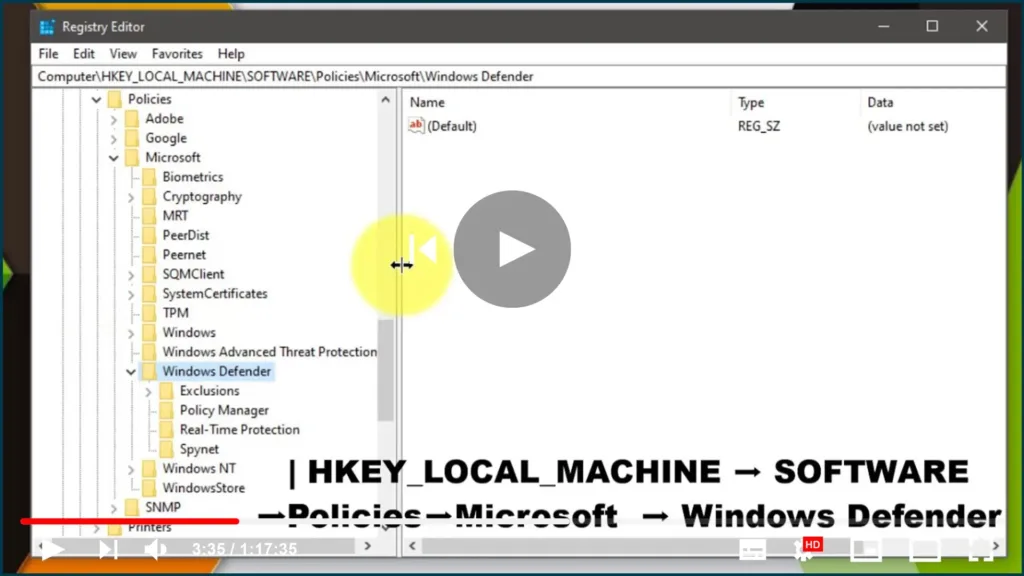
Windows Defender DisableAntiSpyware is missing from the Registry. Enable/disable/Create New, Windows Defender is the default antivirus solution in Windows 10, just as it was in Windows 8. The program is enabled by default and will turn itself off if another antivirus solution is installed, as long as the operating system recognizes it. One significant difference

Windows Defender Disableantispyware Missing in Registry Enable/Disable/Create New Read More »

How to Fix “Download Failed Because you may not Have Purchased This App” GameLoop

If you’re getting the PUBG Mobile error message “Download Failed Because You May Not Have Purchased The App,” you’re not alone. Because many users are experiencing the same issue for the same reason, we will explain briefly. In this troubleshooting guide, we’ve shared a completely official and simple solution to the problem. To be more

How to Fix “Download Failed Because you may not Have Purchased This App” GameLoop Read More »

How to Fix “The Security Center Service Can’t Be Started” Error

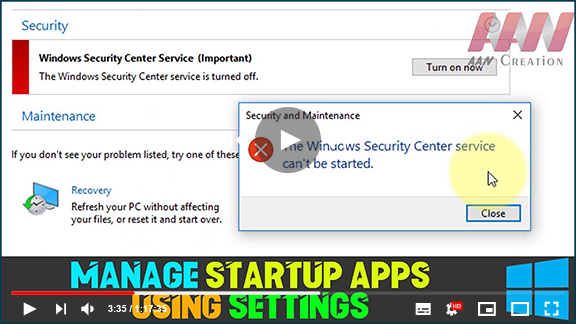
The Windows Security app relies on the Windows Security Service and the Windows Security Center Service (wscsvc) to provide up-to-date protection status. When you encounter the error message “The Security Center service can’t be started,” it can be frustrating. Here are several methods to resolve this issue. Common Causes of the Error Misconfiguration: The Security

How to Fix “The Security Center Service Can’t Be Started” Error Read More »

How to Fix VirtualBox Call to WHvSetupPartition failed: ERROR_SUCCESS (Last=0xc000000d/87)

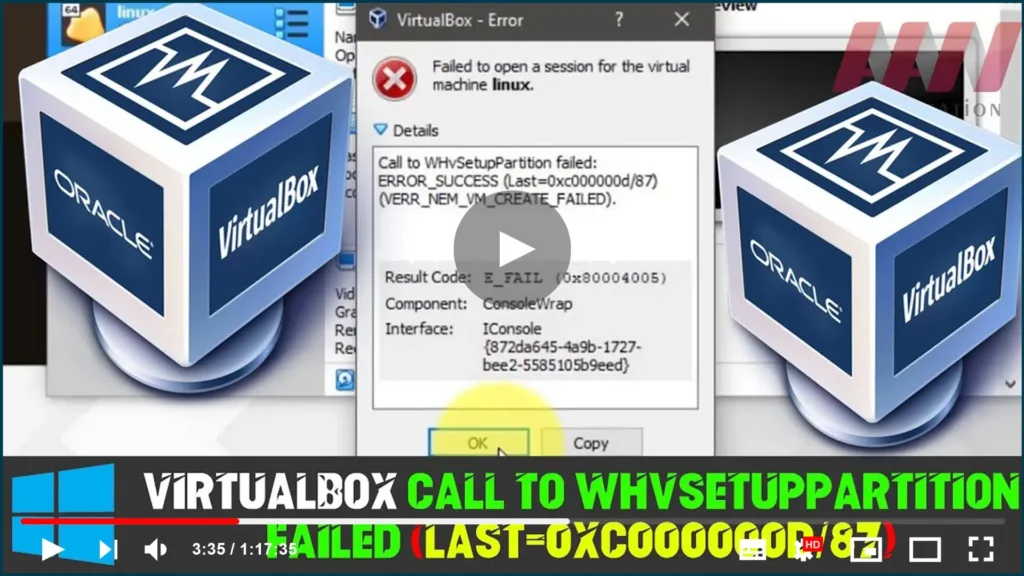
  VirtualBox isn’t starting the guest OS & it displays ‘Failed to open session for the virtual machine’ [virtual-machine-name] Call to WHvSetupPartition failed: ERROR_SUCCESS (Last=0xc000000d/87) (VERR_NEM_VM_CREATE_FAILED). Result Code: E_FAIL (0x80004005) Component: Consolewap Interface: IConsole{872da645-4a9b-1727-bee2-5585105b9eed} In this guide, you’ll learn the steps to Fix VirtualBox failure to open a session for the virtual machine, VirtualBox Call

How to Fix VirtualBox Call to WHvSetupPartition failed: ERROR_SUCCESS (Last=0xc000000d/87) Read More »