How-to

How to Check Windows Update History on Windows 10

Checking the Windows Update history on Windows 10 can help you keep track of all the updates installed on your system, including important security patches and feature updates. Here’s how you can view your update history: Introduction: Windows 10 regularly receives updates to enhance security, improve performance, and introduce new features. Keeping track of these

How to Check Windows Update History on Windows 10 Read More »

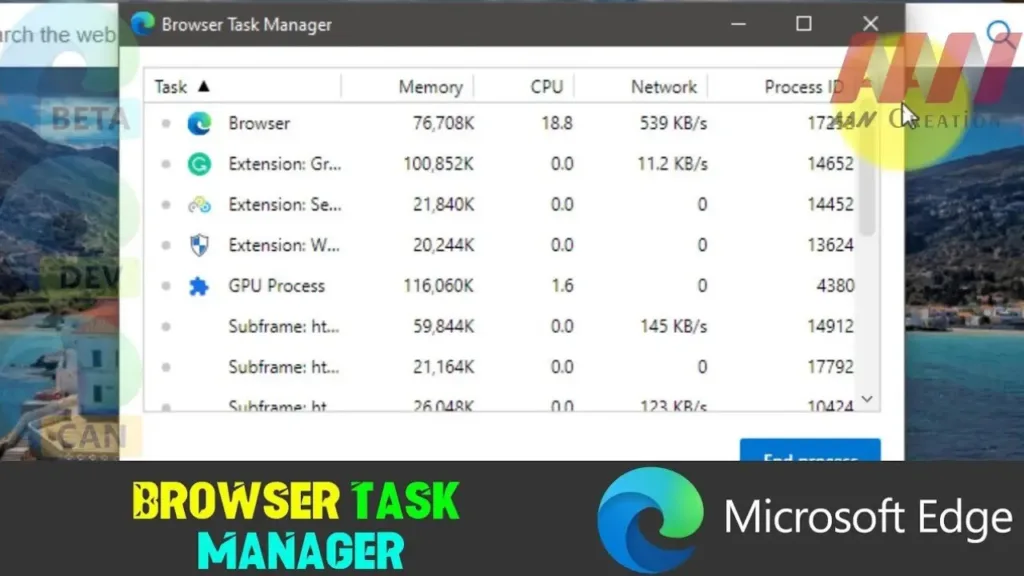
How to Open Browser Task Manager in Microsoft Edge

 Microsoft Edge, the sleek and powerful web browser from Microsoft, offers users a built-in Task Manager akin to the one found in Windows. This feature allows users to monitor and manage system resources consumed by individual tabs and extensions, making it easier to identify and resolve performance bottlenecks. Below, we’ll guide you through the steps

How to Open Browser Task Manager in Microsoft Edge Read More »

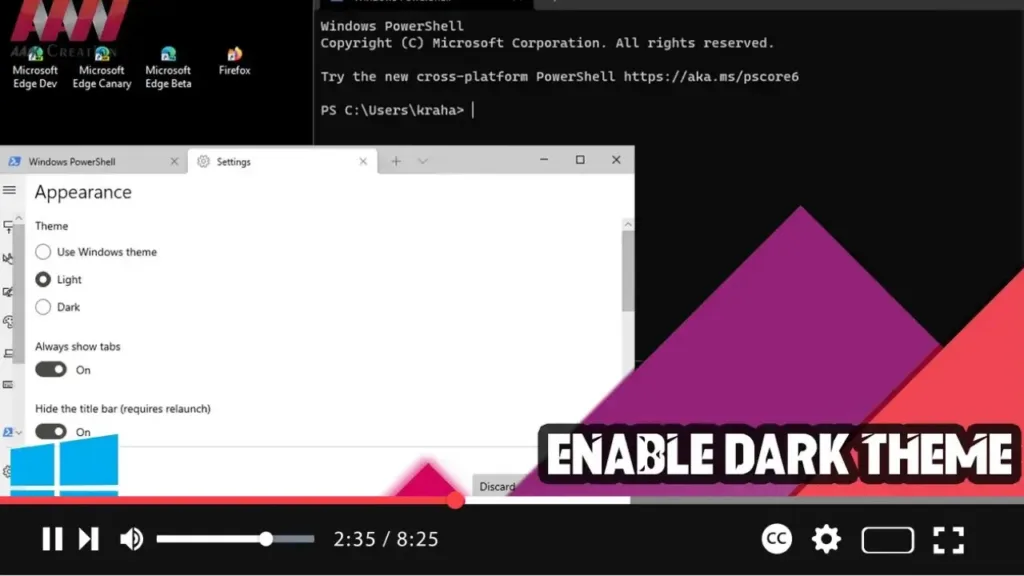
How to Enable Dark Theme on Windows Terminal

 Enabling the dark theme on Windows Terminal can make your working environment more visually appealing and reduce eye strain, especially in low-light conditions. Here’s a step-by-step guide to help you switch to the dark theme in Windows Terminal. Step 01: Open Windows TerminalFirst, open Windows Terminal: Click on the Start button. Search for Windows Terminal

How to Enable Dark Theme on Windows Terminal Read More »

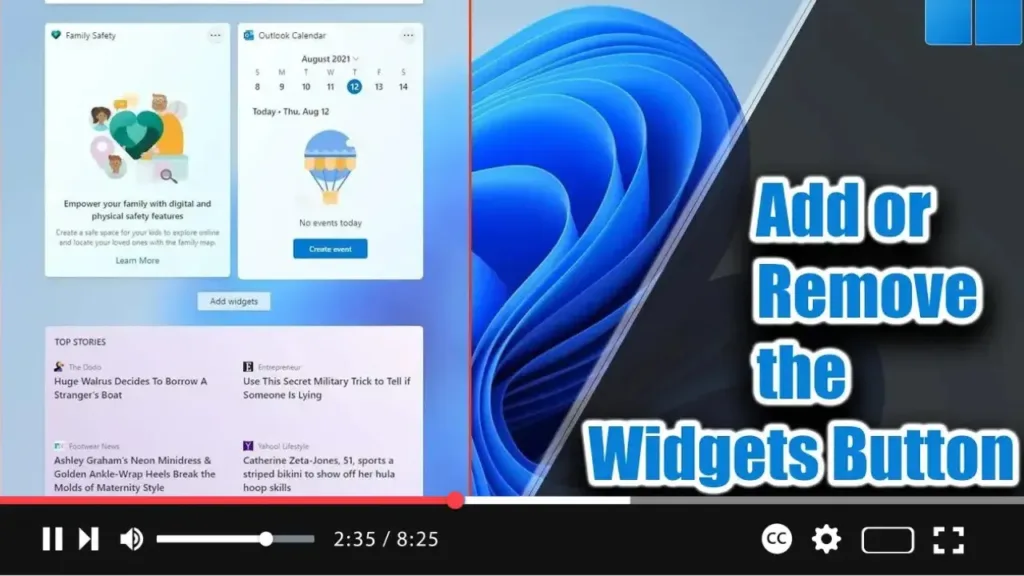
How to Add or Remove the Widgets Button from the Taskbar on Windows 11

. Windows 11 introduces Widgets, a feature similar to News and Interests in Windows 10. It appears from the left side of the screen, displaying time and cards with information about weather, news, sports, and more. If you find the Widgets button unnecessary, you can remove it from the taskbar. Alternatively, if the button is missing,

How to Add or Remove the Widgets Button from the Taskbar on Windows 11 Read More »