
How to Fix Can’t Trim Videos on Windows 10 Photo App | Error Code 0x80070020
How to Fix Can’t Trim Videos on Windows 10 Photo App | Error Code 0x80070020 Read More »

Navigating Windows 10 often requires using the mouse, but it’s not uncommon to lose track of the mouse pointer, especially when using a multi-monitor setup. Losing sight of the pointer can be frustrating, particularly during tasks that require precision. Fortunately, Windows 10 includes a feature that makes it easy to locate the mouse pointer with
How to Quickly Locate Mouse Pointer on Windows 10 Read More »
The Windows Recovery Environment (WinRE) is an essential tool in Windows 10 that provides a range of recovery and troubleshooting options. It includes features such as automatic repair, system image recovery, reset to factory default settings, and other advanced tools that help resolve issues when your device fails to start or run correctly. In some
How to Enable Windows Recovery Environment on Windows 10 Read More »
If your Windows 10 device has multiple GPUs, you have the option to specify which graphics processor an application should use. This feature is particularly useful for optimizing either performance or battery life, depending on your needs. Although traditional methods to set the preferred GPU involved using the control panels of Nvidia or AMD, Windows
How to Set Default GPU for Apps on Windows 10 Read More »
Microsoft Edge Chromium has enhanced its built-in Read Aloud feature, allowing users to have PDF content read aloud directly in the browser. This feature is particularly useful for accessibility purposes, such as assisting users with visual impairments or those who prefer auditory learning. The Read Aloud feature for PDFs is currently experimental and hidden behind
How to Enable Read Aloud for PDF Files in Microsoft Edge Chromium Read More »
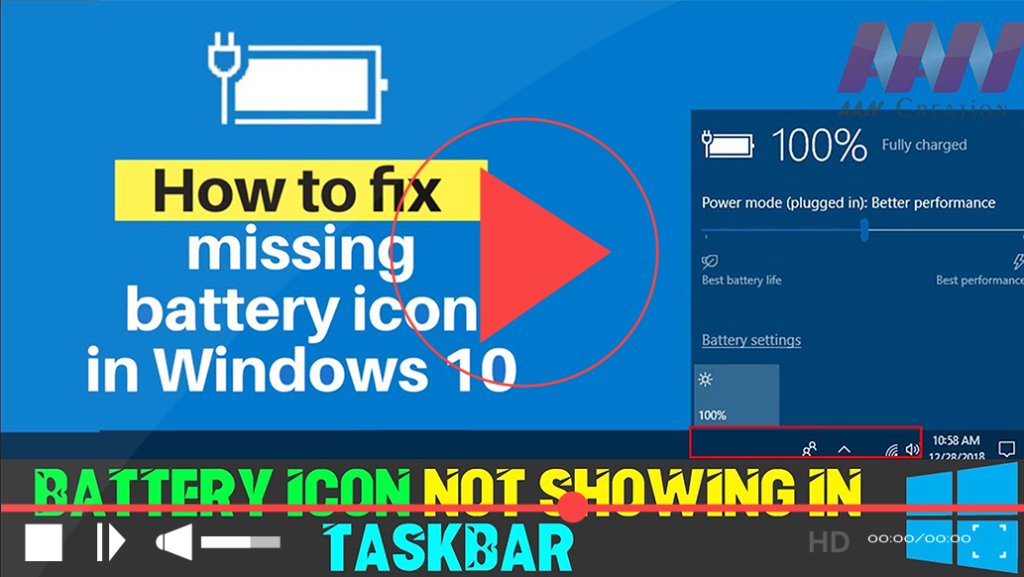
If you find that the battery icon is missing from your Windows 10 taskbar, it can be frustrating, especially if you need to monitor your battery life frequently. This issue may arise due to various reasons, such as disabling the battery icon in the settings or problems with Windows battery drivers. Here’s a straightforward guide
How to Fix Missing Battery Icon in Windows 10 Taskbar Read More »
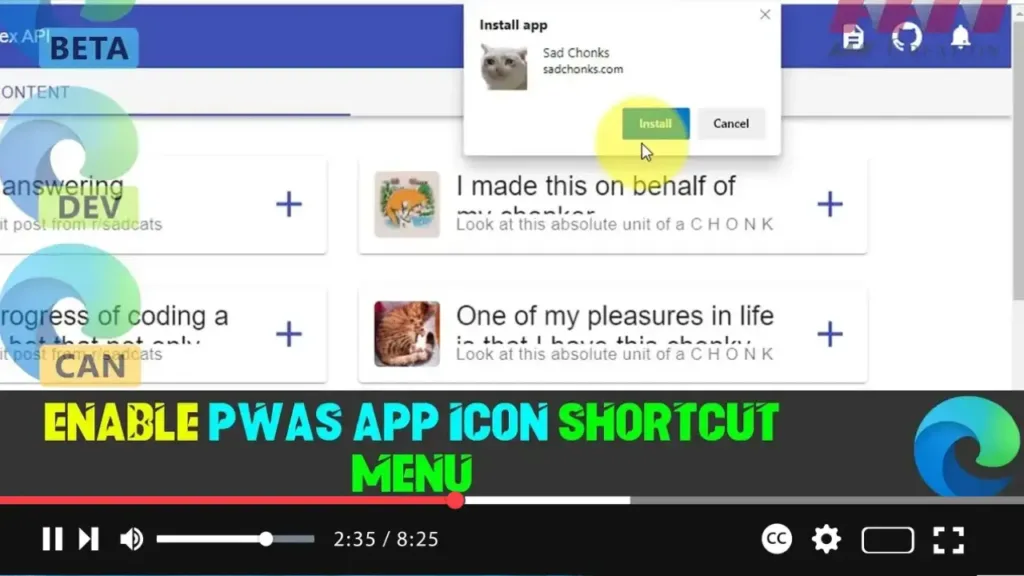
Progressive Web Applications (PWAs) are gaining traction as they offer a seamless app-like experience on the web. Recently, both Google Chrome and Microsoft Edge Chromium have introduced a feature that allows PWAs to have a shortcut menu entry for their tasks. This feature enhances the usability of PWAs by providing quick access to certain functions
How to Enable PWAs App Icon Shortcut Menu in Microsoft Edge Chromium Read More »
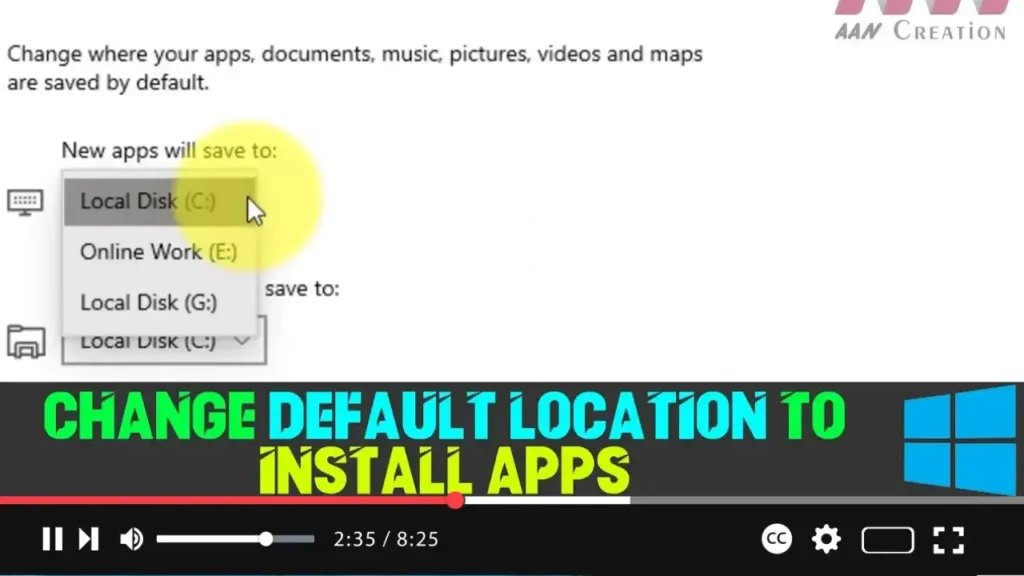
By default, apps and games downloaded from the Microsoft Store are installed on the main system drive (usually the C: drive) in Windows 10. However, if you have a device with limited storage, this default setting can quickly lead to space issues, especially since some apps and games can be quite large. Fortunately, Windows 10
How to Change Default Location to Install Apps on Windows 10 Read More »
If you’re using a 64-bit version of Windows 10, you have the flexibility to run both 64-bit and 32-bit applications. However, for optimal performance, especially with demanding applications, you may prefer to use 64-bit versions whenever possible. 64-bit applications can access more than 4GB of memory, making them faster and more efficient compared to their
How to Determine App is 64-bit or 32-bit Using File Explorer Read More »
If you’re using the 64-bit version of Windows 10, you can run both 64-bit and 32-bit applications. However, for optimal performance, particularly with resource-intensive applications, it is advisable to use 64-bit versions whenever possible. This is because 64-bit applications can access more than 4GB of memory, which makes them more efficient and faster compared to
How to Determine App is 64-bit or 32-bit Using Task Manager Read More »