How-to

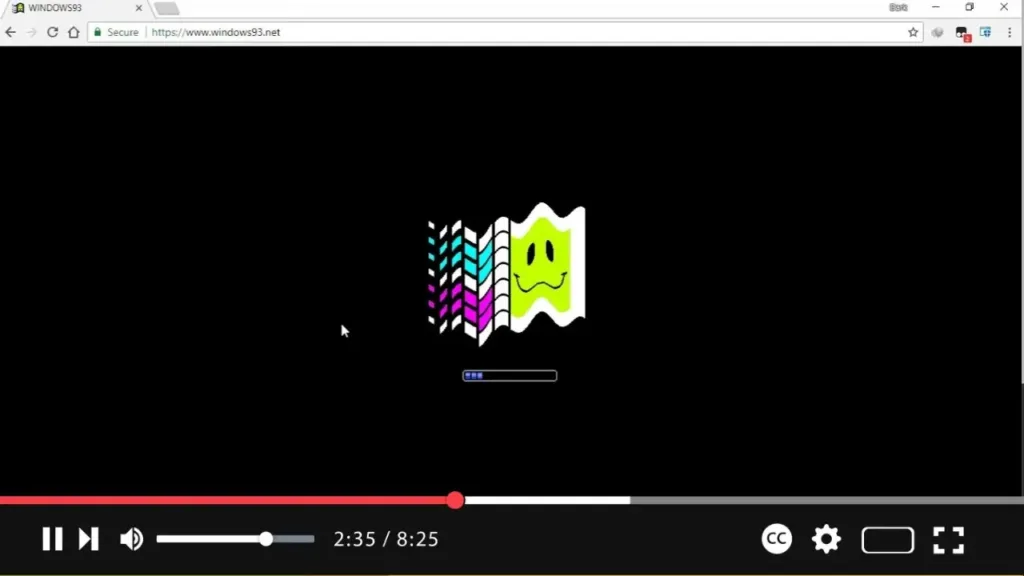
How to Use Windows 93 on Windows 10

  Windows 93 is an artistic, humorous, and nostalgic web-based operating system that imagines what might have been if Microsoft released an OS between Windows 3.1 and Windows 95. Created by artists Jankenpopp and Zombectro, Windows 93 combines quirky retro elements with playful features, providing a satirical twist on classic computing experiences. Here’s a step-by-step […]

How to Use Windows 93 on Windows 10 Read More »

How to Install the November 2021 Update for Windows 10 (Version 21H2)

  The November 2021 Update for Windows 10, also known as version 21H2, is available to download and install via the Windows Update feature. This update brings new features, performance improvements, and security patches to enhance your Windows experience. Follow the steps below to ensure a smooth update process and troubleshoot any issues you may

How to Install the November 2021 Update for Windows 10 (Version 21H2) Read More »

How to Share Page URL via QR Code in Microsoft Edge Chromium (Canary Build)

  Microsoft Edge Chromium now includes the ability to generate a QR code for the URL of an open web page, making it easier to share links between devices. By simply scanning the QR code with a compatible device (such as a smartphone camera), the URL can be accessed without the need to copy and

How to Share Page URL via QR Code in Microsoft Edge Chromium (Canary Build) Read More »

How to Get the Latest Firefox Browser on Windows 10

  Mozilla Firefox is a widely-used, free, and open-source web browser developed by the Mozilla Foundation. It is known for its speed, privacy features, and the ability to block trackers automatically, making it a popular choice among users who prioritize security and performance. In this guide, you’ll learn how to download and install the latest

How to Get the Latest Firefox Browser on Windows 10 Read More »

How to Show Full URL in Address Bar on Firefox Browser

  By default, Firefox hides the “https://” and “www.” portions of URLs in the address bar. While this streamlines the appearance for most users, web developers and other users may need to see the full URL for various reasons, such as debugging or ensuring a site’s integrity during development. This guide will walk you through

How to Show Full URL in Address Bar on Firefox Browser Read More »

How to Enable AVIF Support in Mozilla Firefox Browser

  AVIF (AV1 Image File Format) is a modern image format that provides superior compression and quality compared to older formats like JPEG or PNG. It’s increasingly being adopted for delivering rich multimedia content on the web. Starting with newer versions of Mozilla Firefox, you can enable AVIF support to ensure that websites using this

How to Enable AVIF Support in Mozilla Firefox Browser Read More »

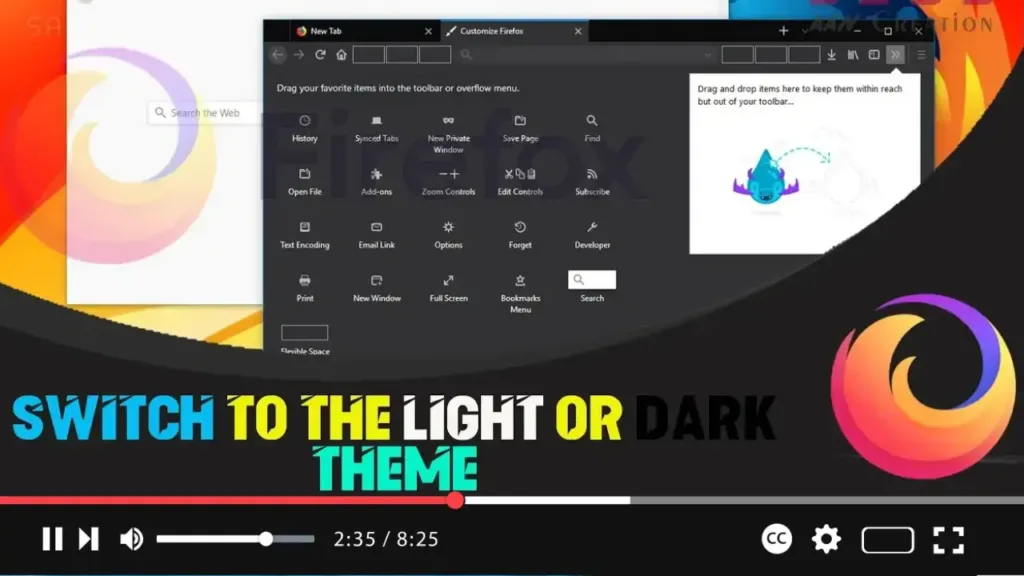
How to Switch to the Light or Dark Theme on Firefox on Windows 10

  Mozilla Firefox offers a simple way to switch between light and dark themes, allowing you to customize the browser’s appearance to match your preferences or the look and feel of your Windows 10 environment. While Firefox uses a default theme that adapts to your system’s color settings, you can easily choose a light or

How to Switch to the Light or Dark Theme on Firefox on Windows 10 Read More »

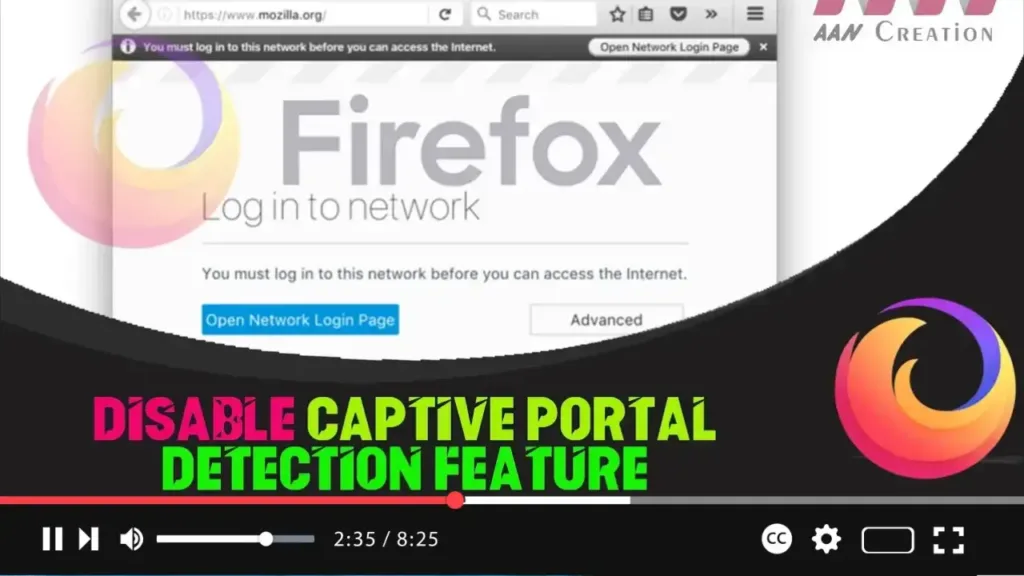
How to Disable Captive Portal Detection Feature on Firefox

  The Captive Portal detection feature in Firefox is designed to identify if your internet connection requires extra authorization, which is common in hotel Wi-Fi networks and some other public networks. While useful, it can sometimes be unnecessary or disruptive. Disabling this feature will prevent Firefox from attempting to detect and authorize via the Captive

How to Disable Captive Portal Detection Feature on Firefox Read More »