How-to

How to Disable Notifications When Playing Full Screen Game in Windows 10

The feature that allows us to appear or hide notifications when playing full-screen Games on Windows 10, This feature is implemented in Xbox Game Bar Application, which allows optimizing PC for games.   In this guide, you’ll learn the steps to Disable Notifications When Playing a Full-screen Game in Windows 10, Use these steps to disable […]

How to Disable Notifications When Playing Full Screen Game in Windows 10 Read More »

How to Disable Notification Sounds While Playing Games in Windows 10

The Feature that allows us to enable or disable notification sounds when you are playing a Game on Windows 10. This feature is implemented in the Xbox Game Bar Application, which allows optimizing PC for games. In this guide, you’ll learn the steps to To Disable Notification Sounds While Playing Games on Windows 10. 01.

How to Disable Notification Sounds While Playing Games in Windows 10 Read More »

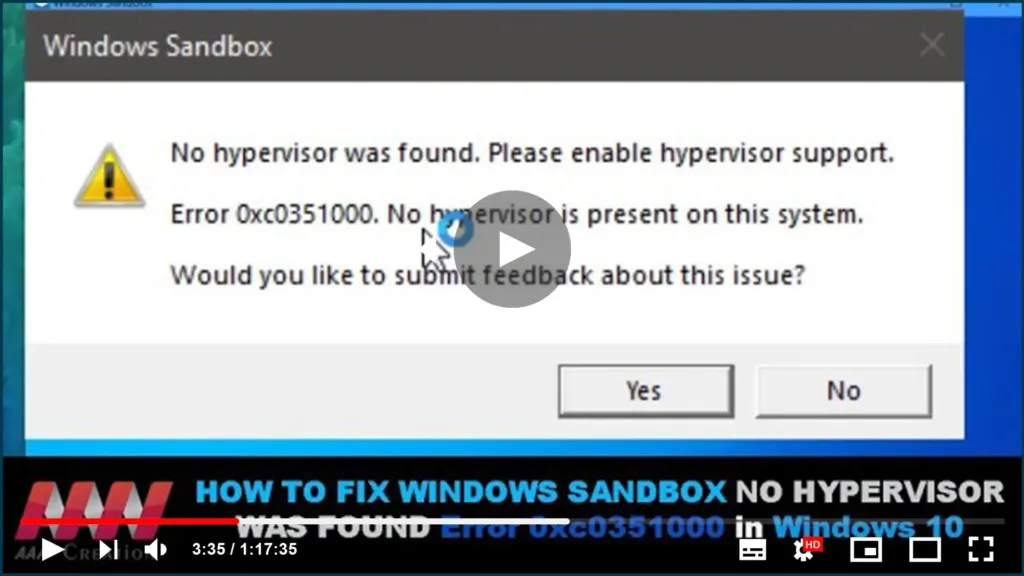
How to Fix Windows Sandbox No Hypervisor Was Found Error 0xc0351000 in Windows 10

Sometimes, Windows users get an error prompting that “No hypervisor was found. When you open Windows Sandbox, please enable hypervisor support.” In this guide, you’ll learn the steps to Fix Windows Sandbox No Hypervisor Was Found, Please enable hypervisor support Error in Windows 10. There some futures we need to check. no hypervisor was founded

How to Fix Windows Sandbox No Hypervisor Was Found Error 0xc0351000 in Windows 10 Read More »

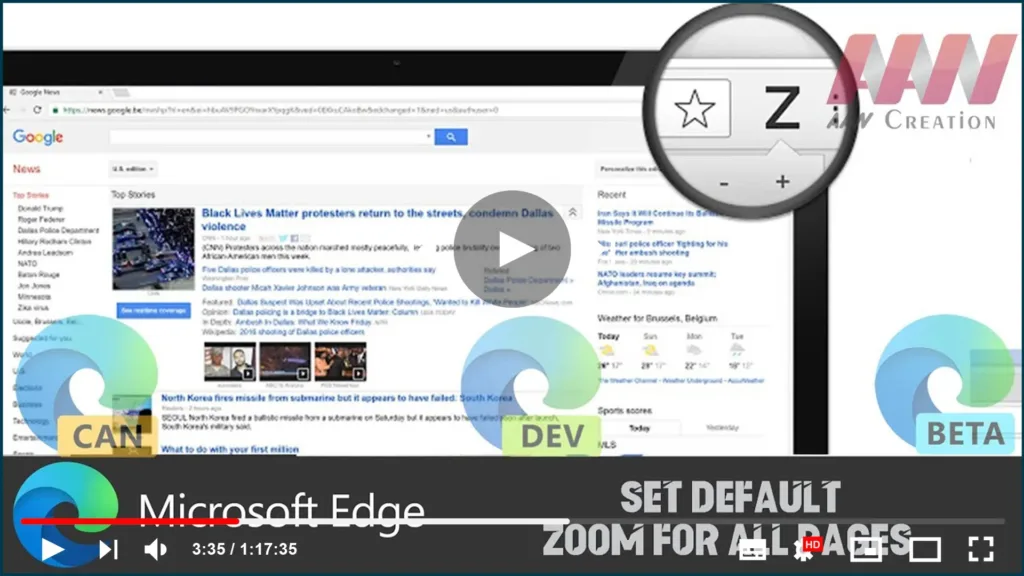
How to Set Default Zoom for All Pages in Microsoft Edge Chromium

When we’re browsing the website, sometimes it can be difficult to view and read a website. Some websites have small fonts and are hard to read without zoom-in. Edge browser Chromium lets us set an overall default zoom level or set it individually per website. This is mostly helpful for those who have poor eyesight.

How to Set Default Zoom for All Pages in Microsoft Edge Chromium Read More »

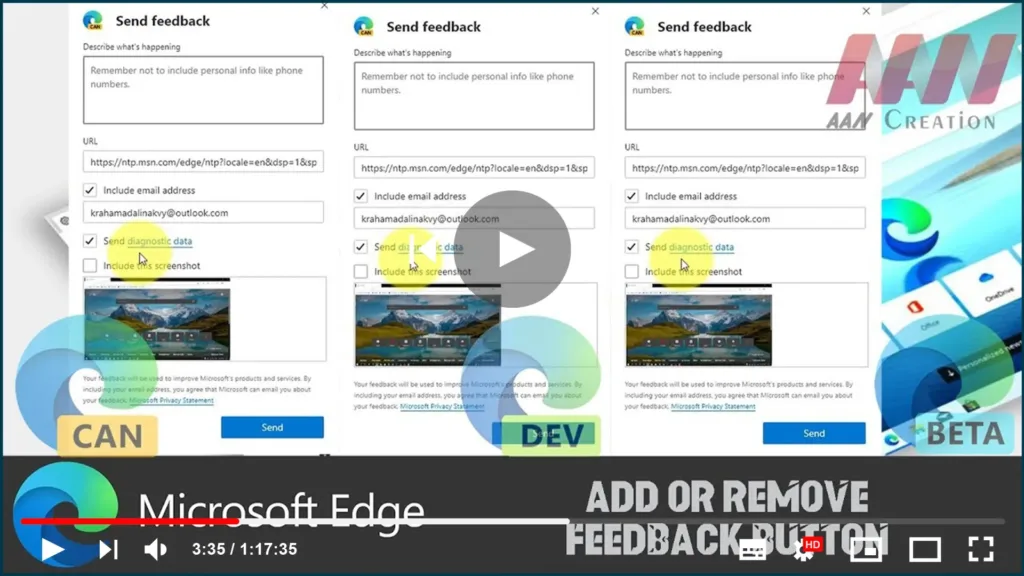
How to Add or Remove Feedback Button in Microsoft Edge Chromium

The Microsoft Edge browser, which is built on Chromium, includes a feedback button on the toolbar that allows you to send feedback with a single click. Because some users prefer to remove that button, Microsoft has added a number of options to the browser. Microsoft Edge is now a Chromium-based browser with exclusive features like

How to Add or Remove Feedback Button in Microsoft Edge Chromium Read More »

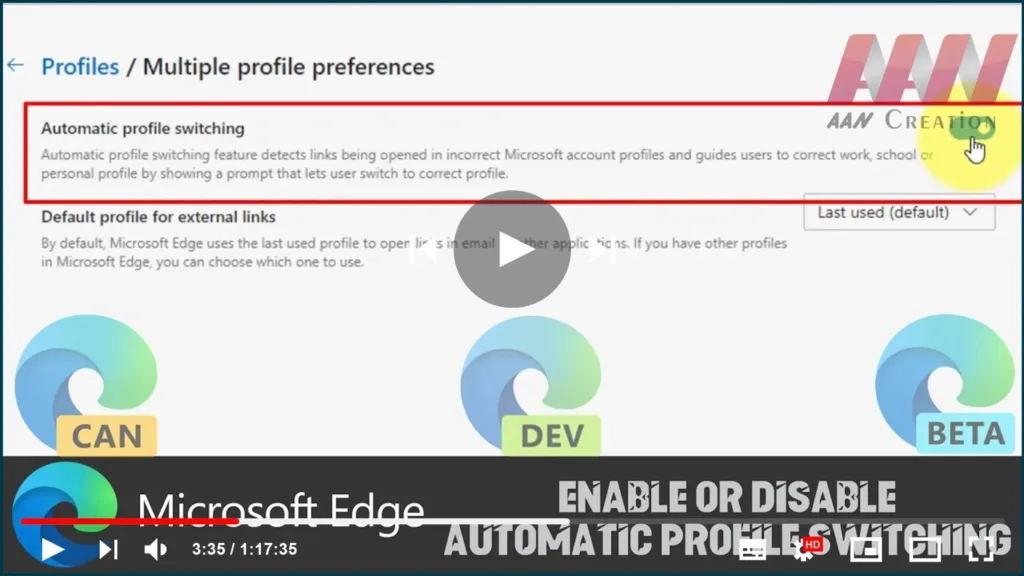
How to Enable or Disable Automatic Profile Switching In Microsoft Edge Chromium

Microsoft Edge has received a new feature. It is able to detect if a link is being opened in the wrong Microsoft Account profile and hits the user to select the proper browser profile to open it. The addition is useful for users having multiple profiles in Microsoft Edge Chromium. As we may already know,

How to Enable or Disable Automatic Profile Switching In Microsoft Edge Chromium Read More »

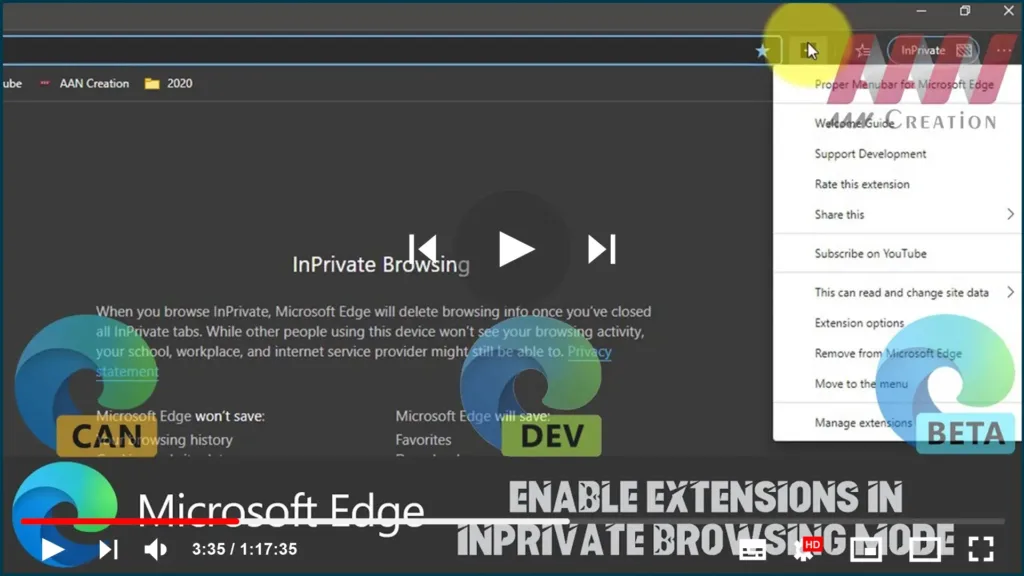
How to Enable Extensions in InPrivate Browsing Mode in Microsoft Edge Chromium

If we have been using Microsoft Edge regularly, we might have missed one feature. There was no option to use installed extensions InPrivate Mode or Incognito Mode in Microsoft Edge Chromium. although, if we have installed Windows 10 version 1803, we will find that we can enable browser extensions in InPrivate mode in Edge without

How to Enable Extensions in InPrivate Browsing Mode in Microsoft Edge Chromium Read More »

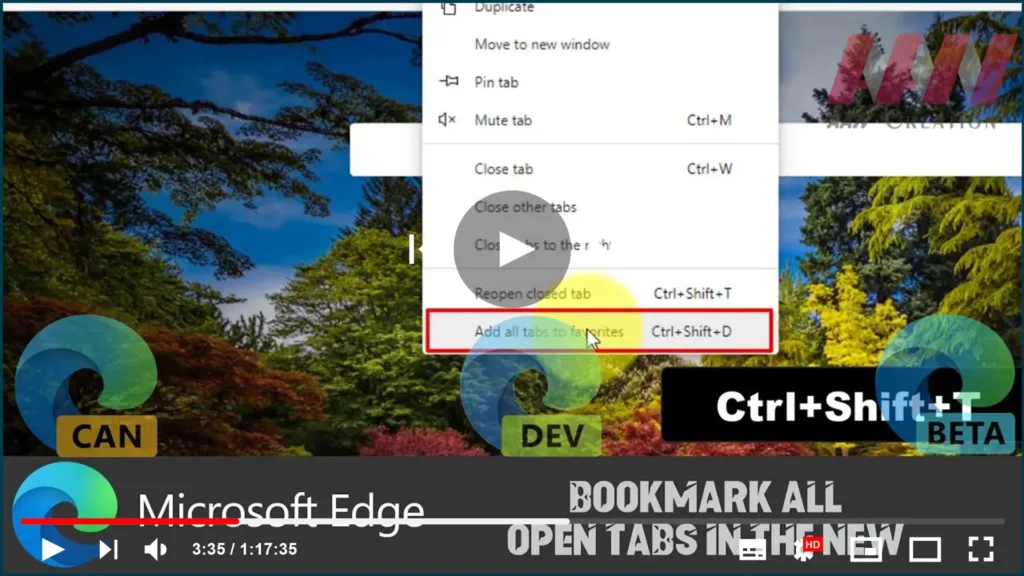
How to Bookmark All Open Tabs in The New on Microsoft Edge Chromium

You’ve been doing some web surfing, researching things, shopping for stuff, and you need to shut down your computer. But you don’t want to lose where you were on your tabs. could bookmark each tab one by one, but that takes too long. As long as you’re not using a private browsing window, your browsing

How to Bookmark All Open Tabs in The New on Microsoft Edge Chromium Read More »