How-to

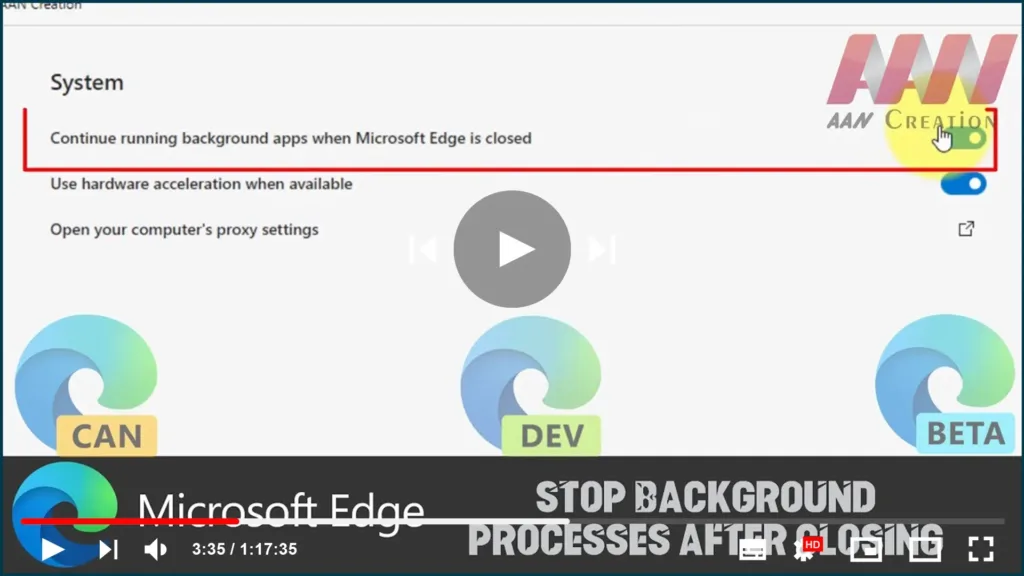
How to Stop Background Processes After Closing on Microsoft Edge Chromium

Edge Browser, extensions & other features can remain the edge app running in the background even after it’s closed. While this may not be a problem for most desktop PCs, it could be a problem for laptops and low-end devices as these background processes can increase battery consumption and memory usage. If we’re using the […]

How to Stop Background Processes After Closing on Microsoft Edge Chromium Read More »
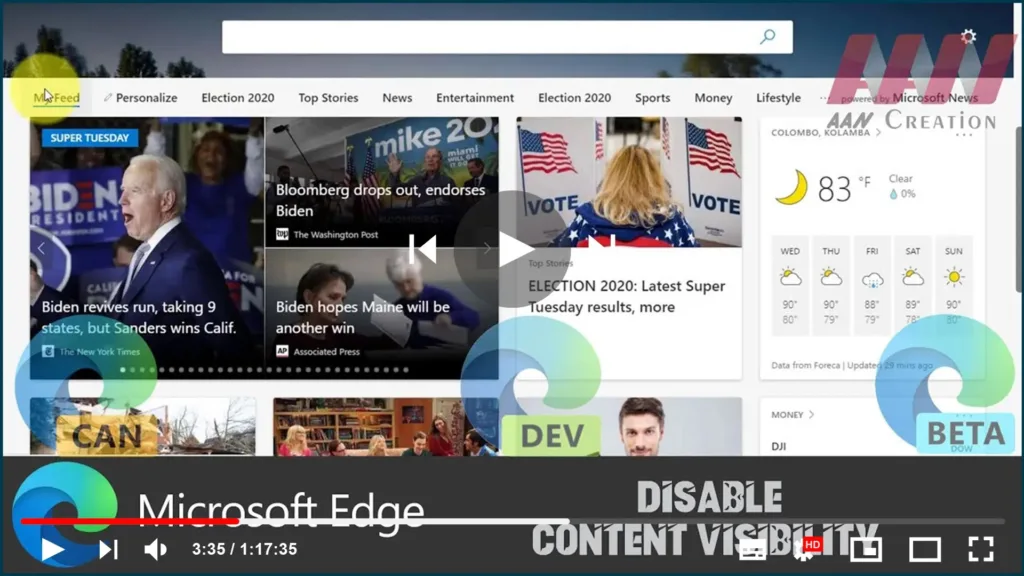
How to Disable Content Visibility in Microsoft Edge Chromium

Microsoft Edge (Chromium) browser continues to carry the same name but is equipped with a host of new features and tools for developers. The new browser has been built in an entirely different way and therefore, offers some exciting tweaks that intend to make the experience somewhat better. For example, you might have noticed when

How to Disable Content Visibility in Microsoft Edge Chromium Read More »
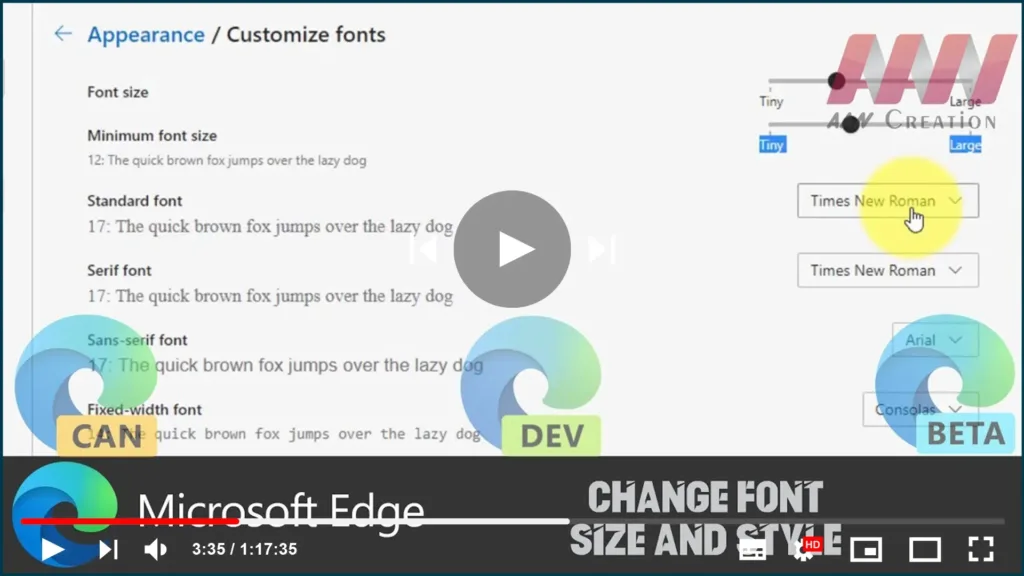
How to Change Font Size and Style in Microsoft Edge Chromium

The newest browser from Microsoft, Chromium-based Microsoft Edge, allows changing the default font size and font style the browser should use when a website doesn’t come with its definition. In this guide, you’ll learn the steps to change the font size and customize the font style in the Chromium-based Microsoft Edge. Use these steps to

How to Change Font Size and Style in Microsoft Edge Chromium Read More »
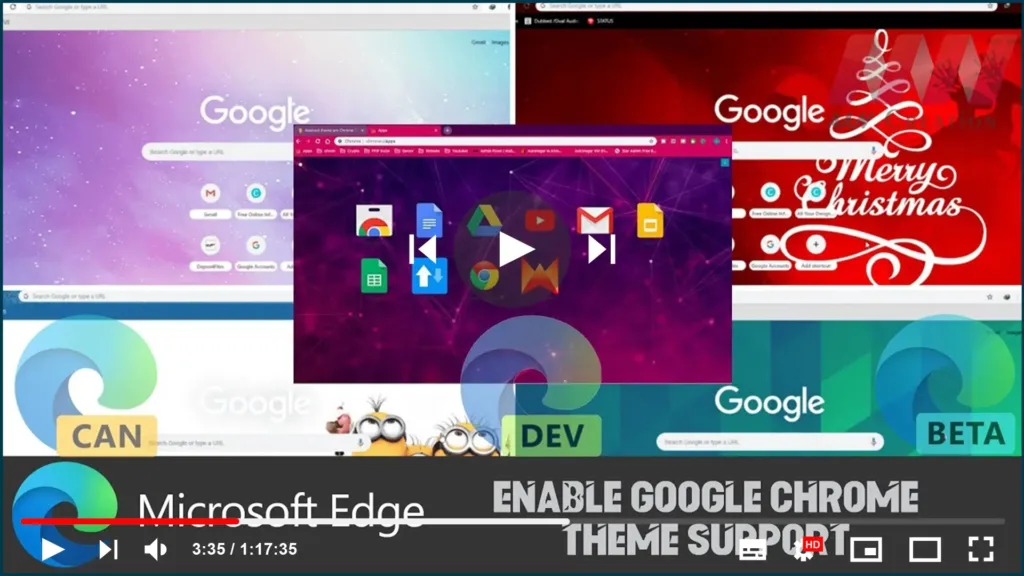
How to Enable Google Chrome Theme Support in Edge Chromium

The ability to install and apply Google Chrome themes has been added to Microsoft Edge. By installing the latest build from the Canary branch of the browser, you can make Edge use your favorite Chrome theme. Starting in Microsoft Edge Canary’s latest version, you can make Edge use Chrome themes. This requires a shortcut modification,

How to Enable Google Chrome Theme Support in Edge Chromium Read More »

How to Enable DNS over HTTPS (DoH) in Microsoft Edge Chromium

For those who are not familiar with DoH, DNS-over-HTTPS is a relatively young web protocol, implement about two years ago. It is intended to improve user privacy and security by preventing eavesdropping and manipulation of DNS data by man-in-the-middle attacks by encrypting the data using the HTTPS protocol. between the DoH client and the DNS

How to Enable DNS over HTTPS (DoH) in Microsoft Edge Chromium Read More »
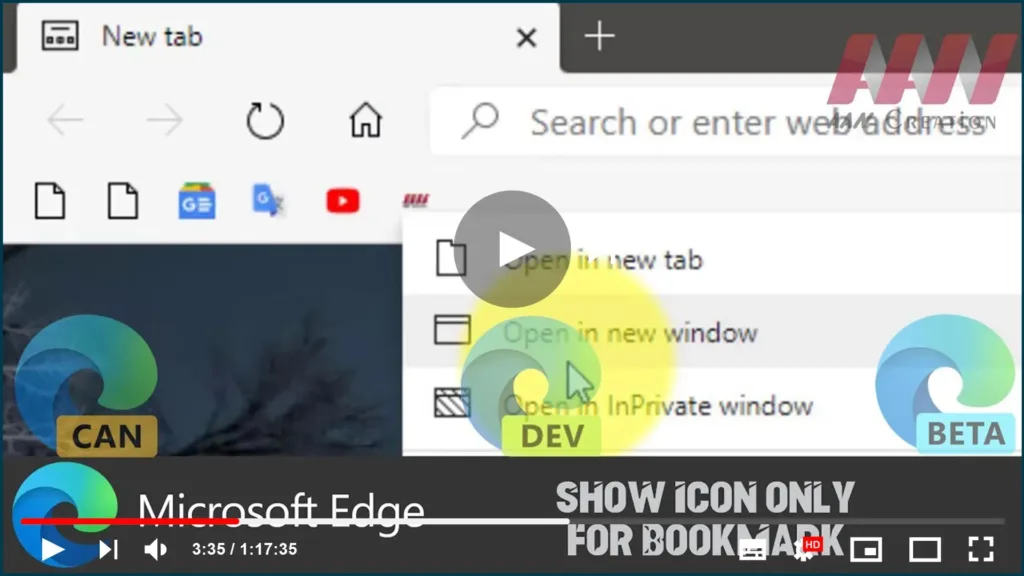
How to Show Icon Only for Bookmark in Microsoft Edge Chromium

Another new feature is now available in Microsoft’s brand new Chromium-based Edge browser. For a bookmark in the favorites bar, you can enable icon-only mode. This feature must be already familiar to users of the classic Microsoft Edge app. In the Edge Chromium roadmap, Microsoft mentioned its intention to implement the same functionality in the

How to Show Icon Only for Bookmark in Microsoft Edge Chromium Read More »
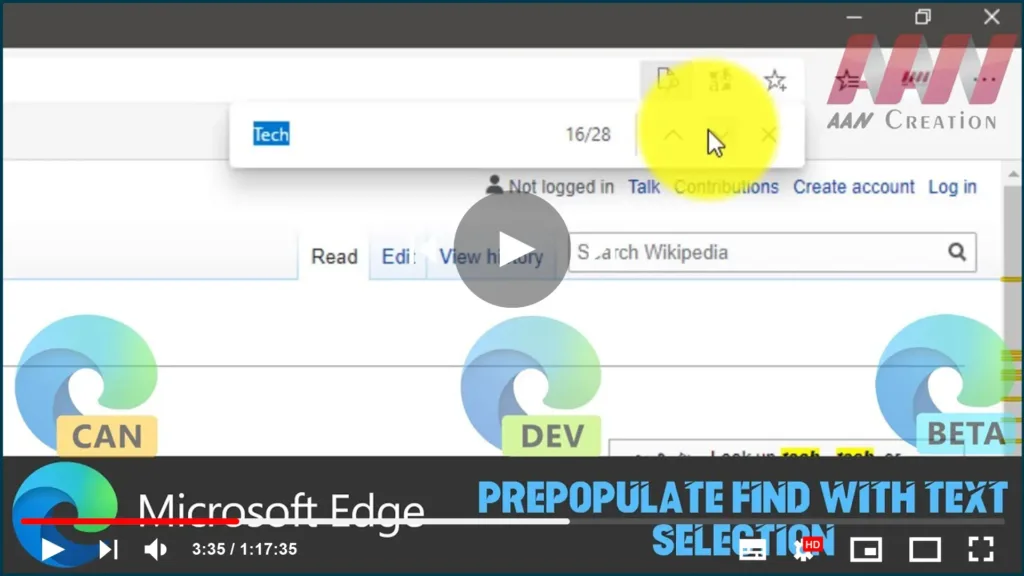
Prepopulate Find with Text Selection in Chromium Version of Microsoft Edge

Another interesting feature is available on Microsoft Edge chromium. If you select a text on a page, it will be automatically inserted into the Find text box once you press Control + F. In this guide, you’ll learn the steps to How to Prepopulate Find with Text Selection in Chromium Version of Microsoft Edge. 01.

Prepopulate Find with Text Selection in Chromium Version of Microsoft Edge Read More »

How to Enable Windows Spellchecker in Chromium Version of Microsoft Edge

As you may recall, Microsoft has made efforts to add the ability to use the built-in spell checker in Windows in Chromium-based browsers. First introduced in Chrome Canary, this new feature has finally reached Microsoft Edge Chromium. In addition to the default Hunspell spellchecker, the Microsoft team has made the native Windows Spellchecker available in

How to Enable Windows Spellchecker in Chromium Version of Microsoft Edge Read More »

How to Enable IE Mode in Chromium Version of Microsoft Edge

The IE Mode feature first appeared in Edge’s most recent build. It launched a new tab that simply redirected the URL to the Internet Explorer browser. Starting in the latest Dev build, the ability to open websites in Internet Explorer mode was finally working properly in a new tab inside the Edge browser. By setting

How to Enable IE Mode in Chromium Version of Microsoft Edge Read More »