How-to

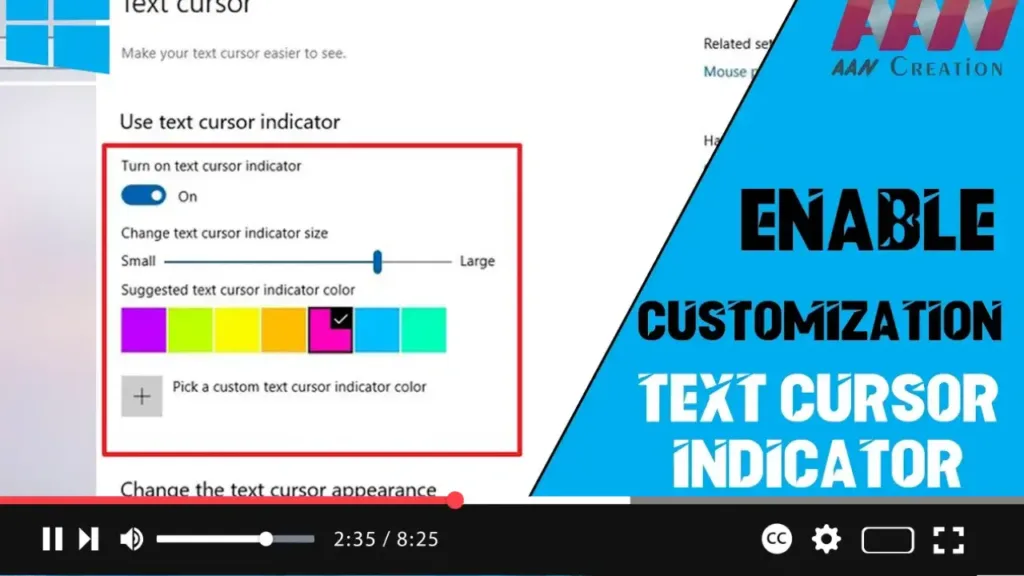
How to Customize the Text Cursor Indicator on Windows 10 for Better Visibility

  When working with text on Windows 10, especially in lengthy documents or during presentations, finding the small blinking text cursor can be challenging. Recognizing this issue, Microsoft introduced a new “text cursor indicator” feature in Windows 10 version 2004. This feature allows users to customize the cursor’s size and color for better visibility, making

How to Customize the Text Cursor Indicator on Windows 10 for Better Visibility Read More »

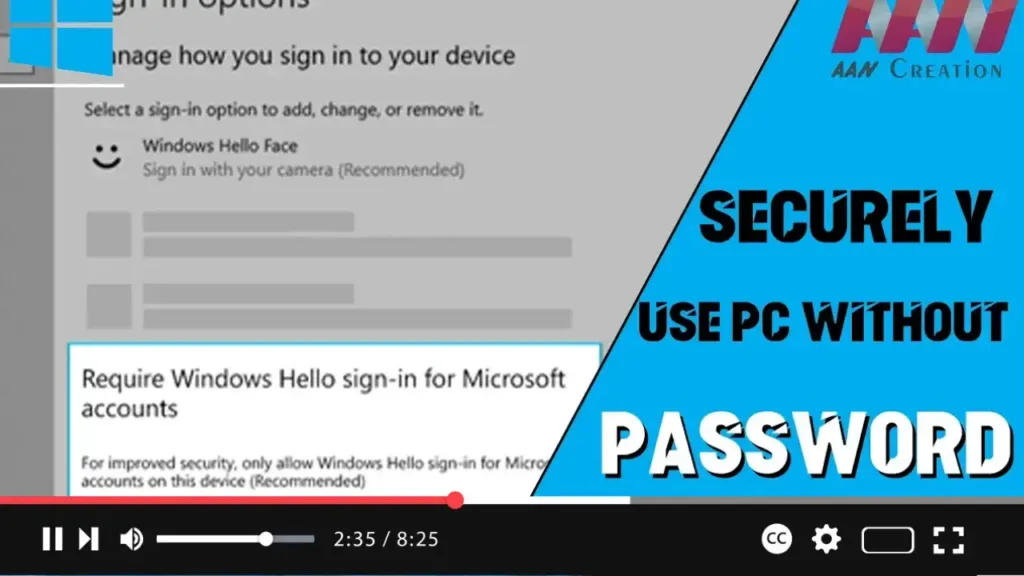
How to Replace the Password with Windows Hello Authentication on Windows 10

  Windows 10 offers biometric authentication through Windows Hello, enabling users to sign in without a password. With version 2004, Microsoft has introduced a feature to make devices completely passwordless. The “Require Windows Hello sign-in for Microsoft account” feature allows switching all Microsoft accounts on your device to Windows Hello’s modern authentication methods. In this

How to Replace the Password with Windows Hello Authentication on Windows 10 Read More »

How to Rename a Virtual Desktop in Windows 10 Version 2004

  Windows 10’s Task View feature allows users to create and manage virtual desktops, helping to organize apps and open windows effectively. With version 2004, Windows 10 has introduced the ability to rename virtual desktops. Follow these steps to rename a virtual desktop. In this video, you’ll learn the steps to rename a virtual desktop

How to Rename a Virtual Desktop in Windows 10 Version 2004 Read More »

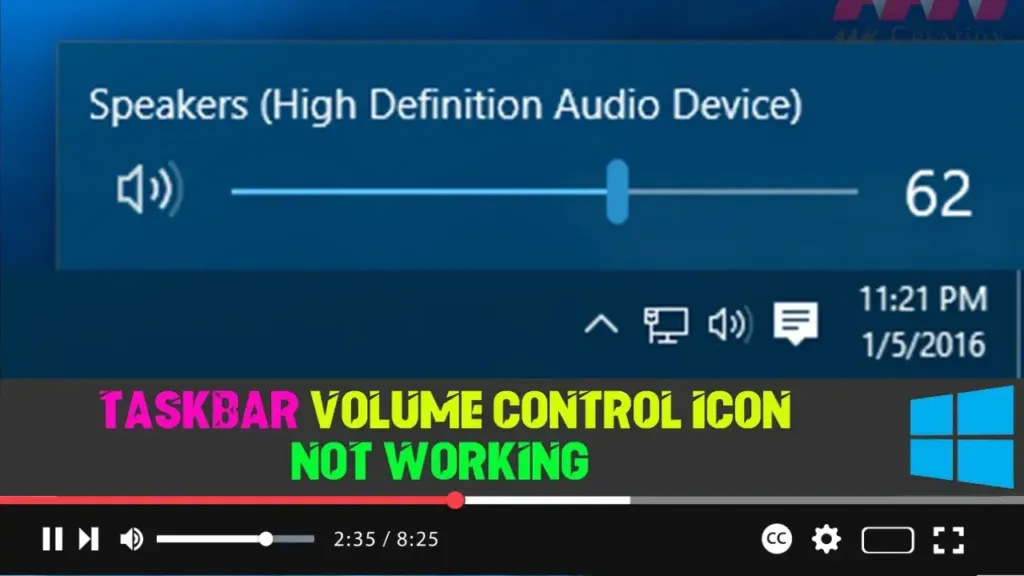
How to Fix Windows 10 Taskbar Volume Control Icon Not Working

  The Volume Control icon in the system tray is the quickest way to control the volume on Windows 10. However, after a recent update or software installation, it might stop responding to mouse clicks. If the icon highlights and shows the volume level when you hover over it but doesn’t respond to clicks, here’s

How to Fix Windows 10 Taskbar Volume Control Icon Not Working Read More »

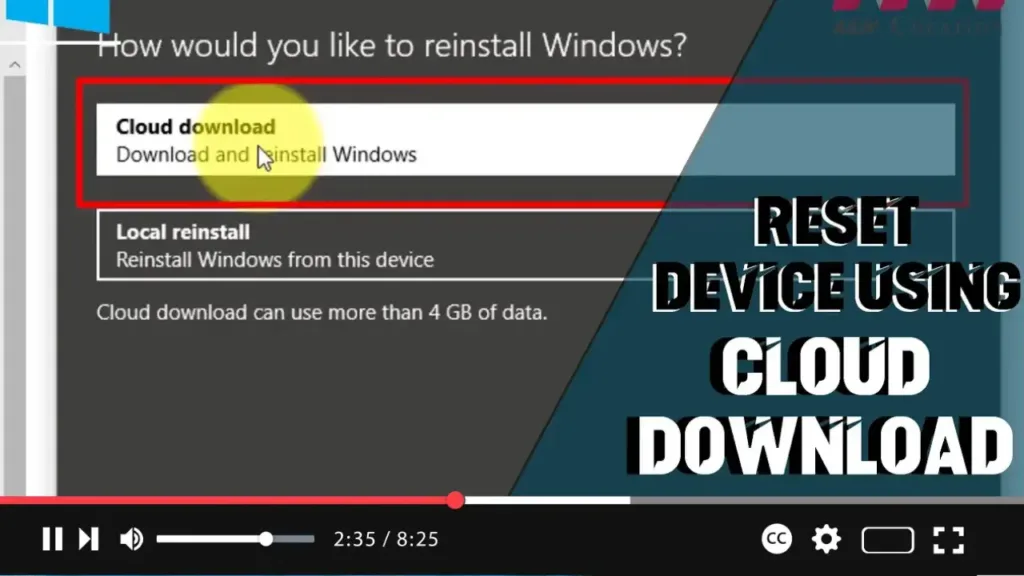
How to Use the Cloud Download Option to Reset Your Windows 10 PC

  When your Windows 10 device is experiencing issues, you can use the “Reset this PC” feature to restore it to factory default settings using the manufacturer’s custom or default Windows 10 image available locally. However, if the local image is corrupted, you can use the new “Cloud Download” option introduced in Windows 10 version

How to Use the Cloud Download Option to Reset Your Windows 10 PC Read More »

How to Enable Windows Subsystem for Linux (WSL) Using Settings on Windows 10

 The Windows Subsystem for Linux (WSL) allows developers to run a GNU/Linux environment directly on Windows, unmodified, without the overhead of a virtual machine. Enabling WSL through the Settings app in Windows 10 is a straightforward process. Follow these steps to get WSL up and running on your system. Introduction Enabling the Windows Subsystem for

How to Enable Windows Subsystem for Linux (WSL) Using Settings on Windows 10 Read More »

How to Enable Virtual Machine Platform on Windows 10

The Virtual Machine Platform is a feature introduced by Microsoft on Windows 10. While Hyper-V is available for virtualization and is highly effective, the Virtual Machine Platform can be used to handle MSIX package tools on Windows 10. Follow these steps to enable this feature. Introduction Enabling the Virtual Machine Platform on Windows 10 enhances

How to Enable Virtual Machine Platform on Windows 10 Read More »

How to Open Microsoft Edge Always InPrivate Mode on Windows 10

  To enhance your online privacy, you can set Microsoft Edge to always start in InPrivate mode. This feature prevents Edge from saving your browsing history, cookies, site data, passwords, addresses, and form data during a session. When you close an InPrivate session, Edge deletes all your browsing information from that session, reducing the amount

How to Open Microsoft Edge Always InPrivate Mode on Windows 10 Read More »

How to Prevent Search Indexer from Affecting Performance on Windows 10

  Windows 10 includes an essential feature called the Windows Search indexer, which helps speed up searches by indexing all the contents stored on your device. This includes metadata, text, filenames, and extensions. However, the indexing process can sometimes lead to performance issues, prompting many users to disable the feature entirely. To address this, Microsoft

How to Prevent Search Indexer from Affecting Performance on Windows 10 Read More »