How-to

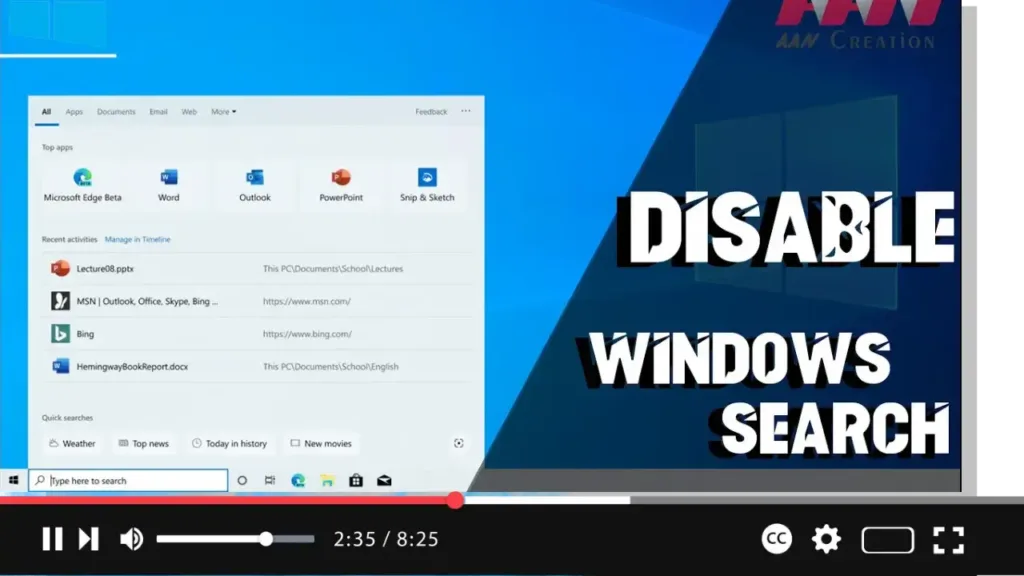
How To Disable Windows Search in Windows 10

  Windows Search is a crucial tool for finding files and applications on your Windows PC. It uses indexing to create a table of contents for the files stored on your computer, allowing for faster search results. However, indexing can consume significant system resources, prompting some users to consider disabling Windows Search. Introduction Disabling Windows […]

How To Disable Windows Search in Windows 10 Read More »

How to Enable or Disable Indexing of Network Locations in Photos in Windows 10

  Windows 10 includes a built-in Photos app that has replaced the older Windows Photo Viewer and Photo Gallery. The Photos app is integrated with Microsoft’s OneDrive cloud solution, allowing you to view and perform basic editing on your images. With recent updates, the Photos app has gained the ability to index network locations for

How to Enable or Disable Indexing of Network Locations in Photos in Windows 10 Read More »

How to Block Potentially Unwanted Applications in Microsoft Defender Antivirus on Windows 10

  In Windows 10, Microsoft Defender Antivirus offers robust protection against viruses, ransomware, spyware, and other forms of malware. Starting with the May 2020 Update (version 2004), Windows Security introduced a feature to protect your system against potentially unwanted applications (PUAs). PUAs are low-reputation apps that may cause unexpected behaviors on Windows 10, such as

How to Block Potentially Unwanted Applications in Microsoft Defender Antivirus on Windows 10 Read More »

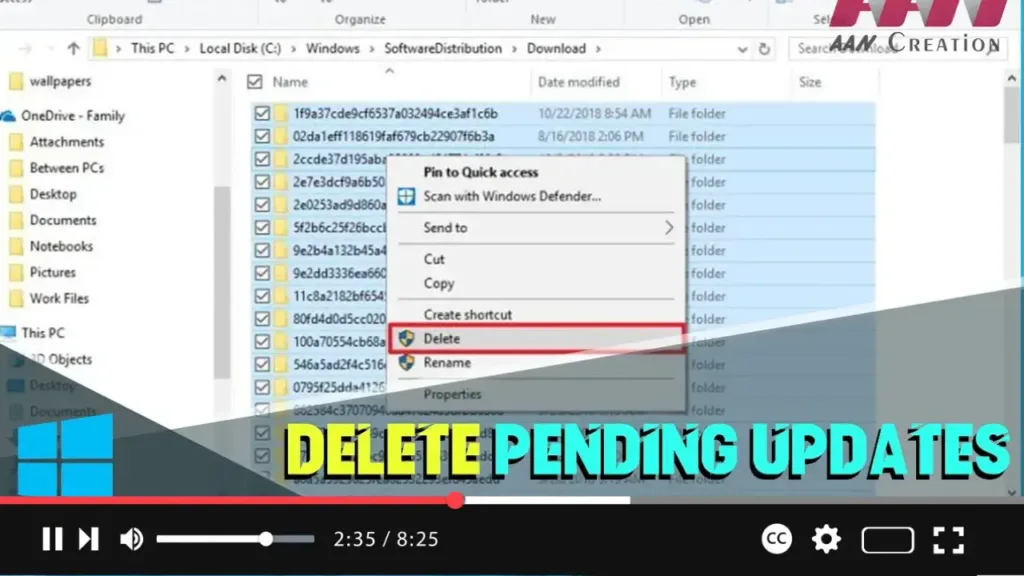
How to Delete Pending Updates on Windows 10

  Windows 10 updates are essential for system stability, security, and performance improvements. However, sometimes the installation of cumulative updates can cause problems due to file corruption, compatibility issues, or unknown bugs. If you’re having trouble installing a Windows update or want to avoid a problematic patch, you can delete the pending updates. This process

How to Delete Pending Updates on Windows 10 Read More »

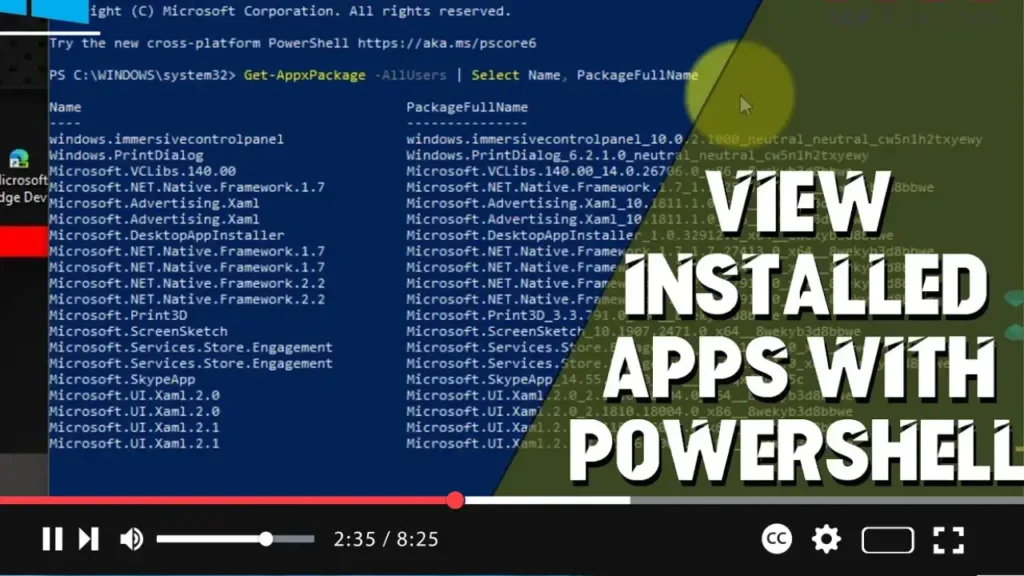
How to View Installed Apps with PowerShell on Windows 10

  PowerShell is a powerful command-line tool that allows you to manage and automate various system tasks on Windows 10. One useful capability of PowerShell is to list all installed applications on your computer. This guide will show you how to use PowerShell to view installed apps on Windows 10. Introduction Using PowerShell to view

How to View Installed Apps with PowerShell on Windows 10 Read More »

How to Show Full URL in Address Bar on Chrome Browser

  Google Chrome, by default, hides the “http://” or “https://” and “www” parts of URLs in the address bar. This can be less convenient for users who prefer seeing the full URL for clarity and security reasons. Fortunately, you can configure Chrome to display the full URL in the address bar. This guide will show

How to Show Full URL in Address Bar on Chrome Browser Read More »

How to Export Saved Passwords on Google Chrome Browser

  Exporting saved passwords from Google Chrome can be useful for creating backups, transferring to another browser, or importing into a password manager. This guide will walk you through the steps to export saved passwords from Google Chrome on Windows 10. Introduction Google Chrome provides a built-in feature that allows you to export your saved

How to Export Saved Passwords on Google Chrome Browser Read More »

How to Enable Dark Mode for Web Content in Google Chrome Browser

  Dark Mode is a popular feature that changes the color scheme of web pages to dark tones, reducing eye strain and making browsing more comfortable, especially in low-light environments. Enabling Dark Mode for web content in Google Chrome allows you to enjoy this feature across all websites you visit. This guide will walk you

How to Enable Dark Mode for Web Content in Google Chrome Browser Read More »