Microsoft Edge Web Browser

How to Enable Read Aloud for PDF Files in Microsoft Edge Chromium

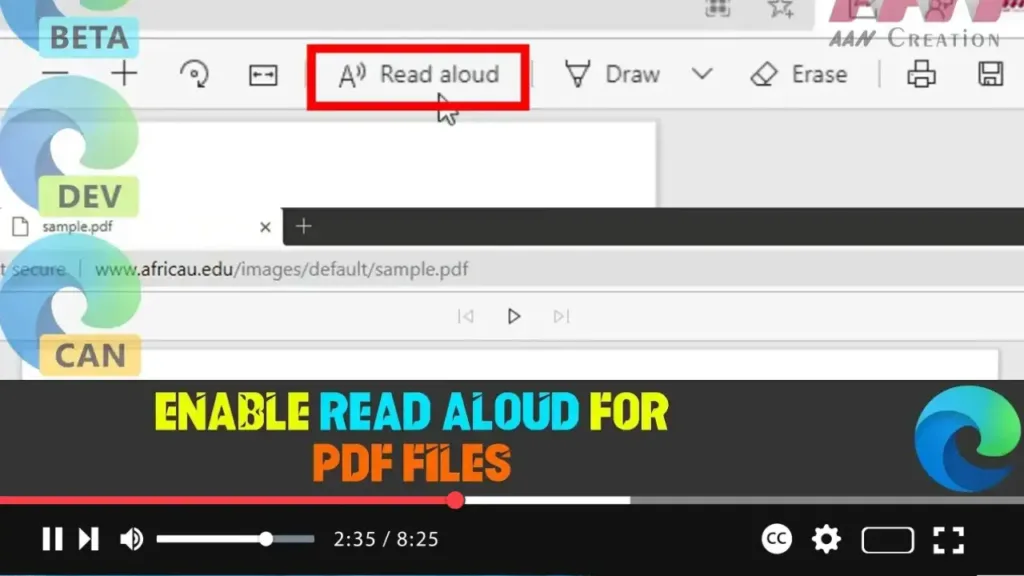
Microsoft Edge Chromium has enhanced its built-in Read Aloud feature, allowing users to have PDF content read aloud directly in the browser. This feature is particularly useful for accessibility purposes, such as assisting users with visual impairments or those who prefer auditory learning. The Read Aloud feature for PDFs is currently experimental and hidden behind […]

How to Enable Read Aloud for PDF Files in Microsoft Edge Chromium Read More »
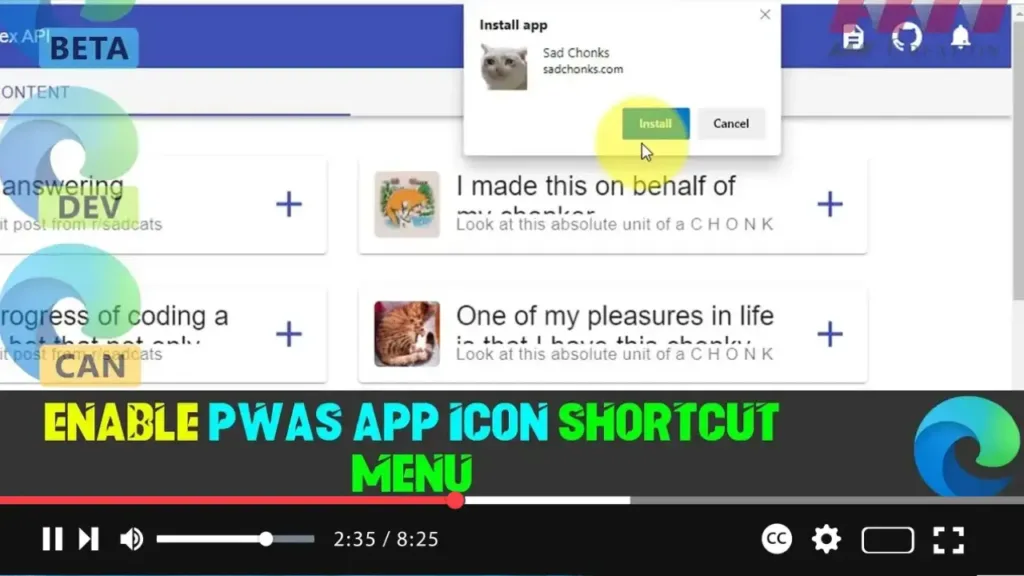
How to Enable PWAs App Icon Shortcut Menu in Microsoft Edge Chromium

Progressive Web Applications (PWAs) are gaining traction as they offer a seamless app-like experience on the web. Recently, both Google Chrome and Microsoft Edge Chromium have introduced a feature that allows PWAs to have a shortcut menu entry for their tasks. This feature enhances the usability of PWAs by providing quick access to certain functions

How to Enable PWAs App Icon Shortcut Menu in Microsoft Edge Chromium Read More »
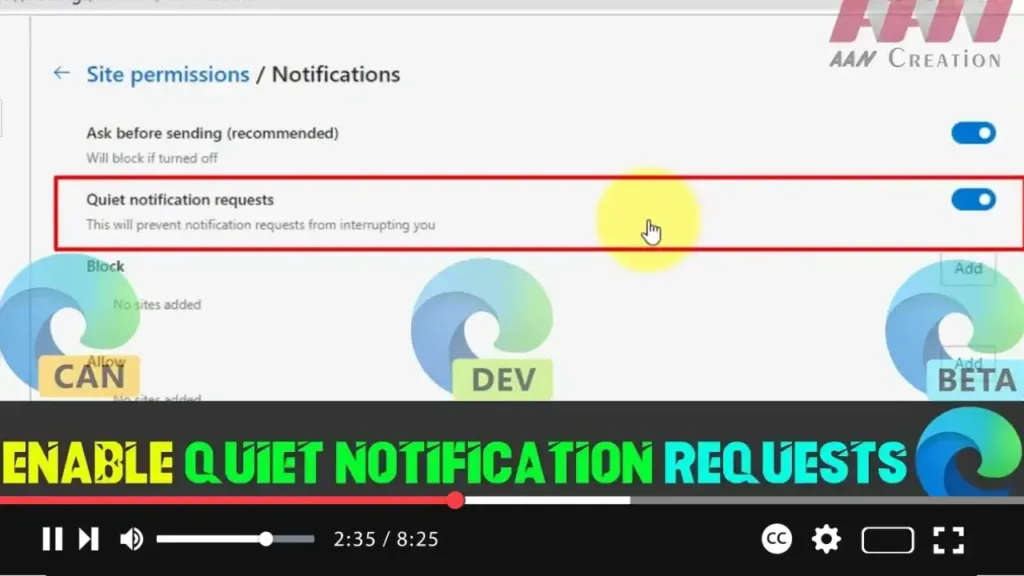
How to Enable Quiet Notification Requests in Microsoft Edge Chromium

Web notifications can be useful, but sometimes they get out of hand, especially when websites constantly ask for permission to send notifications. Fortunately, Microsoft Edge has introduced a helpful feature called Quiet Notification Requests, which minimizes the number of notification permission pop-ups you see. This new system is designed to suppress intrusive requests, especially from

How to Enable Quiet Notification Requests in Microsoft Edge Chromium Read More »
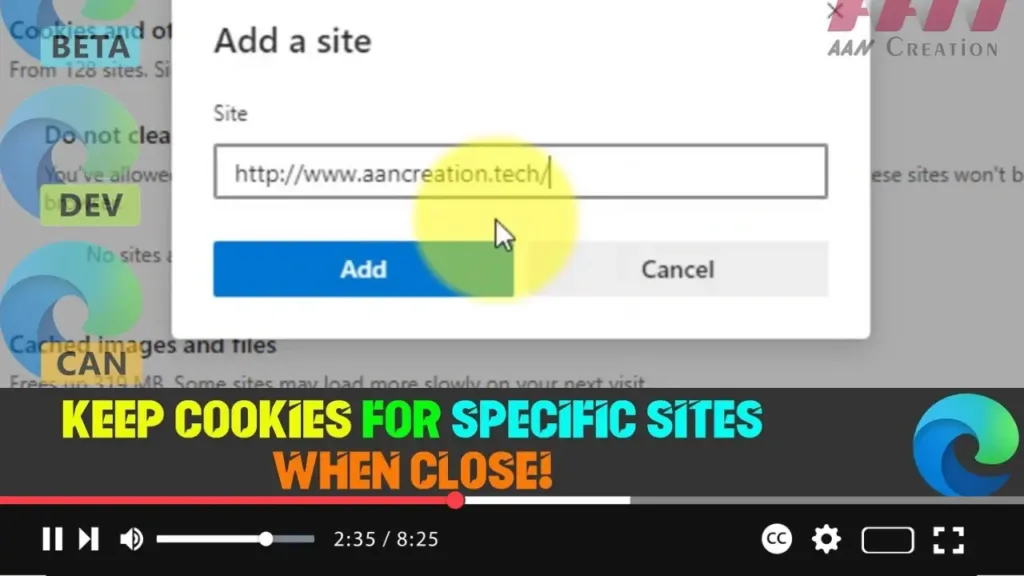
How to Keep Cookies for Specific Sites When Close Microsoft Edge Chromium

Managing cookies in Microsoft Edge Chromium has become more flexible, allowing users to preserve cookies for particular websites even after the browser is closed. This feature can be especially useful if you want certain sites, such as frequently visited platforms, to retain your login or preferences, while still having the rest of your browsing history

How to Keep Cookies for Specific Sites When Close Microsoft Edge Chromium Read More »
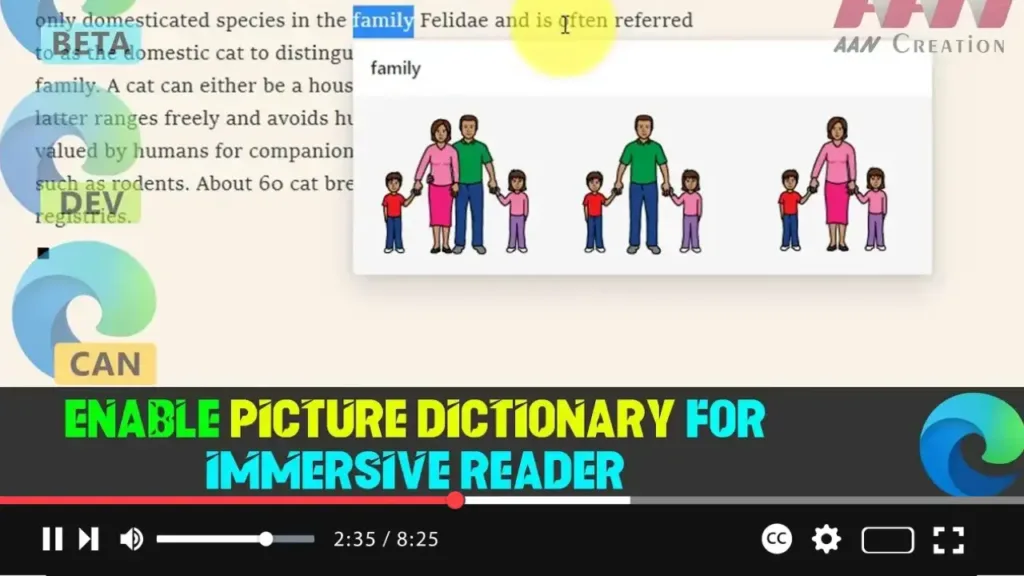
How to Enable Picture Dictionary for Immersive Reader in Microsoft Edge Chromium (Canary Build)

The Canary build of Microsoft Edge Chromium introduces an exciting new feature called the Picture Dictionary. This feature displays expressive images that provide a visual definition for chosen words, enhancing the reading experience within the Immersive Reader mode. Although the Picture Dictionary is hidden behind a feature flag, it’s easy to enable and use. Here’s

How to Enable Picture Dictionary for Immersive Reader in Microsoft Edge Chromium (Canary Build) Read More »

How to Enable Focus Mode in Microsoft Edge Chromium for Distraction-Free Browsing

Microsoft Edge Chromium introduces a unique feature called Focus Mode, designed to provide a clean, distraction-free browsing experience. Focus Mode strips away unnecessary elements like the address bar and favorites bar, leaving only the content of the web page you’re viewing. It opens the tab in a minimalist window, ideal for anyone who wants a

How to Enable Focus Mode in Microsoft Edge Chromium for Distraction-Free Browsing Read More »

How to Set Default Zoom for All Pages in Microsoft Edge Chromium

When we’re browsing the website, sometimes it can be difficult to view and read a website. Some websites have small fonts and are hard to read without zoom-in. Edge browser Chromium lets us set an overall default zoom level or set it individually per website. This is mostly helpful for those who have poor eyesight.

How to Set Default Zoom for All Pages in Microsoft Edge Chromium Read More »
How to Add or Remove Feedback Button in Microsoft Edge Chromium

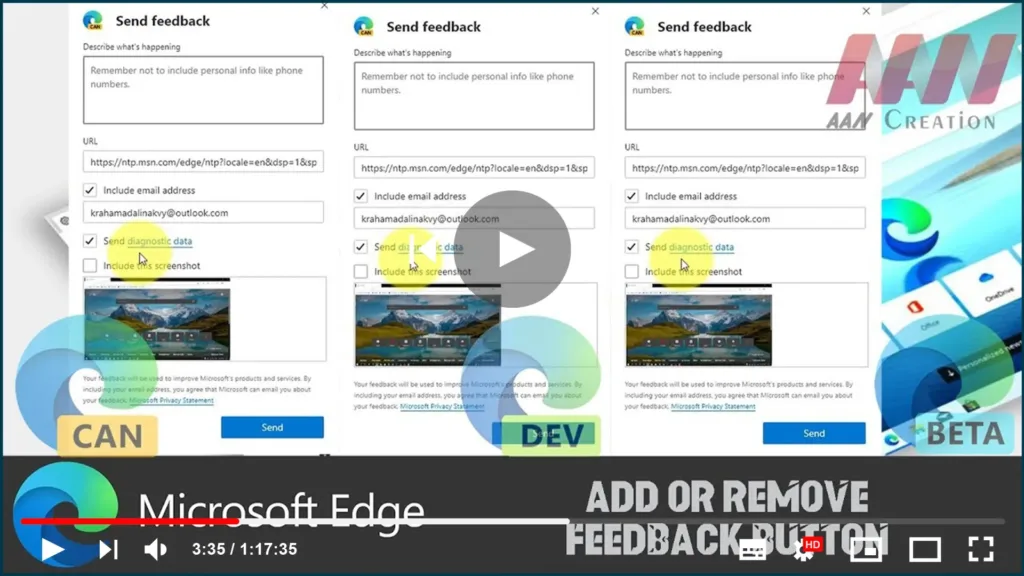
The Microsoft Edge browser, which is built on Chromium, includes a feedback button on the toolbar that allows you to send feedback with a single click. Because some users prefer to remove that button, Microsoft has added a number of options to the browser. Microsoft Edge is now a Chromium-based browser with exclusive features like

How to Add or Remove Feedback Button in Microsoft Edge Chromium Read More »
How to Enable or Disable Automatic Profile Switching In Microsoft Edge Chromium

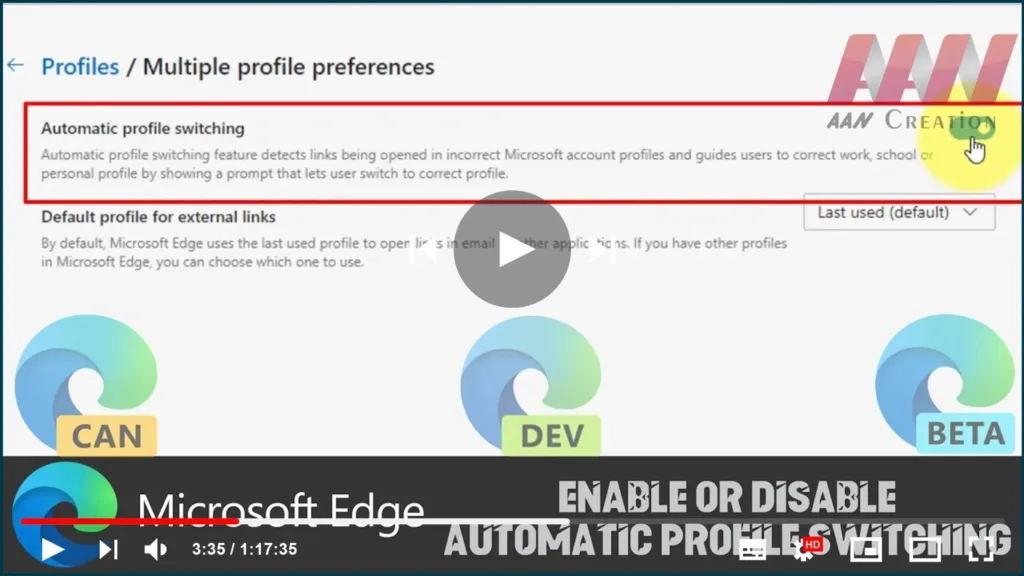
Microsoft Edge has received a new feature. It is able to detect if a link is being opened in the wrong Microsoft Account profile and hits the user to select the proper browser profile to open it. The addition is useful for users having multiple profiles in Microsoft Edge Chromium. As we may already know,

How to Enable or Disable Automatic Profile Switching In Microsoft Edge Chromium Read More »