Microsoft Edge Web Browser

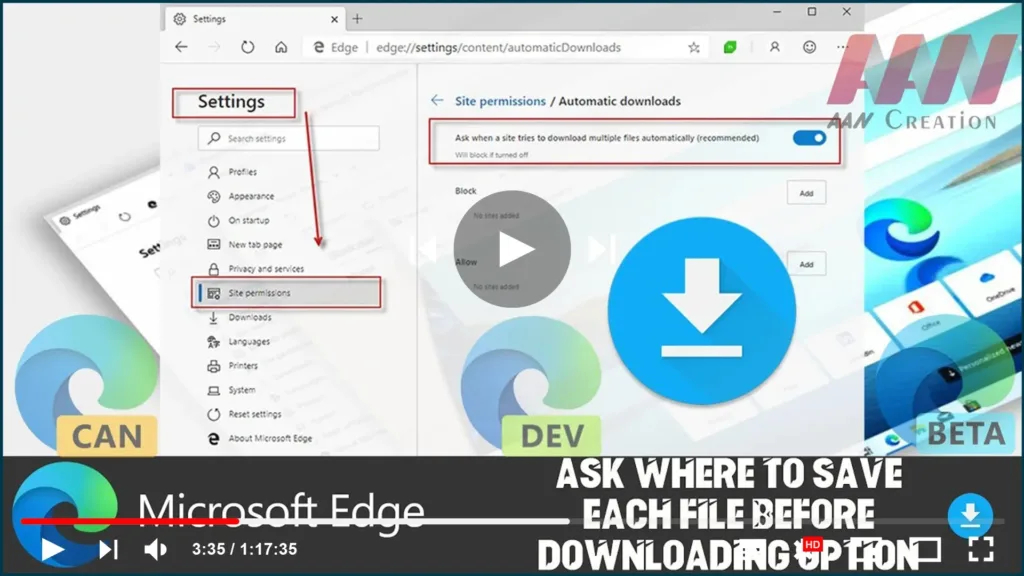
How to Make the Edge Chromium Browser Always Ask Where to Save Each File Before Downloading

Microsoft Edge saves the files you download by default to your downloads folder, which is usually set to C:Usersyou user nameDownloads. You might want to change its behavior so that it prompts you for a location to save each file you download. In this guide, you’ll learn the steps to how to make the Edge […]
How to Make the Edge Chromium Browser Always Ask Where to Save Each File Before Downloading Read More »

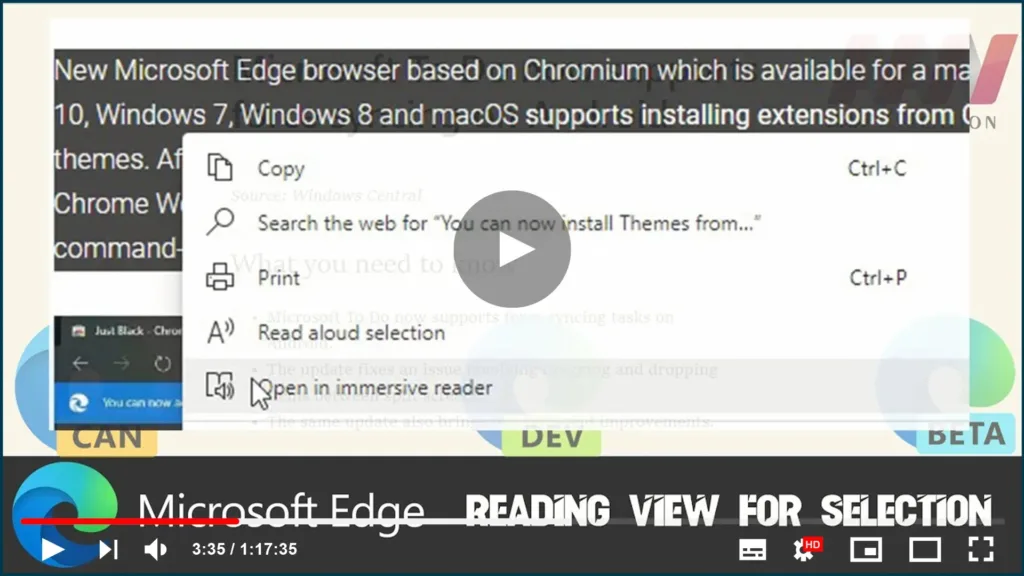
How to Enable & Use Reading View for Selection on Chromium Version of Microsoft Edge

Yet another interesting option made its appearance in the Dev and Canary version of Microsoft Edge Chromium. With the latest build, you can now select a text and send it to an ‘immersive reader’. This feature is quite useful when you are reading a paragraph on a website with a design that makes it hard

How to Enable & Use Reading View for Selection on Chromium Version of Microsoft Edge Read More »

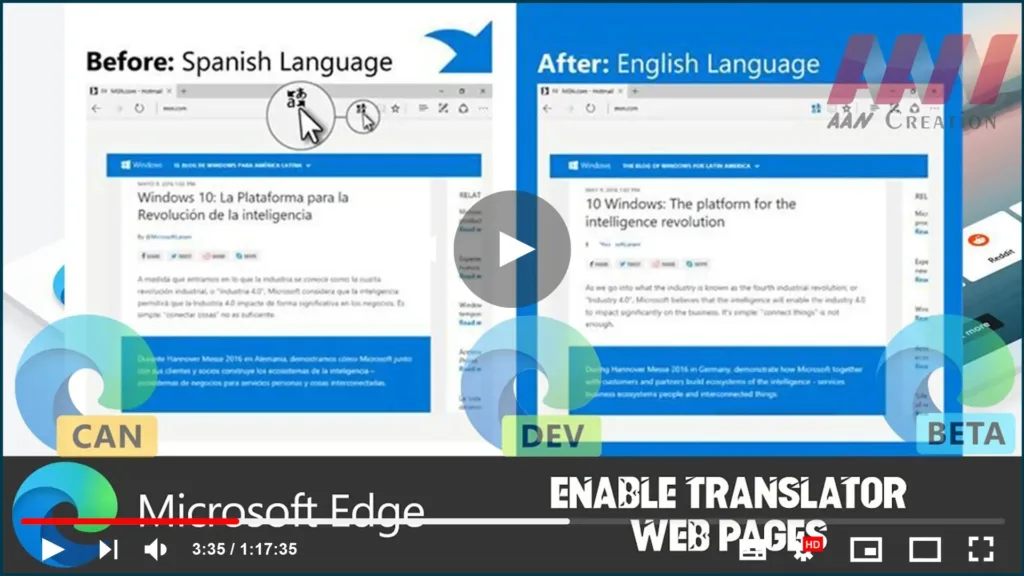
How to Enable Translator on Chromium Version of Microsoft Edge

Earlier versions of Edge (primarily old ones) don’t have any native option to translate web pages. In those days, the company had brought a separate extension that integrates the Translator with the web browser. When you load a web page in a language other than the default, this built-in translation service works quite well. Just

How to Enable Translator on Chromium Version of Microsoft Edge Read More »

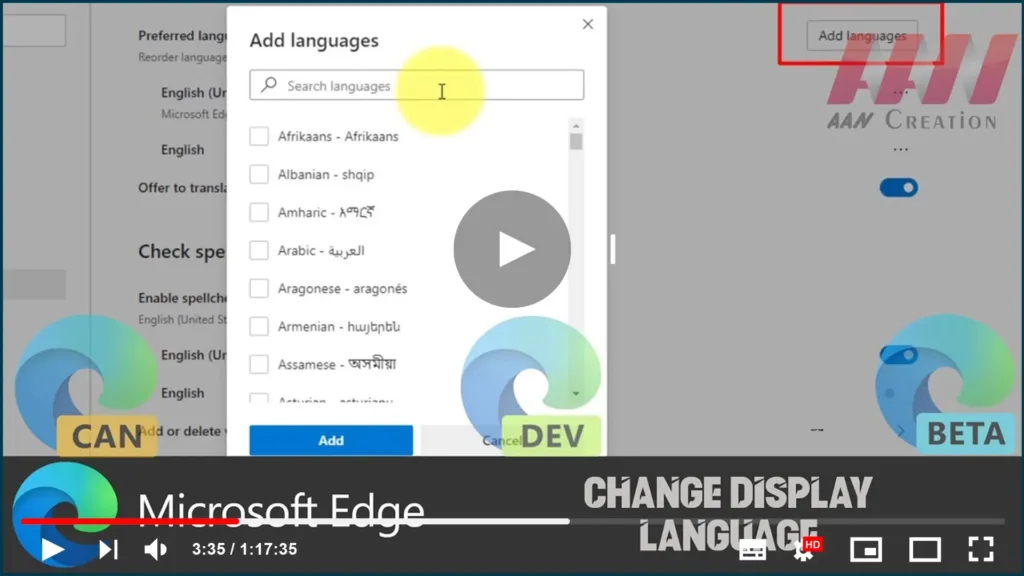
How to Change Display Language on Chromium Version of Microsoft Edge

On Windows 10, the new Microsoft Edge based on Google’s Chromium engine allows you to install additional languages to change the default display language across the experience (including settings and messages) to match the language you understand. The ability to add additional language packages also allows the browser to check spelling in multiple languages. In

How to Change Display Language on Chromium Version of Microsoft Edge Read More »

How to import Chrome Bookmarks & Settings on Chromium Version of Microsoft Edge

If you’ve been a Chrome user for a long time, and now, you want to switch, or at least you want to give Microsoft’s web browser a chance, Edge includes an option that makes it super easy to import Chrome bookmarks, browsing history, cookies, passwords, and other settings. In this guide, you’ll learn the steps

How to import Chrome Bookmarks & Settings on Chromium Version of Microsoft Edge Read More »

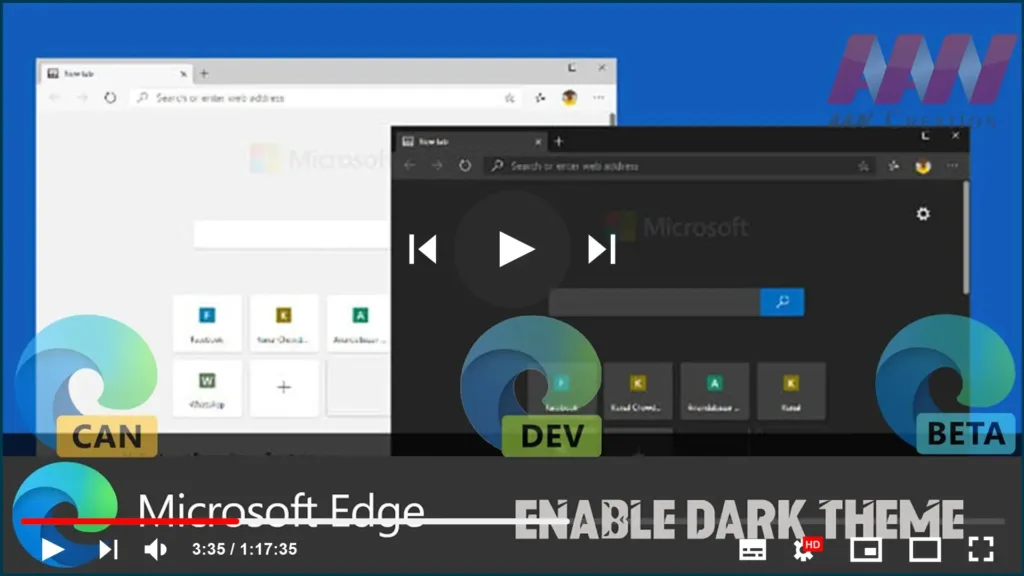
How to Enable Dark Theme on Chromium Version of Microsoft Edge

If you enable Windows 10’s dark theme, Microsoft Edge will activate a dark theme. If you’re running Windows 10 with the light theme and want Edge to run in dark mode, you’ll need to manually enable a theme in Edge’s application settings. Chromium Version of Microsoft Edge uses its default light theme, but you can

How to Enable Dark Theme on Chromium Version of Microsoft Edge Read More »

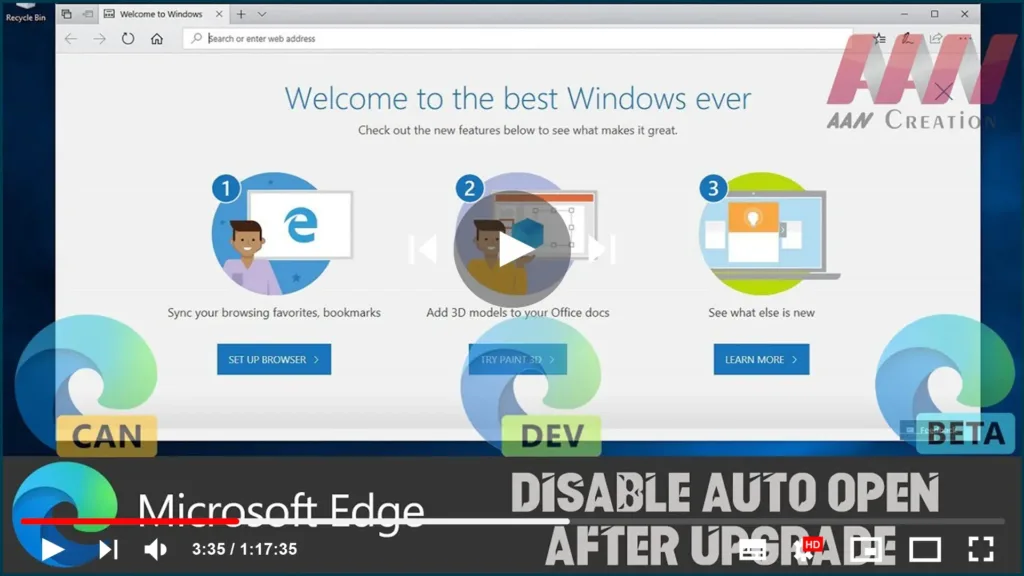
How to Disable Microsoft Edge Auto Open After Upgrade on Windows 10

On Windows 10, every time you upgrade to a new version, during the first sign-in after the installation, Microsoft Edge opens automatically and displays a welcome screen. While this “Windows welcome experience” may be useful to highlight new features, and more importantly it indicates that your device has been upgraded successfully, it’s not something that

How to Disable Microsoft Edge Auto Open After Upgrade on Windows 10 Read More »

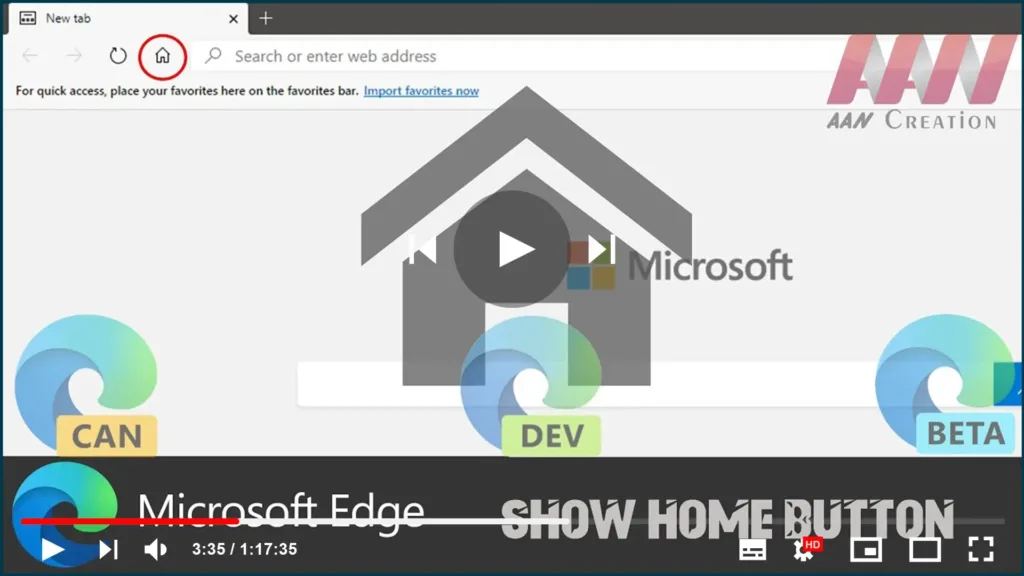
How to Show Home Button on Chromium Version of Microsoft Edge

Although the new version of Microsoft Edge is similar to the previous version of the browser for Windows 10, settings and some elements are scattered in different places. If you’re new to Edge Chromium, you’ve probably noticed that the home button is missing from the top bar, but that’s only because it’s a manually enabled

How to Show Home Button on Chromium Version of Microsoft Edge Read More »

How to Change the image on the Profile on Chromium Version of Microsoft Edge

On the Chromium version of Microsoft Edge, there are two ways to create a profile. You can create a profile using a local account, or you can set up a profile with a Microsoft account, which is the preferred method if you want to synchronize settings and data across devices. However, depending on the method,

How to Change the image on the Profile on Chromium Version of Microsoft Edge Read More »

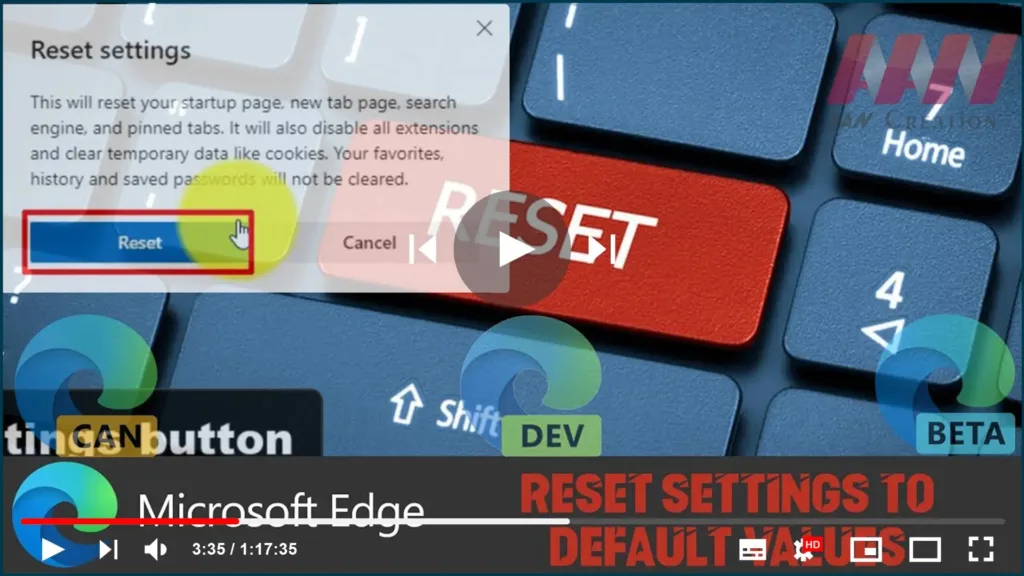
How to Reset Settings to Default Values on Chromium Version of Microsoft Edge

If you’re using the new Microsoft Edge browser based on the Chromium project, you can reset your settings at any time. You might need to do this if you’re experiencing issues, or when an extension or app modified your settings without your permission. This guide will teach you how to reset the settings on the

How to Reset Settings to Default Values on Chromium Version of Microsoft Edge Read More »