Microsoft Edge Web Browser

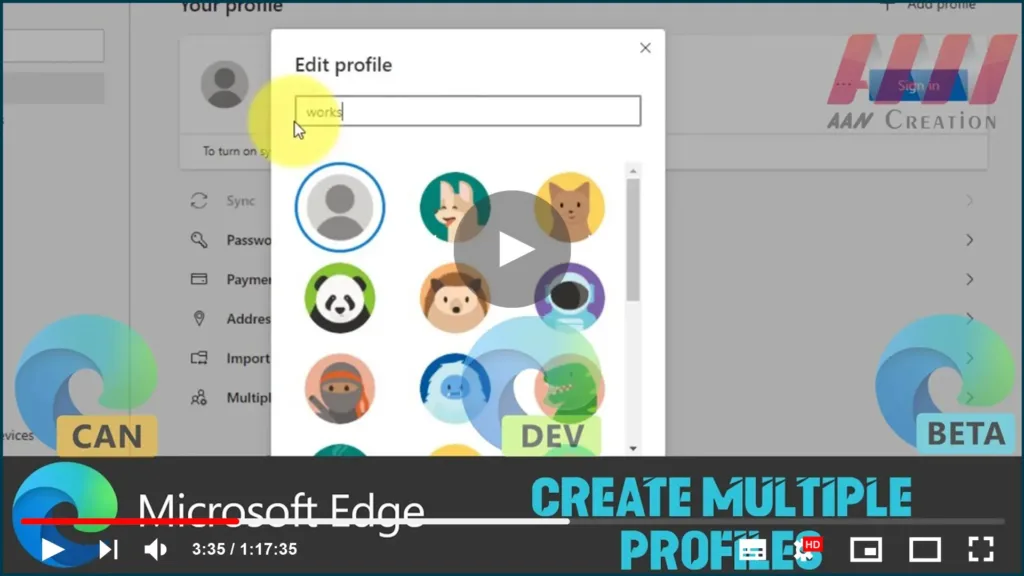
How to Create Multiple Profiles on Chromium Version of Microsoft Edge

Starting with the Chromium version of Microsoft Edge includes the ability to create multiple profiles. A profile is meant to allow you to share the web browser with other users without them interfering with information. Every profile you create keeps all of your information separate, including history, favorites, passwords, and other settings. In addition, support […]

How to Create Multiple Profiles on Chromium Version of Microsoft Edge Read More »
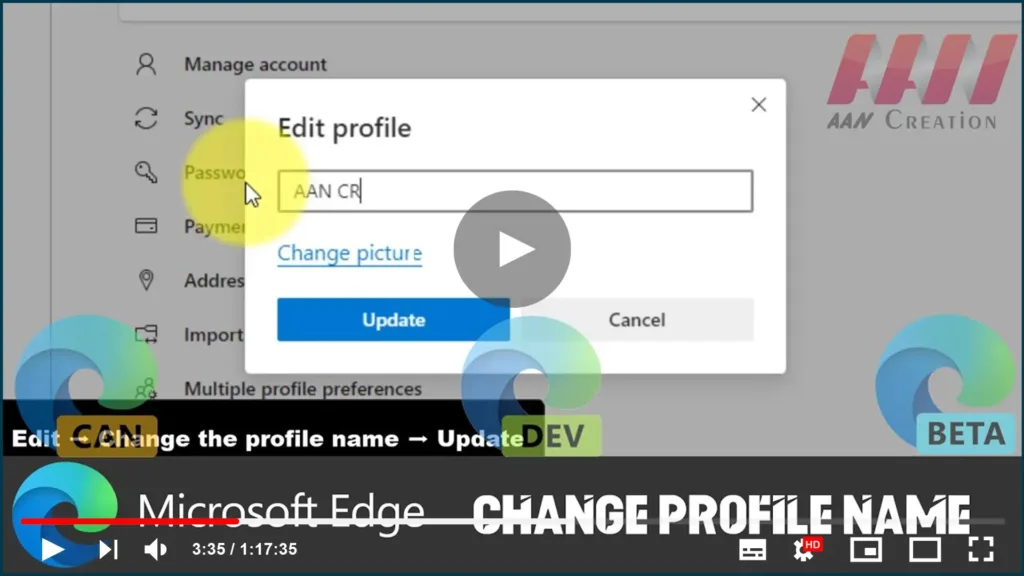
How to Change Profile Name on Chromium Version of Microsoft Edge

You can change the name of your Edge profile to whatever you want. Multiple profiles can be used in Microsoft Edge’s Chromium version. A profile enables you to share the web browser with other users while keeping your information private. Every profile you create separates all of your data, such as history, favorites, passwords, extensions,

How to Change Profile Name on Chromium Version of Microsoft Edge Read More »
How to Change the Startup Behavior of the Chromium Version of Microsoft Edge

The startup page of Microsoft Edge Chromium can be set to a new tab, the last session of tabs, or a specific group of pages. The Chromium version of Microsoft Edge on Windows 10 includes settings that allow you to customize the startup behavior. Although starting with a new tab is the default setting (and

How to Change the Startup Behavior of the Chromium Version of Microsoft Edge Read More »
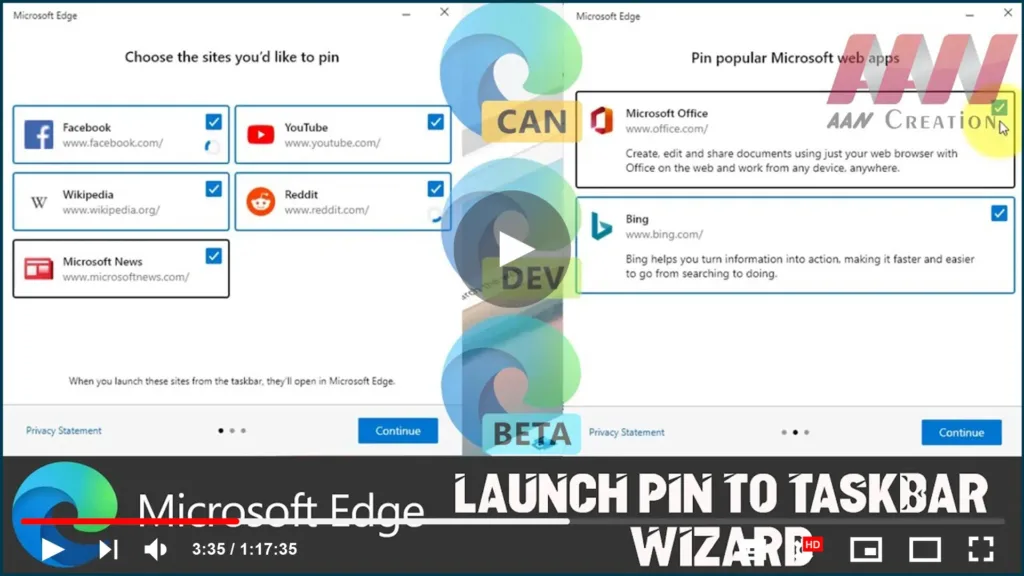
How to Pin Sites to Taskbar Using Wizard on Microsoft Edge Chromium

Aside from the ability to install virtually any website as a web app, the new version of Microsoft Edge based on the Chromium engine includes an option to pin suggested websites using a guided wizard. In this guide, you’ll learn how to use Microsoft Edge to pin websites as web apps in the taskbar on

How to Pin Sites to Taskbar Using Wizard on Microsoft Edge Chromium Read More »

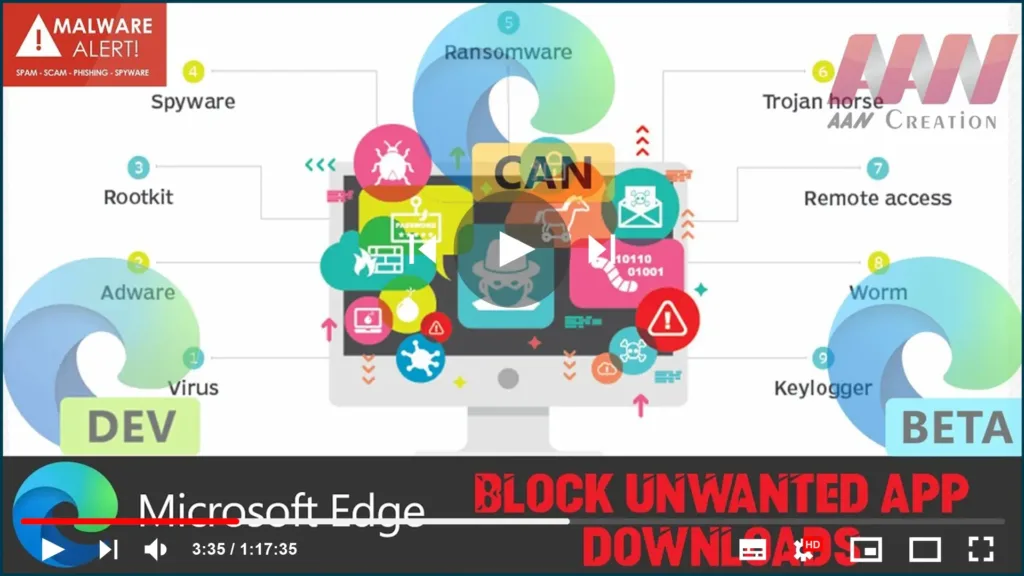
How to Block Unwanted App Downloads on Chromium Version of Microsoft Edge

Microsoft Edge can now prevent potentially harmful apps from being downloaded to your device. Although the Chromium version of Microsoft Edge already ships with the “Microsoft Defender SmartScreen” feature to prevent malicious websites and downloads from hijacking your device, Microsoft is now introducing a new feature to block unwanted apps from downloading using the browser.

How to Block Unwanted App Downloads on Chromium Version of Microsoft Edge Read More »
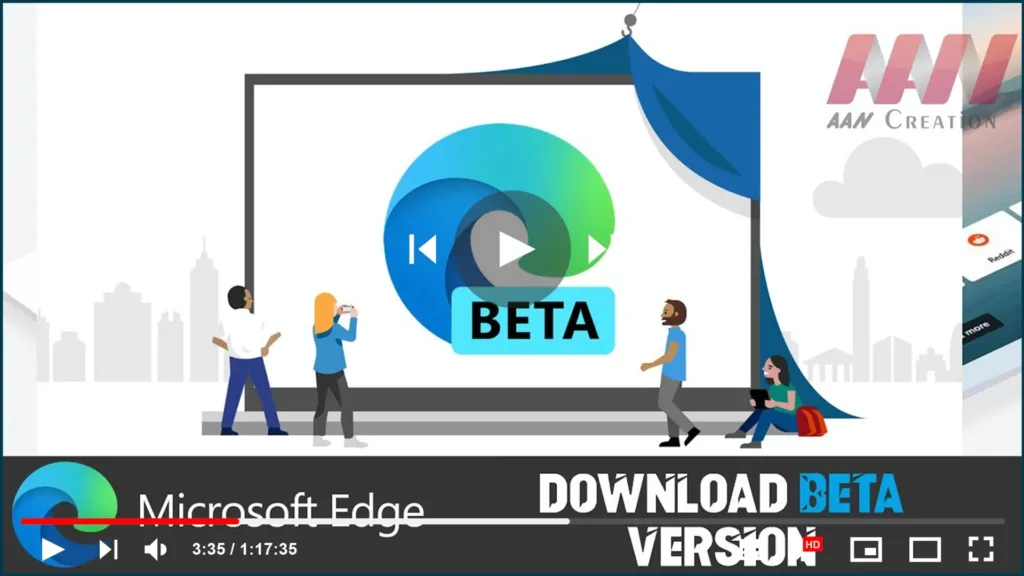
How to Download Beta Version of Microsoft Edge Chromium Using Insider Channel

The Microsoft Edge preview experience on the Beta channel is the most stable. With major updates every 6 weeks, each release incorporates learnings and improvements from the Dev and Canary builds. In this guide, you’ll learn the steps to Download the Beta Version of Microsoft Edge Chromium Using the Insider Channel on Windows 10. To

How to Download Beta Version of Microsoft Edge Chromium Using Insider Channel Read More »

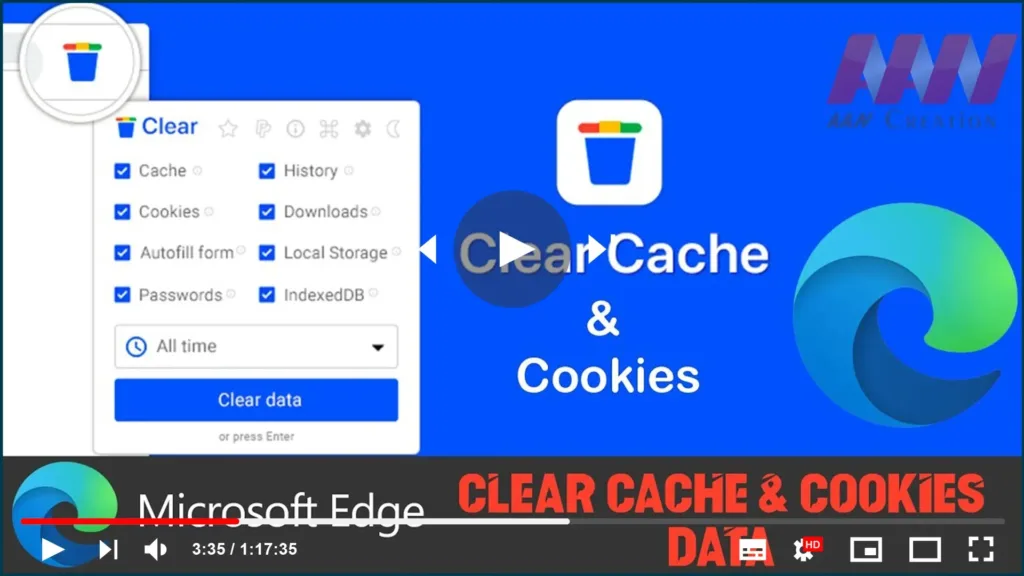
How to Clear Cache & Cookies Data on Microsoft Edge Chromium

Microsoft Edge on Windows 10 downloads and caches web files and images and saves cookies (small files containing data for a specific site) from every website you visit, This allows web pages to load faster, improving your browsing experience when you return to the same sites. The only issue is that caching data and cookies

How to Clear Cache & Cookies Data on Microsoft Edge Chromium Read More »

How to Download Canary version of Microsoft Edge Chromium using Insider Channel

How to download the Canary version of Microsoft Edge Chromium using the Insider channel Alternatively, instead of downloading the stable version, you can install the Canary version of Microsoft Edge. It’s a less stable experience, but it’s the only release that includes the most up-to-date improvements and upcoming features. To download and install the latest

How to Download Canary version of Microsoft Edge Chromium using Insider Channel Read More »