Microsoft Edge Web Browser

How to Enable Tab Memory Saving Feature on Microsoft Edge Chromium

When you use any web browser, including the Chromium version of Microsoft Edge, every website you open on a new tab consumes a certain amount of memory, and the more tabs you open the more system memory the browser will use. Although you can use Chrome extensions, such as “The Great Suspender,” designed to reduce

How to Enable Tab Memory Saving Feature on Microsoft Edge Chromium Read More »

How to Enable & Disable Tab Previews on Microsoft Edge

The Chromium version of Microsoft Edge also includes tab previews similar to the tab preview bar available in the legacy version, which allows you to hover over your open tabs to switch to the right page more quickly, but it’s still an experimental feature. However, if you’re using the stable release of Microsoft Edge, you

How to Enable & Disable Tab Previews on Microsoft Edge Read More »
How to View Saved Passwords on Microsoft Edge

How to view saved passwords on Microsoft Edge. On Windows 10, the Chromium version of Microsoft Edge can save passwords for most websites and services you visit. When you return, the credentials will fill in automatically for a quicker sign-in experience. However, sometimes you may need to remember the password because you simply forgot it,

How to View Saved Passwords on Microsoft Edge Read More »

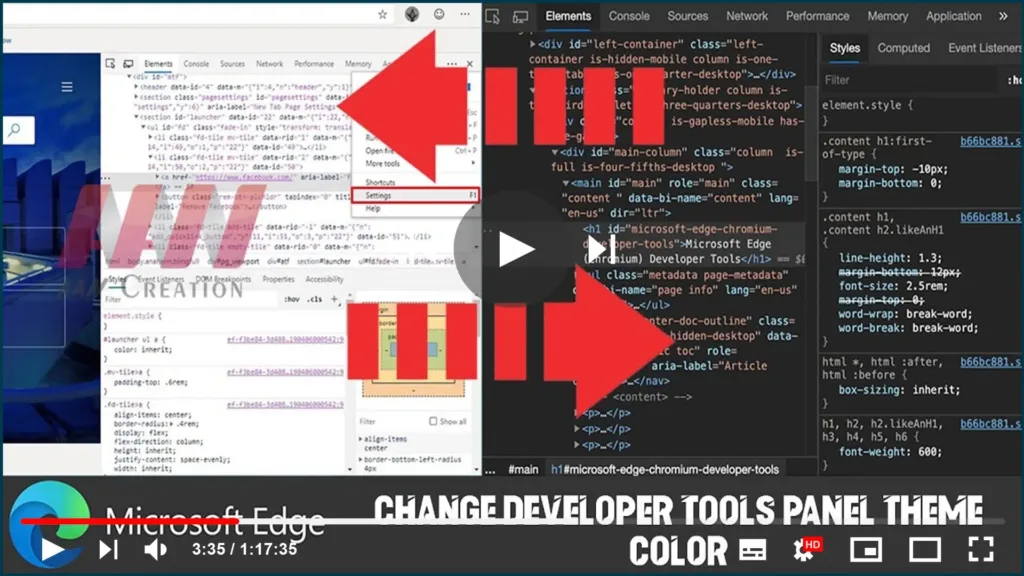
How to Change Developer Tools Panel Theme Color on Microsoft Edge

The new Microsoft Edge browser based on Google’s Chromium comes with the DevTools Elements panel to inspect and live-edit HTML and CSS within the browser. However, it uses the light mode as the default color theme, but if the light isn’t your color, you can change the appearance by switching to the dark mode. In

How to Change Developer Tools Panel Theme Color on Microsoft Edge Read More »

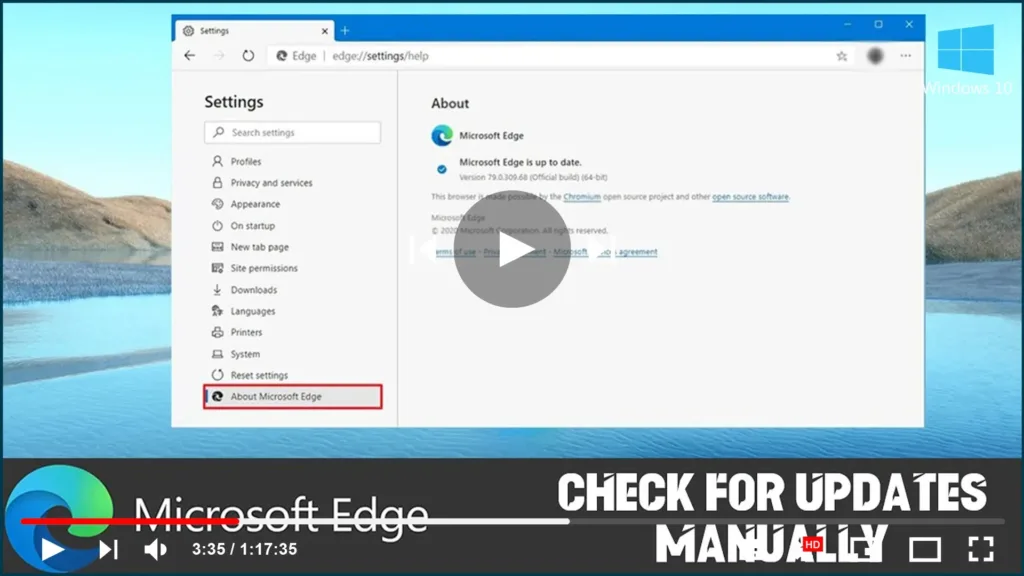
How to Check for Updates Manually on Microsoft Edge

Are you using the most recent version of Microsoft Edge? Here’s how you check for updates. Because the new version of Microsoft Edge based on the Chromium engine is no longer included with Windows 10, Microsoft can update its new browser independently as soon as enhancements and new features are ready. Although updates should be

How to Check for Updates Manually on Microsoft Edge Read More »

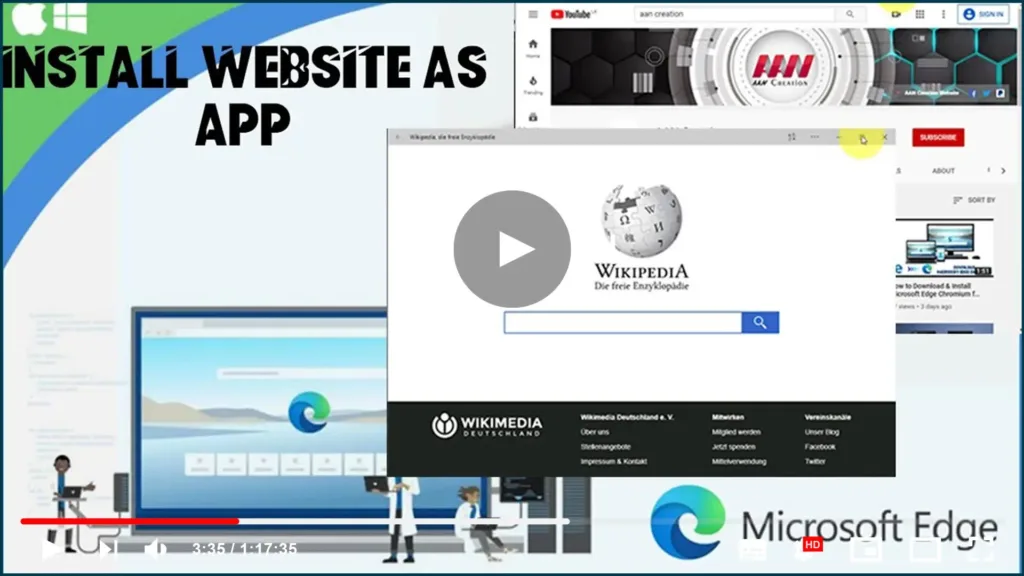
How to Install Website as App on Microsoft Edge

Microsoft Edge Chromium includes Progressive Web Apps (PWAs) support, allowing you to install a website as a native app on Windows 10, enabling additional features, such as push notifications, background data refresh, offline support, and more. If the feature sounds familiar, it’s because, in previous versions, Microsoft Edge had a similar functionality known as pins.

How to Install Website as App on Microsoft Edge Read More »

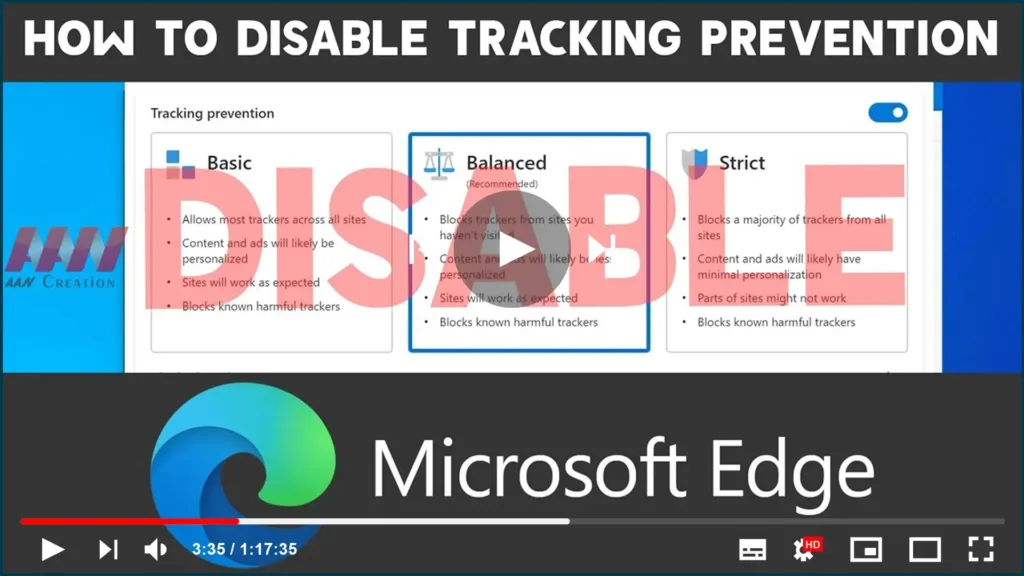
How to Disable Tracking Prevention on Microsoft Edge

Microsoft Edge Chromium now includes “Tracking prevention,” a security feature that allows you to select one of the three-level of privacy (Basic, Balanced, or Strict) to block online trackers from collecting information about you to minimize targeting ads and personalized experience on Windows 10, macOS, and Linux. Although it’s a helpful feature, it’s not for

How to Disable Tracking Prevention on Microsoft Edge Read More »

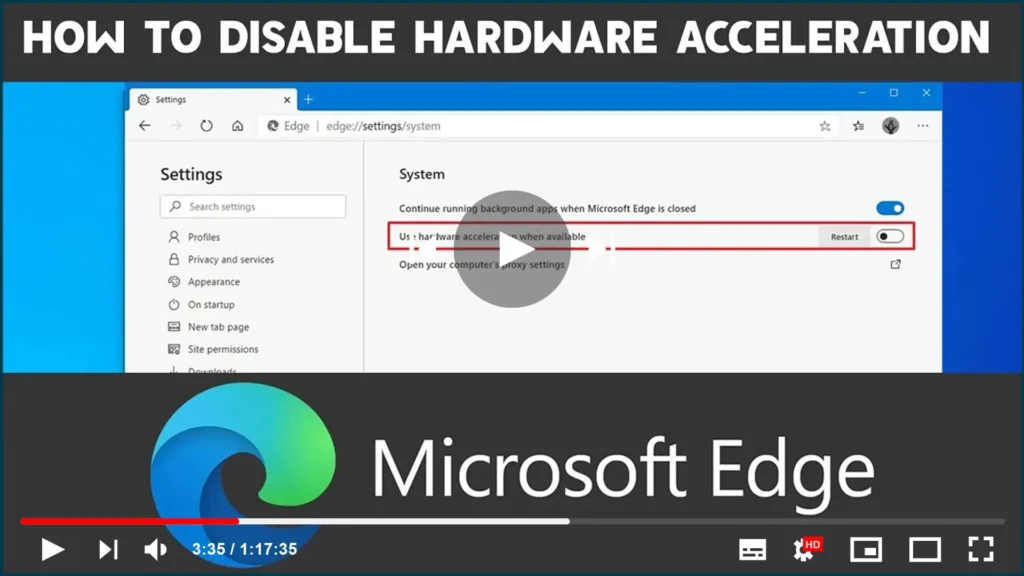
How to Disable Hardware Acceleration on Microsoft Edge Chromium

Microsoft Edge Chromium comes with hardware acceleration, a feature that enables the browser to access the graphics card on the device to speed up certain tasks to improve the overall user experience. However, depending on your computer configuration, hardware acceleration can negatively affect the experience by preventing visual elements from displaying correctly. If you’re seeing

How to Disable Hardware Acceleration on Microsoft Edge Chromium Read More »