Oracle VM VirtualBox

How to Install Windows 11 with Virtual Machine in Windows 10

Windows 11 will officially launch on June 24 however, ahead of the official release, the ISO file of the beta and Dev version has been leaked on the internet. Windows 11 comes packed with several new UI and features which are more than enough to make people curious about the latest release.  In this video, […]

How to Install Windows 11 with Virtual Machine in Windows 10 Read More »

How to Fix VirtualBox VM_Failed: VT-x is not available. Error Code (0xc80004005)

If you use VirtualBox to create and run virtual machines on Windows 10, you may encounter an “E FAIL (0x80004005)” error code at some point, preventing the virtual machine from starting. The failure usually occurs after upgrading to a new version (build) of Windows 10 or after making changes to the Microsoft Hyper-V feature. Whatever

How to Fix VirtualBox VM_Failed: VT-x is not available. Error Code (0xc80004005) Read More »

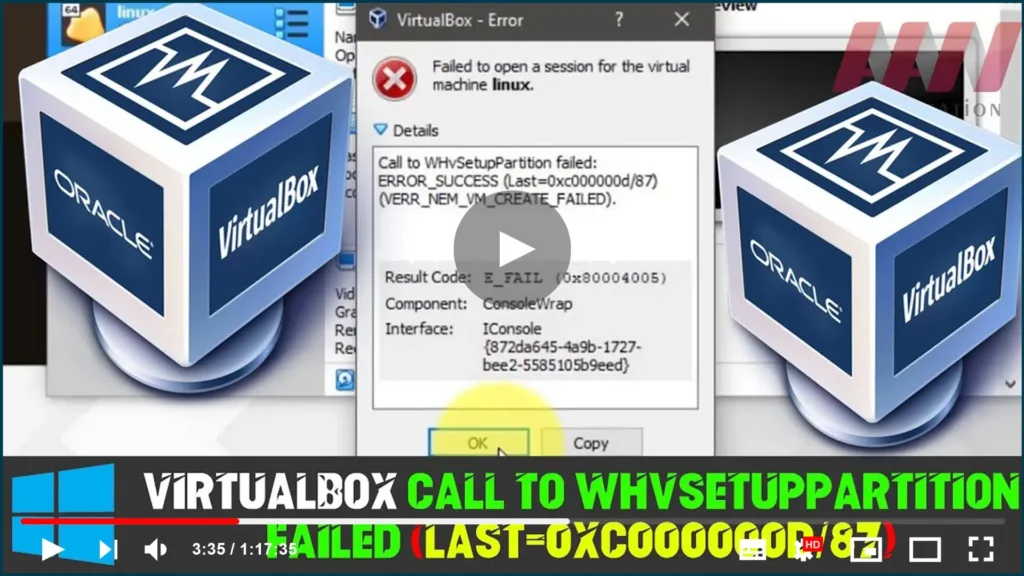
How to Fix VirtualBox Call to WHvSetupPartition failed: ERROR_SUCCESS (Last=0xc000000d/87)

  VirtualBox isn’t starting the guest OS & it displays ‘Failed to open session for the virtual machine’ [virtual-machine-name] Call to WHvSetupPartition failed: ERROR_SUCCESS (Last=0xc000000d/87) (VERR_NEM_VM_CREATE_FAILED). Result Code: E_FAIL (0x80004005) Component: Consolewap Interface: IConsole{872da645-4a9b-1727-bee2-5585105b9eed} In this guide, you’ll learn the steps to Fix VirtualBox failure to open a session for the virtual machine, VirtualBox Call

How to Fix VirtualBox Call to WHvSetupPartition failed: ERROR_SUCCESS (Last=0xc000000d/87) Read More »