windows

How to Change lid Close Action on Windows 11

  When using a laptop, the action taken when you close the lid can significantly impact your workflow and battery management. Windows 11 offers a flexible way to customize this behavior, allowing you to choose from various options such as sleep, shutdown, hibernate, or doing nothing. This guide provides a comprehensive, step-by-step approach to modifying […]

How to Change lid Close Action on Windows 11 Read More »

How to Show and Manage Libraries on File Explorer for Windows 11

 Libraries in Windows are a valuable feature that allows users to organize and access folders from multiple locations in a centralized manner. Although Libraries are hidden by default in Windows 10’s File Explorer, enabling them can significantly enhance your file management experience, allowing for quicker access to important documents, music, pictures, and more. Introduction Libraries

How to Show and Manage Libraries on File Explorer for Windows 11 Read More »

How to Enable New Google Lens for “Circle to Search” Feature in Chrome Desktop

  Google Lens is an innovative tool within Google Chrome that allows you to search the web using images instead of text. One standout feature is the “Circle to Search,” which lets you select specific parts of an image to retrieve relevant search results. Whether you’re identifying objects, landmarks, or reading text, this feature makes

How to Enable New Google Lens for “Circle to Search” Feature in Chrome Desktop Read More »

How to Set Custom DPI Scale Size on Windows 11

 Windows 11 features a sleek and modern interface, but the default display settings may not meet everyone’s preferences, especially for users with high-resolution monitors. Adjusting the DPI (Dots Per Inch) scale size can optimize text and icon sizes for improved readability and comfort. This guide provides step-by-step instructions on setting a custom DPI scale size

How to Set Custom DPI Scale Size on Windows 11 Read More »

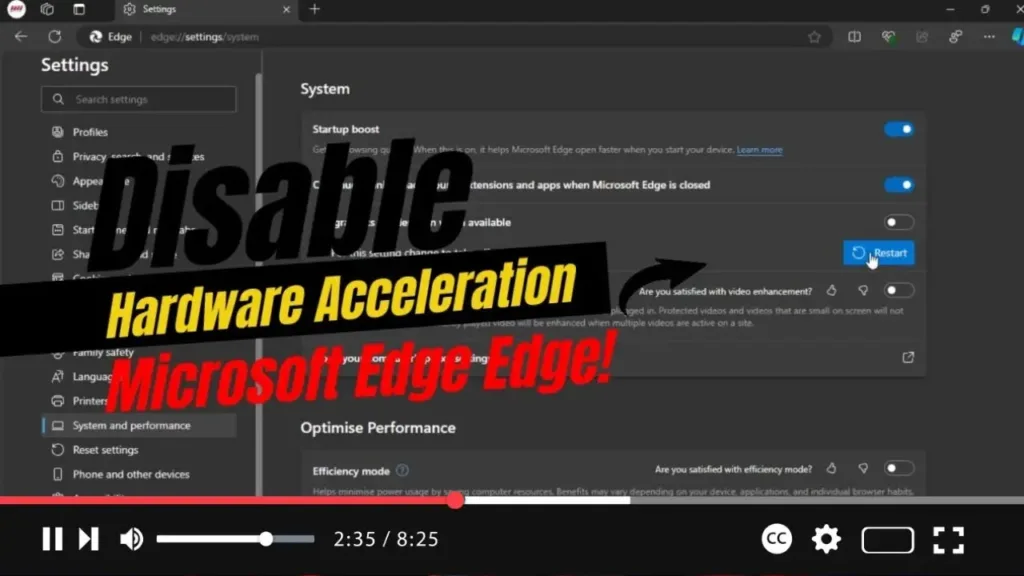
How to Disable Hardware Acceleration on Microsoft Edge

  Hardware acceleration can optimize your browsing by offloading tasks to your GPU, improving performance. However, it may cause issues on certain systems. If you encounter problems like crashes or display glitches in Microsoft Edge, disabling hardware acceleration could resolve them. This guide will walk you through the process step-by-step to help you disable this

How to Disable Hardware Acceleration on Microsoft Edge Read More »