Windows 10

How to Change Power Mode Settings on Windows 11 for Better Performance or Energy Efficiency

Windows 11 offers various power modes, or power plans, designed to manage your device’s energy usage and performance. Power modes define a set of system and hardware settings like screen brightness, sleep settings, and CPU throttling, which help optimize how your computer consumes energy. The default mode in Windows 11 is Balanced, which automatically adjusts […]

How to Change Power Mode Settings on Windows 11 for Better Performance or Energy Efficiency Read More »

How to Install the November 2021 Update for Windows 10 (Version 21H2)

  The November 2021 Update for Windows 10, also known as version 21H2, is available to download and install via the Windows Update feature. This update brings new features, performance improvements, and security patches to enhance your Windows experience. Follow the steps below to ensure a smooth update process and troubleshoot any issues you may

How to Install the November 2021 Update for Windows 10 (Version 21H2) Read More »

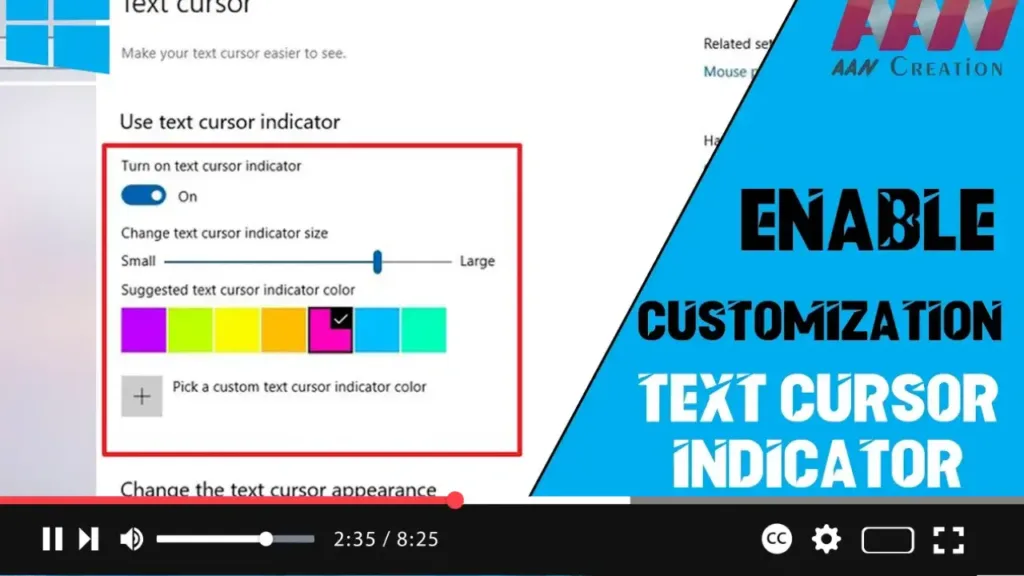
How to Customize the Text Cursor Indicator on Windows 10 for Better Visibility

  When working with text on Windows 10, especially in lengthy documents or during presentations, finding the small blinking text cursor can be challenging. Recognizing this issue, Microsoft introduced a new “text cursor indicator” feature in Windows 10 version 2004. This feature allows users to customize the cursor’s size and color for better visibility, making

How to Customize the Text Cursor Indicator on Windows 10 for Better Visibility Read More »

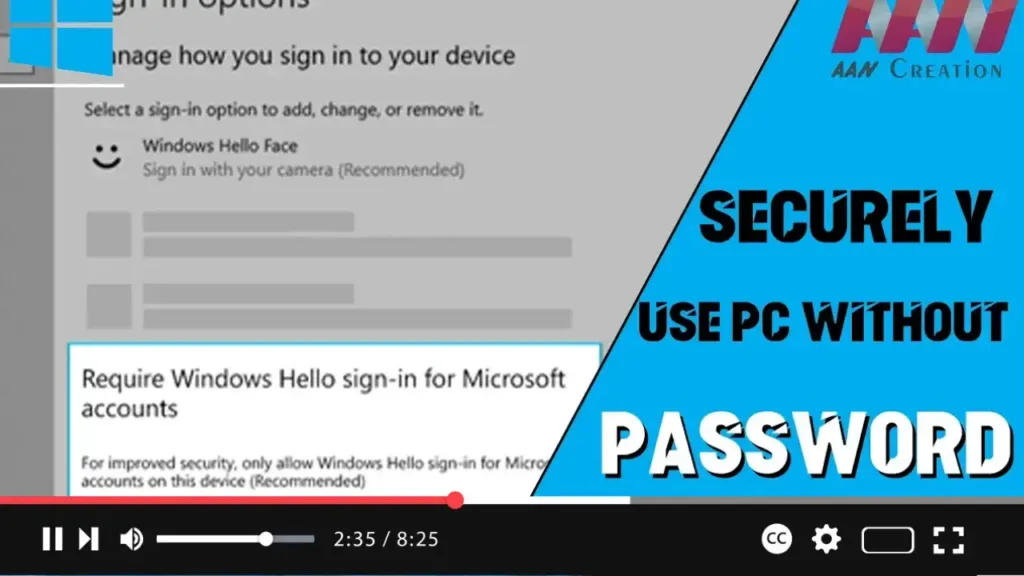
How to Replace the Password with Windows Hello Authentication on Windows 10

  Windows 10 offers biometric authentication through Windows Hello, enabling users to sign in without a password. With version 2004, Microsoft has introduced a feature to make devices completely passwordless. The “Require Windows Hello sign-in for Microsoft account” feature allows switching all Microsoft accounts on your device to Windows Hello’s modern authentication methods. In this

How to Replace the Password with Windows Hello Authentication on Windows 10 Read More »

How to Rename a Virtual Desktop in Windows 10 Version 2004

  Windows 10’s Task View feature allows users to create and manage virtual desktops, helping to organize apps and open windows effectively. With version 2004, Windows 10 has introduced the ability to rename virtual desktops. Follow these steps to rename a virtual desktop. In this video, you’ll learn the steps to rename a virtual desktop

How to Rename a Virtual Desktop in Windows 10 Version 2004 Read More »

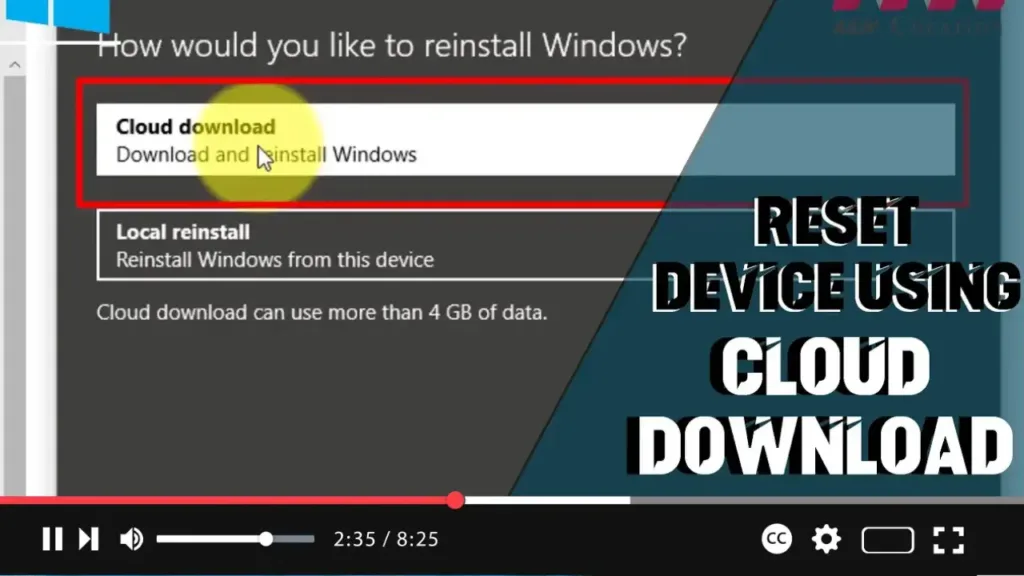
How to Use the Cloud Download Option to Reset Your Windows 10 PC

  When your Windows 10 device is experiencing issues, you can use the “Reset this PC” feature to restore it to factory default settings using the manufacturer’s custom or default Windows 10 image available locally. However, if the local image is corrupted, you can use the new “Cloud Download” option introduced in Windows 10 version

How to Use the Cloud Download Option to Reset Your Windows 10 PC Read More »

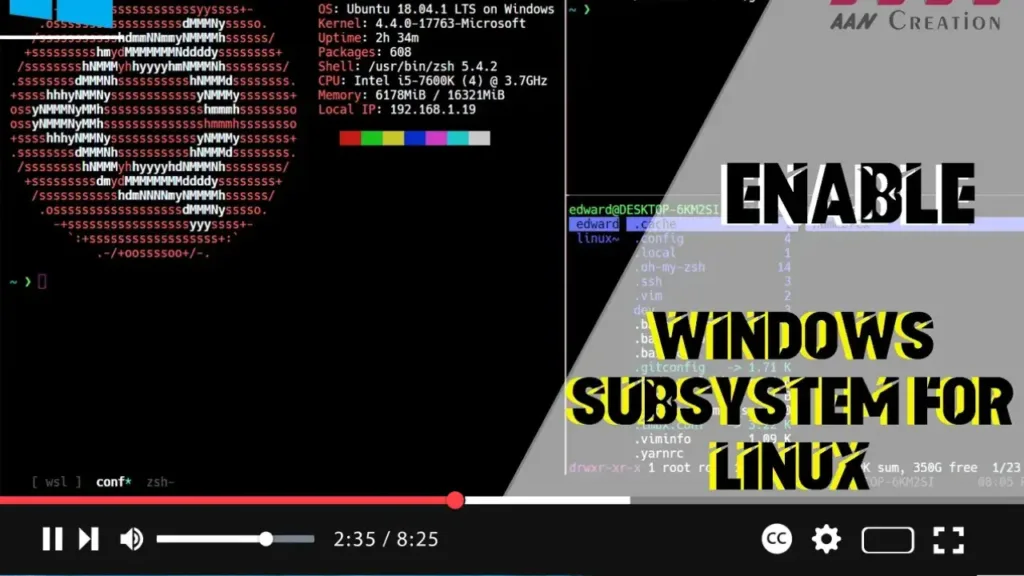
How to Enable Windows Subsystem for Linux (WSL) Using Settings on Windows 10

 The Windows Subsystem for Linux (WSL) allows developers to run a GNU/Linux environment directly on Windows, unmodified, without the overhead of a virtual machine. Enabling WSL through the Settings app in Windows 10 is a straightforward process. Follow these steps to get WSL up and running on your system. Introduction Enabling the Windows Subsystem for

How to Enable Windows Subsystem for Linux (WSL) Using Settings on Windows 10 Read More »

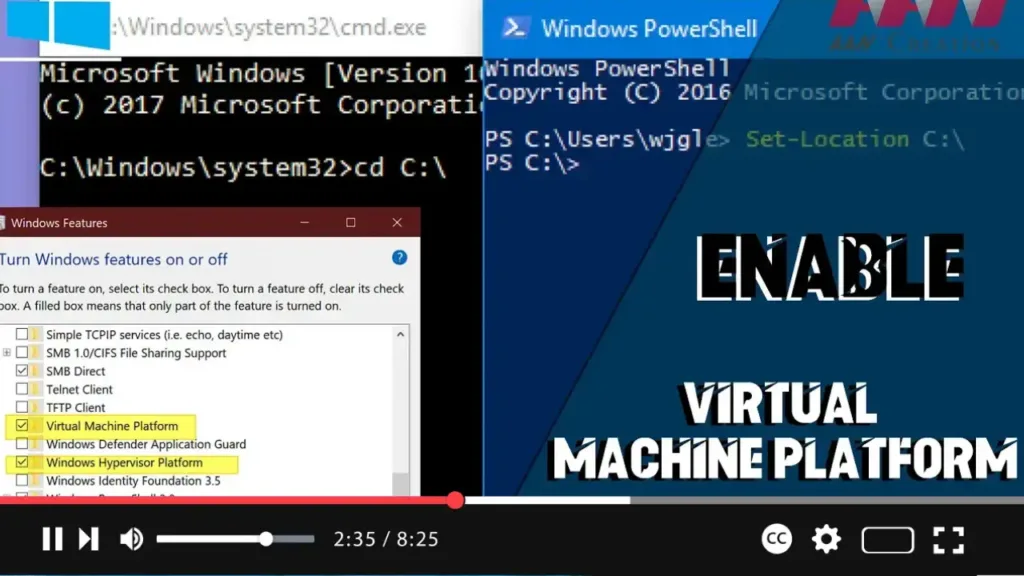
How to Enable Virtual Machine Platform on Windows 10

The Virtual Machine Platform is a feature introduced by Microsoft on Windows 10. While Hyper-V is available for virtualization and is highly effective, the Virtual Machine Platform can be used to handle MSIX package tools on Windows 10. Follow these steps to enable this feature. Introduction Enabling the Virtual Machine Platform on Windows 10 enhances

How to Enable Virtual Machine Platform on Windows 10 Read More »

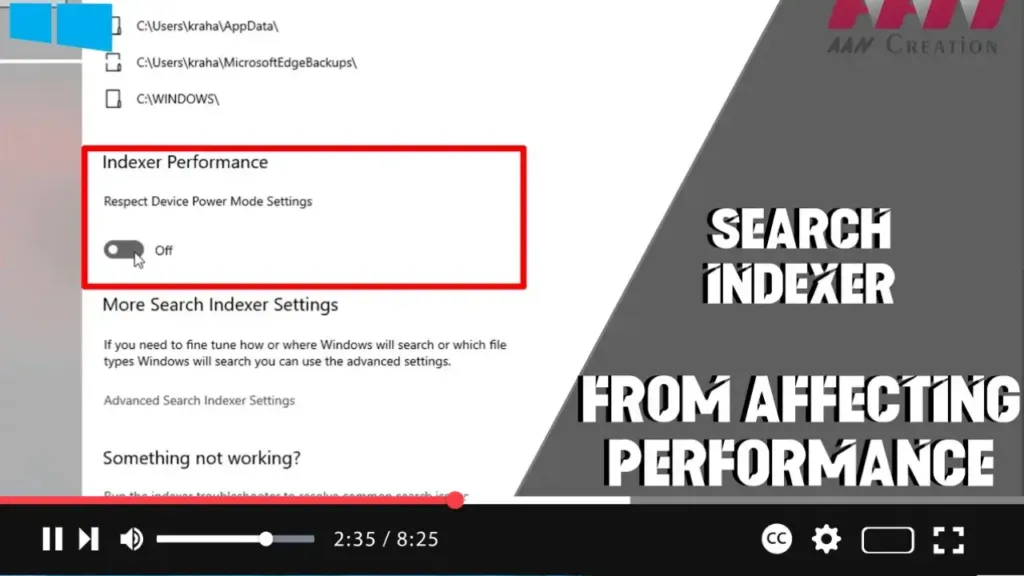
How to Prevent Search Indexer from Affecting Performance on Windows 10

  Windows 10 includes an essential feature called the Windows Search indexer, which helps speed up searches by indexing all the contents stored on your device. This includes metadata, text, filenames, and extensions. However, the indexing process can sometimes lead to performance issues, prompting many users to disable the feature entirely. To address this, Microsoft

How to Prevent Search Indexer from Affecting Performance on Windows 10 Read More »

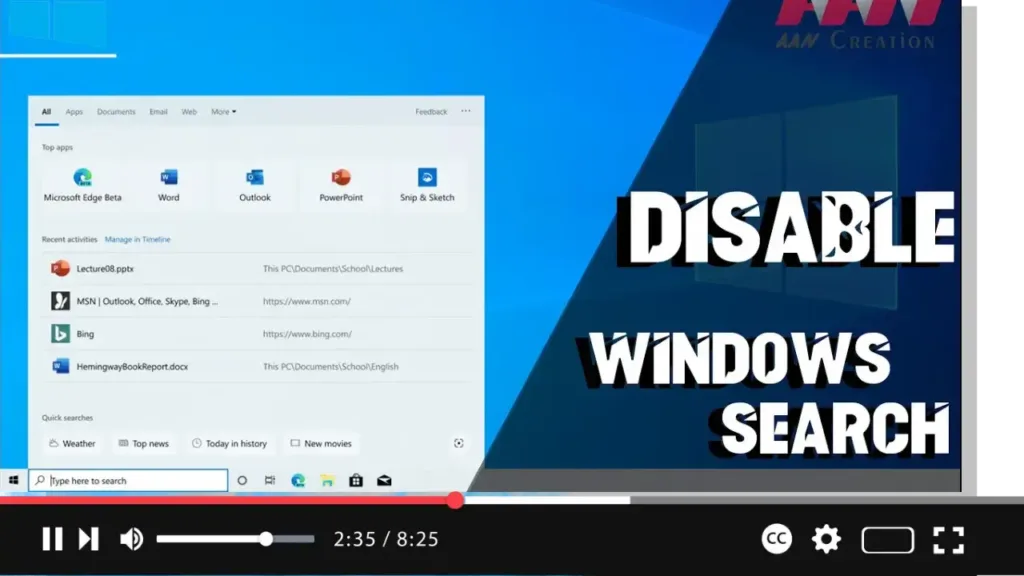
How To Disable Windows Search in Windows 10

  Windows Search is a crucial tool for finding files and applications on your Windows PC. It uses indexing to create a table of contents for the files stored on your computer, allowing for faster search results. However, indexing can consume significant system resources, prompting some users to consider disabling Windows Search. Introduction Disabling Windows

How To Disable Windows Search in Windows 10 Read More »