Windows 10

How to Set Daily Bing Images as Desktop Wallpapers on Windows 10

If you love the stunning daily images featured on Bing, you can easily set them as your desktop wallpaper using the Bing Wallpaper app. This simple tool automatically updates your wallpaper every day with the latest Bing images, keeping your desktop fresh and visually appealing. You can also switch wallpapers manually whenever you want. Here’s […]

How to Set Daily Bing Images as Desktop Wallpapers on Windows 10 Read More »
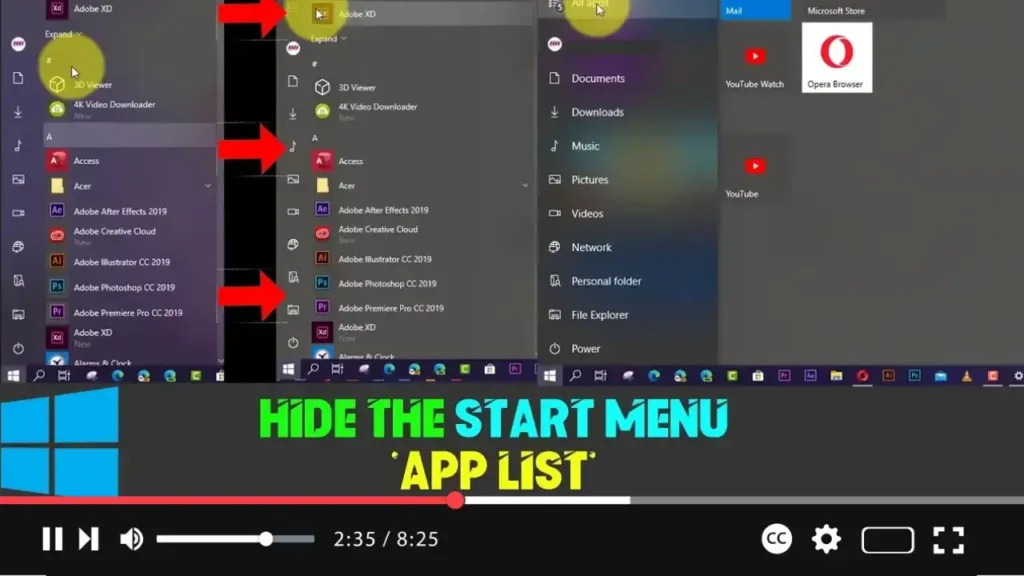
How to Hide the Start Menu ‘App List’ on Windows 10

The Start menu in Windows 10 has undergone various transformations over the years. Microsoft has continually refined its design to improve functionality and usability. The latest iteration merges recently added apps, the most-used apps, and live tiles into a single unified interface. However, for some users, the default layout can feel cluttered. Fortunately, Windows 10

How to Hide the Start Menu ‘App List’ on Windows 10 Read More »

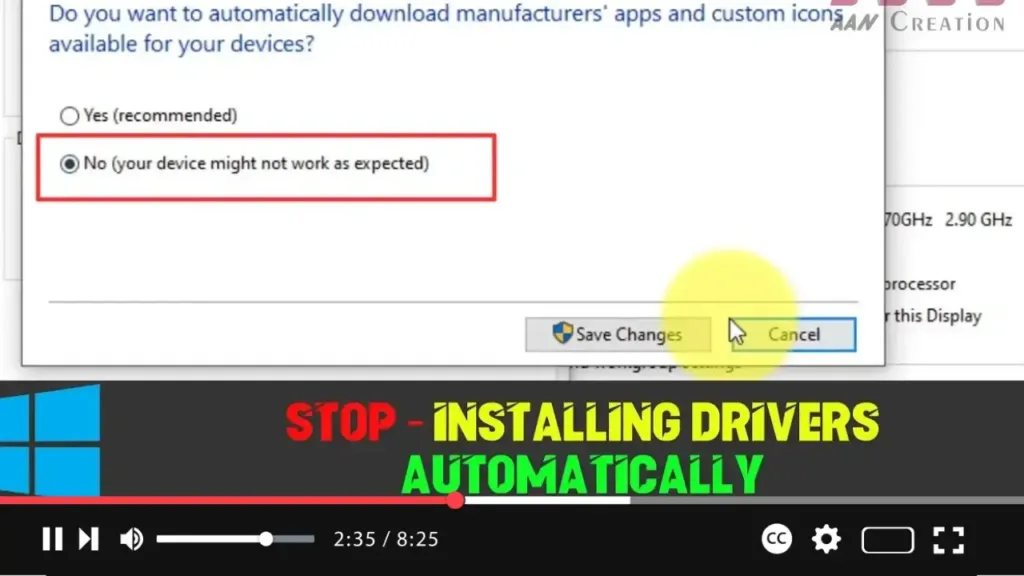
How to Stop Windows 10 from Installing Drivers Automatically

Windows 10 is designed to automatically detect and install drivers when you connect new hardware to your computer. While this is convenient in many cases, there are situations where you might prefer more control over the process. Automatic driver installation may result in a driver version that’s not compatible or one that causes system issues.

How to Stop Windows 10 from Installing Drivers Automatically Read More »

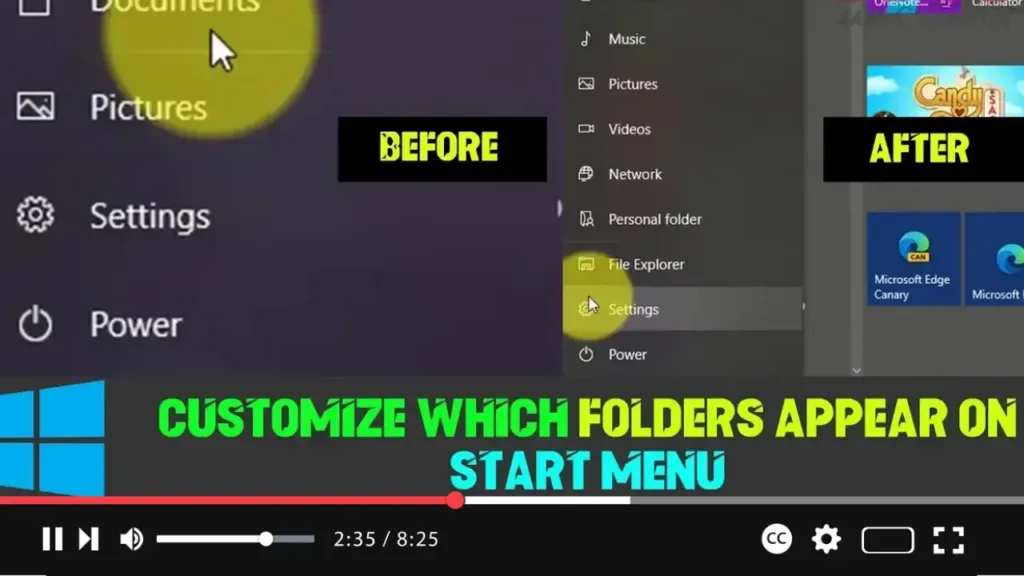
How to Customize Which Folders Appear on the Start Menu in Windows 10

Windows 10 brings a revamped Start menu that combines Live Tiles, a complete list of apps, and a left panel that provides quick access to essential features such as the user profile, power options, and the Settings app. Although the left panel comes with default options, you’re not limited to these. You can customize which

How to Customize Which Folders Appear on the Start Menu in Windows 10 Read More »

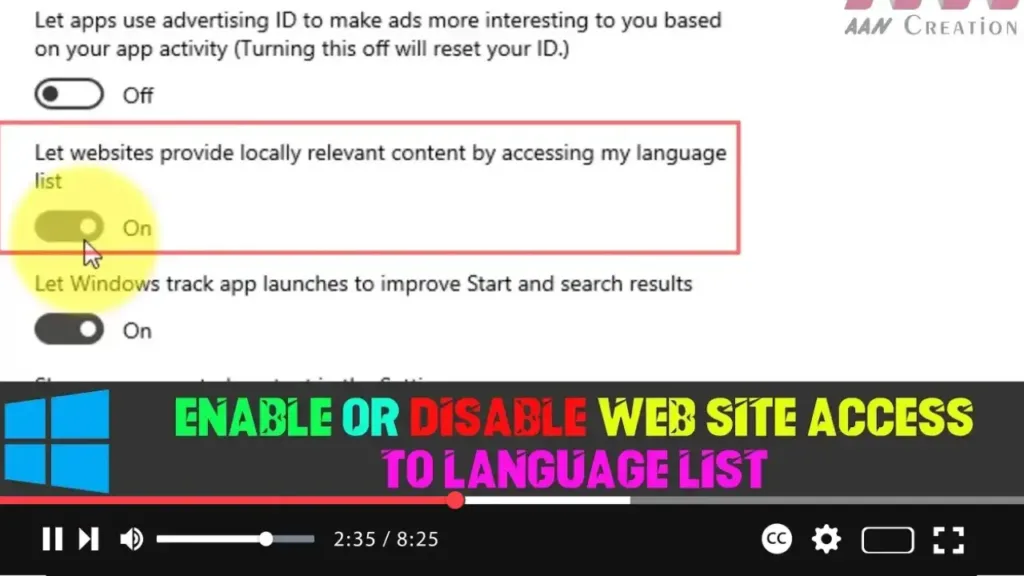
How to Enable or Disable Website Access to Language List in Windows 10

In Windows 10, many websites can automatically detect your installed language preferences to serve you localized content, making browsing more personalized and convenient. This feature eliminates the need to manually adjust language settings for every site. However, if you prefer more privacy or want to prevent websites from accessing your language list, you can easily

How to Enable or Disable Website Access to Language List in Windows 10 Read More »

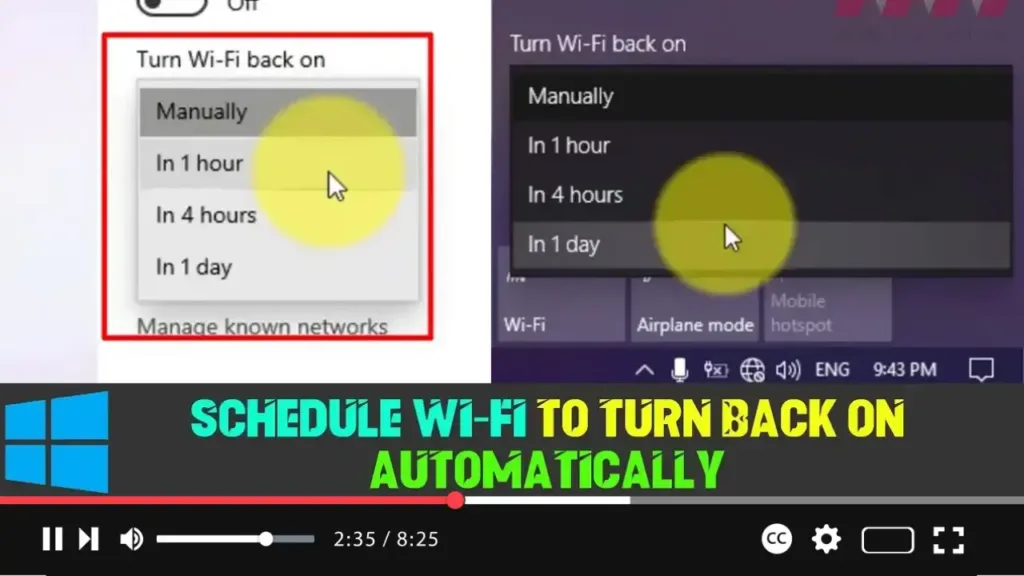
How to Schedule Wi-Fi to Turn Back On Automatically on Windows 10

Windows 10 now offers a convenient feature that allows you to manually turn off your Wi-Fi connection while scheduling it to turn back on after a specified period of time. This feature is especially useful for saving battery life or avoiding automatic connections to unwanted networks, without the need to remember to turn Wi-Fi back

How to Schedule Wi-Fi to Turn Back On Automatically on Windows 10 Read More »

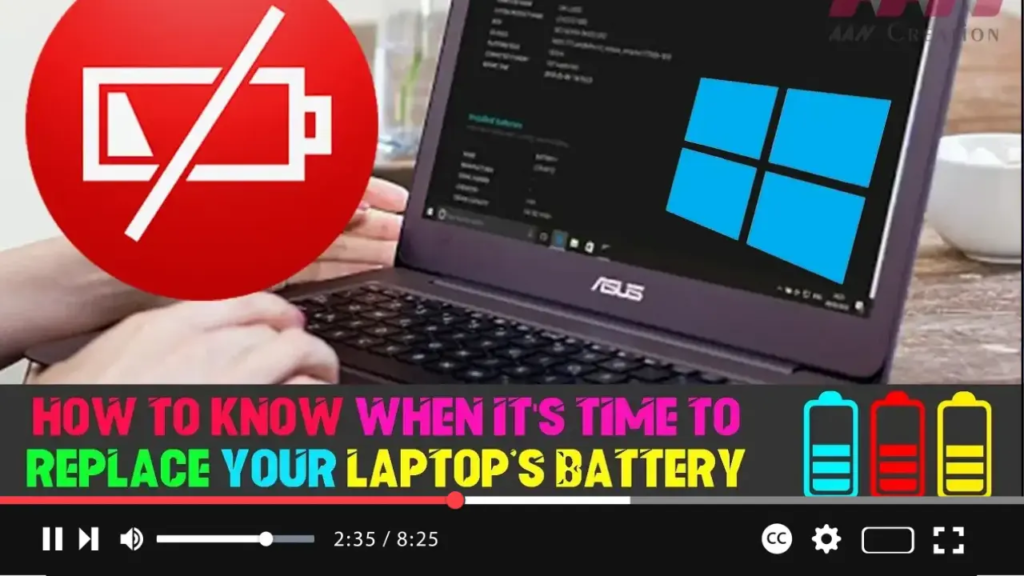
How to Know When It’s Time to Replace Your Laptop’s Battery on Windows 10

If you find yourself constantly connecting your Windows 10 laptop to a power source, it could signal that your battery is no longer functioning optimally. Over time, laptop batteries wear out after a certain number of charge cycles, which leads to a shorter battery life. If you’ve already tried lowering screen brightness, limiting video usage,

How to Know When It’s Time to Replace Your Laptop’s Battery on Windows 10 Read More »

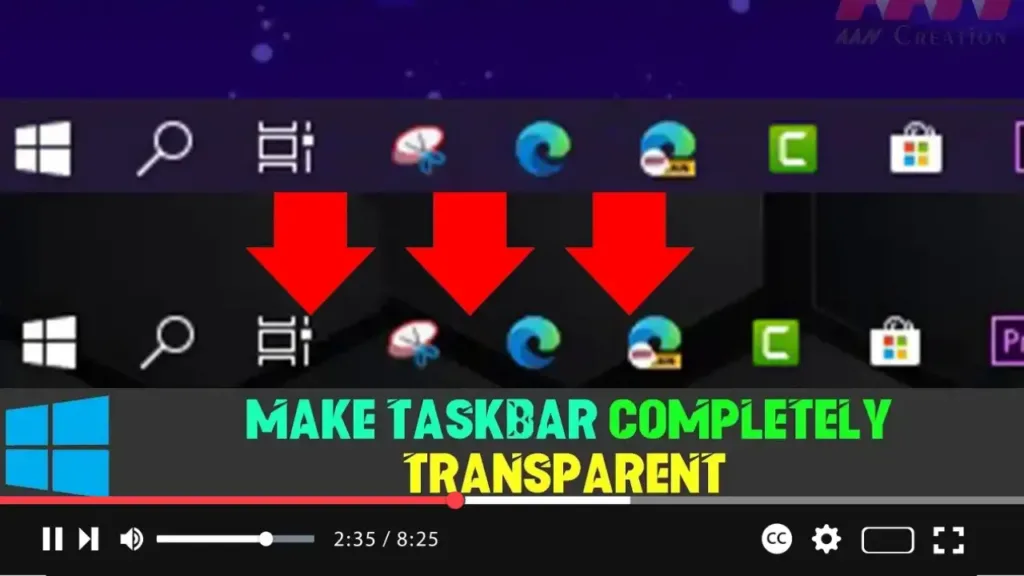
How to Make Your Taskbar Transparent on Windows 10

Windows 10 offers many ways to personalize your experience, including options to customize the taskbar. You can control which icons appear in the notification area, set the taskbar to auto-hide, or even enable basic transparency. However, one limitation is that you cannot make the taskbar fully transparent or apply advanced visual effects like frosted glass

How to Make Your Taskbar Transparent on Windows 10 Read More »

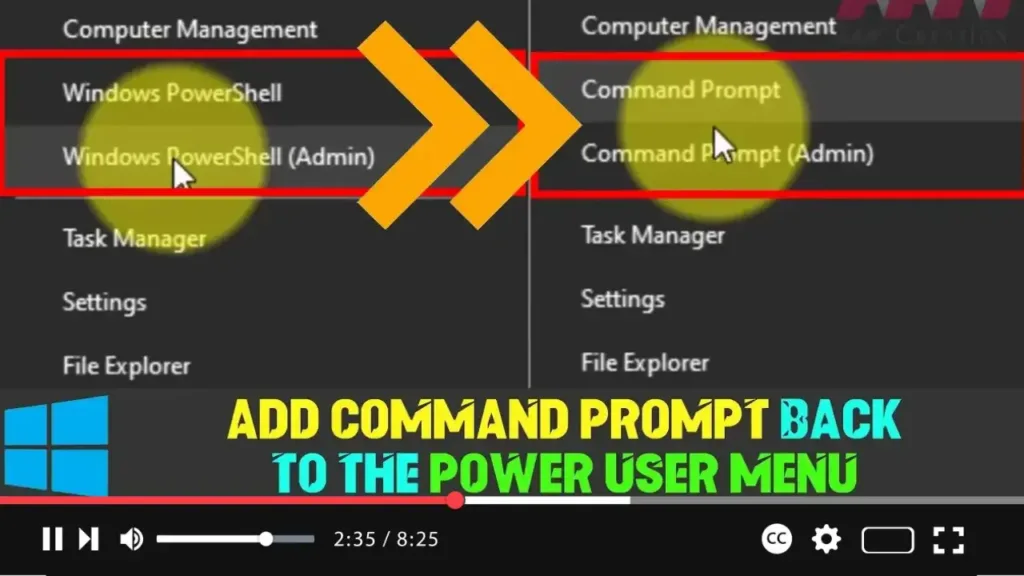
How to Add Command Prompt Back to the Power User Menu on Windows 10

In the earlier versions of Windows 10, users were accustomed to accessing Command Prompt through the Power User menu by pressing Windows key + X. However, with the introduction of the Creators Update, Microsoft replaced the Command Prompt options with PowerShell by default. While PowerShell is a powerful tool with advanced scripting capabilities, it might

How to Add Command Prompt Back to the Power User Menu on Windows 10 Read More »

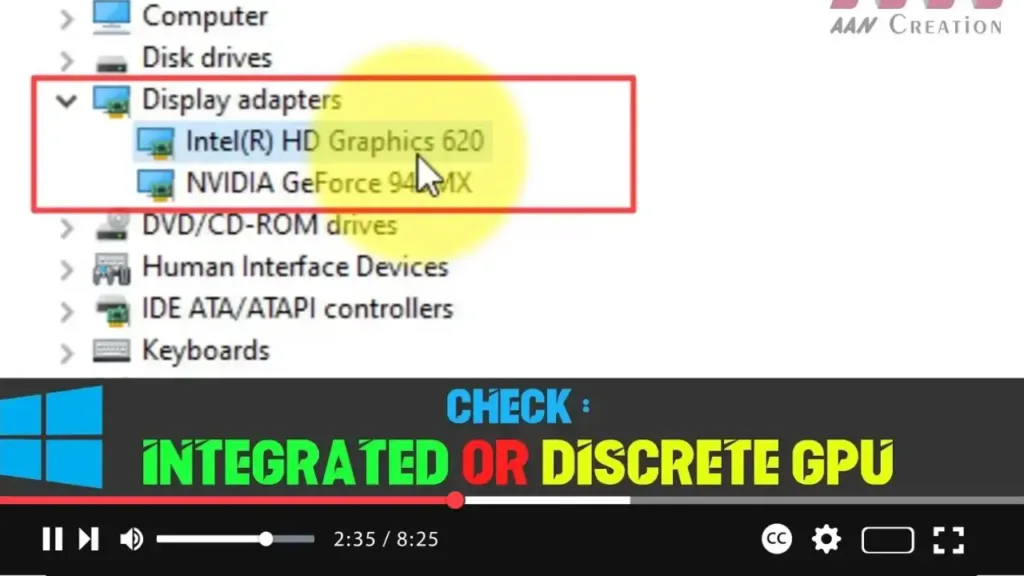
How to Check if You’re Using an Integrated or Discrete GPU on Windows 10

Computers generally use one of two types of graphics processing units (GPUs): integrated or discrete. Understanding which GPU your system uses is essential for knowing how well it can handle graphics-intensive tasks, such as gaming or video editing. Discrete GPU: A dedicated graphics card separate from the main processor, designed specifically for handling graphics processing.

How to Check if You’re Using an Integrated or Discrete GPU on Windows 10 Read More »