Windows 10

How to Export & Import Firewall Rules using Command Prompt

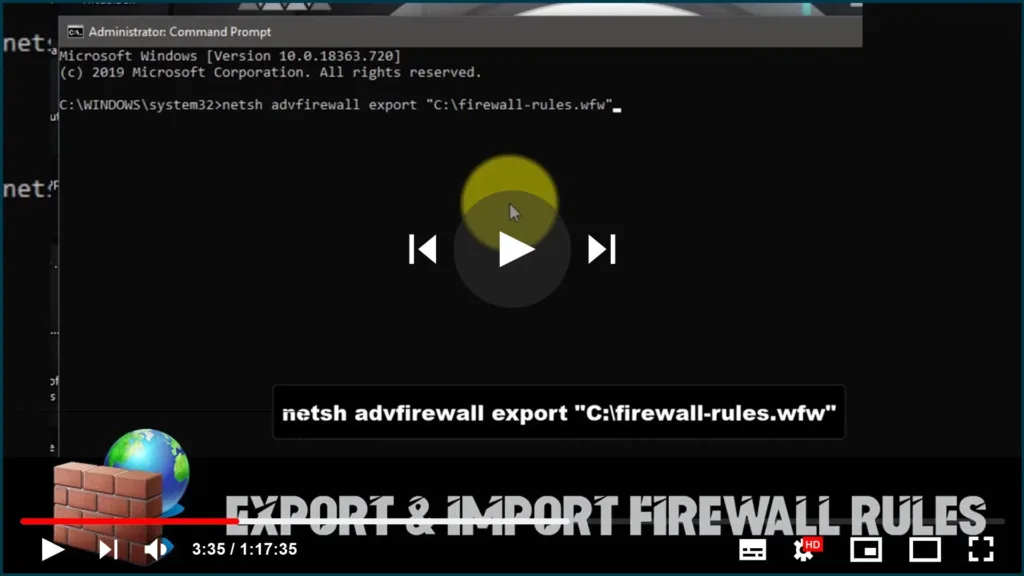
Firewalls are a crucial component of any computer system’s security measures. They help protect your computer from external threats and prevent unauthorized access to your network. In this blog post, we’ll walk you through the steps to export and import firewall rules using Command Prompt on Windows 10. Exporting Firewall Rules: To export your current […]

How to Export & Import Firewall Rules using Command Prompt Read More »
How to Find Out the Public IP Address of Your Network Using PowerShell on Windows 10

As part of the internet setup process, the Internet Service Provider also provides public IP (Internet Protocol) address, which is assigned to the router (modem) to identify the network and connect online. While usually, we do not need to worry about these details, sometimes it’s important to know the current public IP address to troubleshoot

How to Find Out the Public IP Address of Your Network Using PowerShell on Windows 10 Read More »

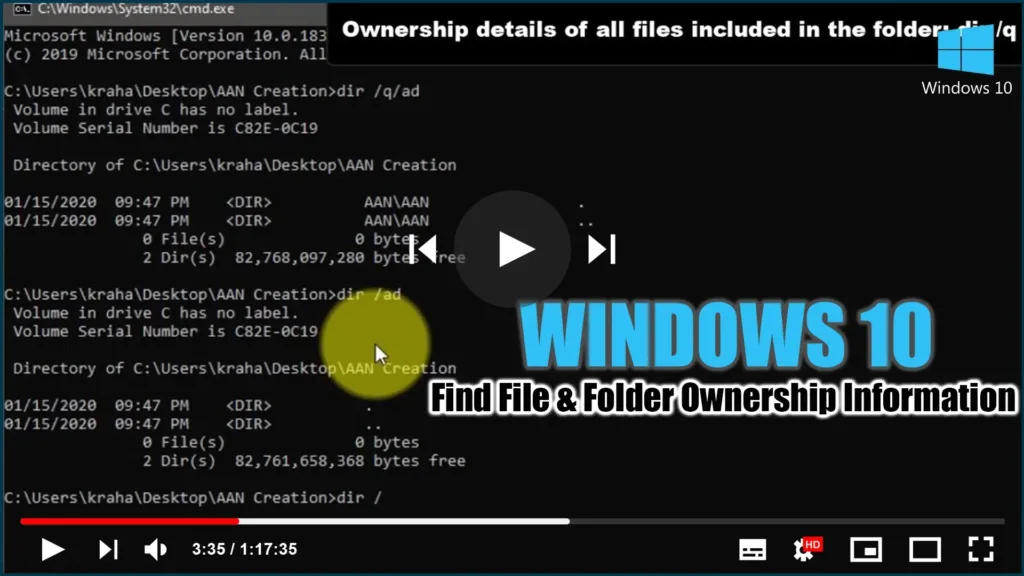
How to Find File & Folder Ownership Information using CMD

This step-by-step guide will show you how to use Command Prompt to find the File & Folder Ownership information. With the help of this guide, you can determine who owns a single directory, all subdirectories, and files. You can use this trick on almost any Windows version, for your information. Follow these steps to find

How to Find File & Folder Ownership Information using CMD Read More »

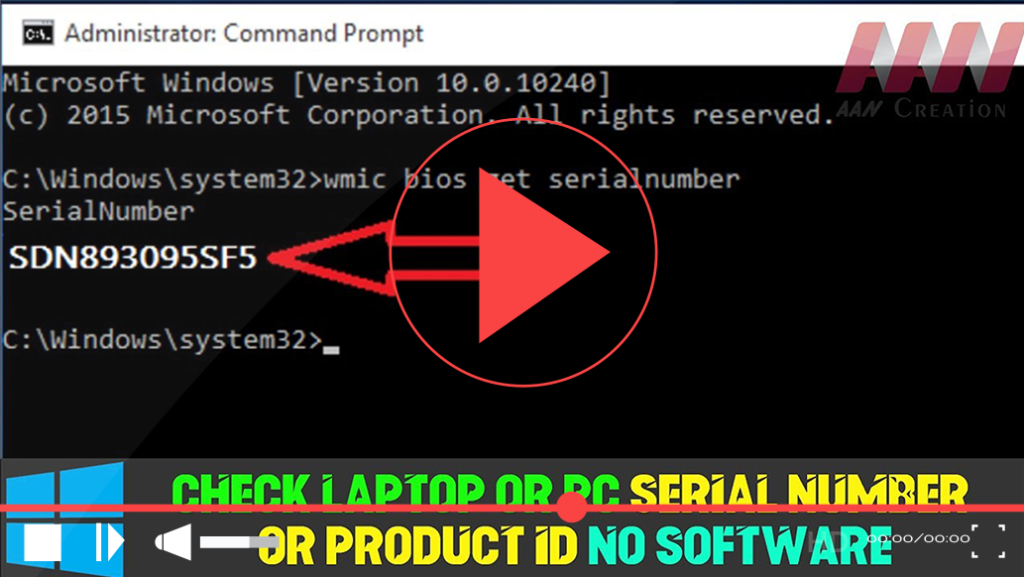
How to Check Laptop or PC Serial Number or Product ID Without Software

Finding your laptop or PC’s serial number or product ID can be essential for warranty claims, technical support, or hardware identification. While Windows does not display this information directly in its interface, you can retrieve it easily using built-in commands, BIOS/UEFI settings, or by inspecting the hardware itself. Here’s a comprehensive guide to help you

How to Check Laptop or PC Serial Number or Product ID Without Software Read More »

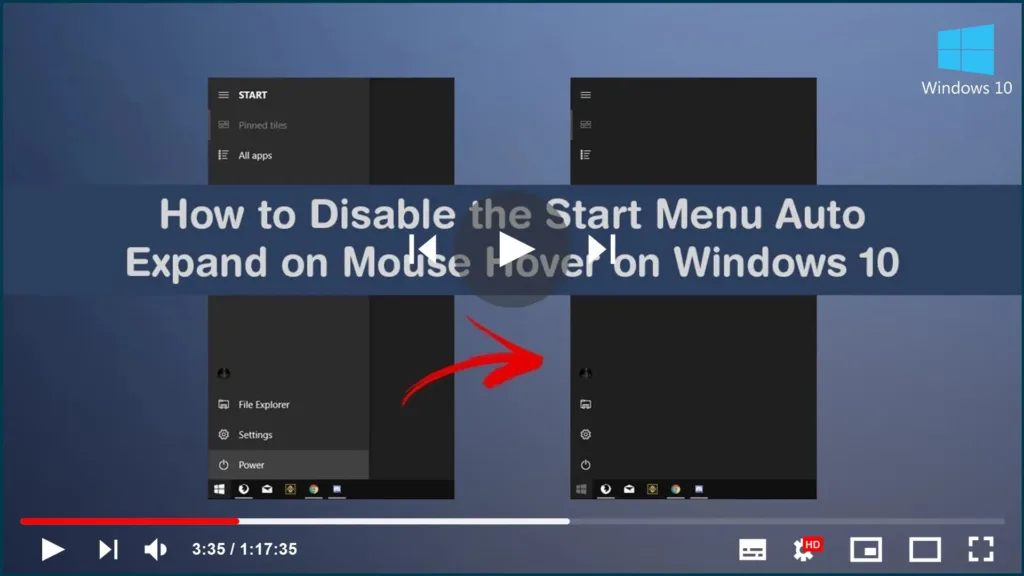
How to Disable/Enable Start Menu Left Panel Auto Expand Mouse Hover on Windows 10

Starting with the November 2019 Update, version 1909, when you open the Start menu and hover over the left pane, the name of the items in the list will be revealed. Although Microsoft has found positive results adding this feature, it’s not something that everyone wants, because it can get in the middle when navigating

How to Disable/Enable Start Menu Left Panel Auto Expand Mouse Hover on Windows 10 Read More »

How to Download Offline Copies of Windows 10 apps From the Microsoft Store

If you are a Windows user who is unable to install applications from the Microsoft Store, store.rg-adguard.net may be familiar to you. You can download.appx files from the Microsoft store from the store.rg-adguard.net website. It gives you access to nearly all of the apps, games, and themes available in the Microsoft Store. When you are

How to Download Offline Copies of Windows 10 apps From the Microsoft Store Read More »

How to Use 3rd Party Antivirus Software with Windows Defender Antivirus

Windows Defender Security Center delivers a robust suite of security features that keep you safe for the supported lifetime of your Windows 10 device. When you protect your PC with Windows Defender Antivirus, you get comprehensive protection against viruses, malware, spyware, and other threats to your system, files, and online activities. Finding peace of mind

How to Use 3rd Party Antivirus Software with Windows Defender Antivirus Read More »

How to Decrease or Increase the Windows 10 Notification Display Time

Windows 10 Action Center keeps a stack of all notifications that arrive from different applications. When an application sends out a notification, it is displayed for 5 seconds, and then it disappears. While five seconds are enough to draw your attention and help you get a glance at the message, sometimes you wish it stayed

How to Decrease or Increase the Windows 10 Notification Display Time Read More »