Windows 10

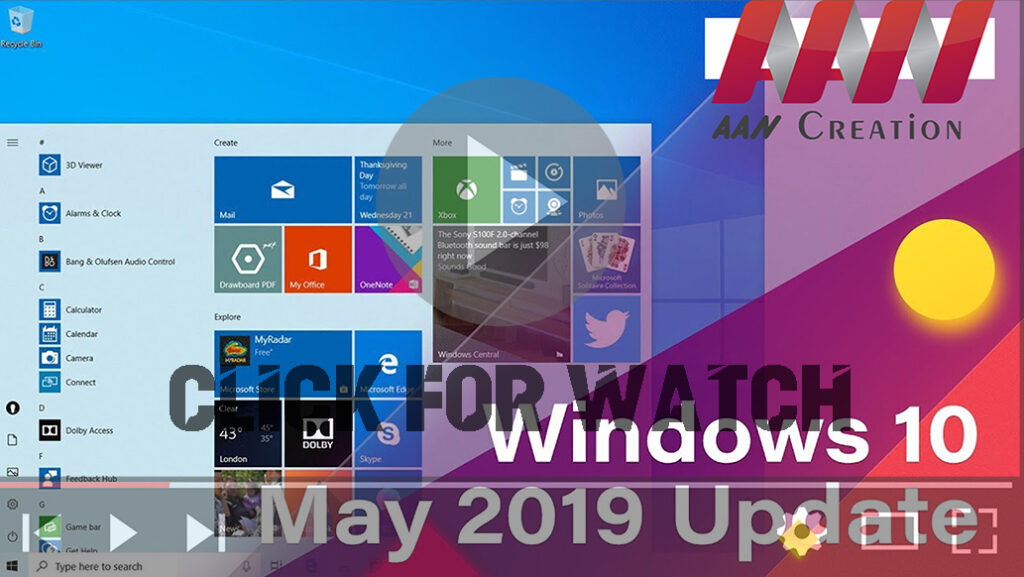
Windows 10 1903 version (May 2019 Update) 10 Best New Features

Windows 10 version 1903, May 2019 Update, an official with the 10 best new features, including Light mode, Windows Sandbox, Reserved Storage, Recommended Troubleshooting, automatic Active hours, disabled Windows updates for Windows 10 Home users, quick access to symbols, Windows Search, mouse pointer color & sizes, quick brightness control. Important: Windows 10 1903 version (May […]

Windows 10 1903 version (May 2019 Update) 10 Best New Features Read More »
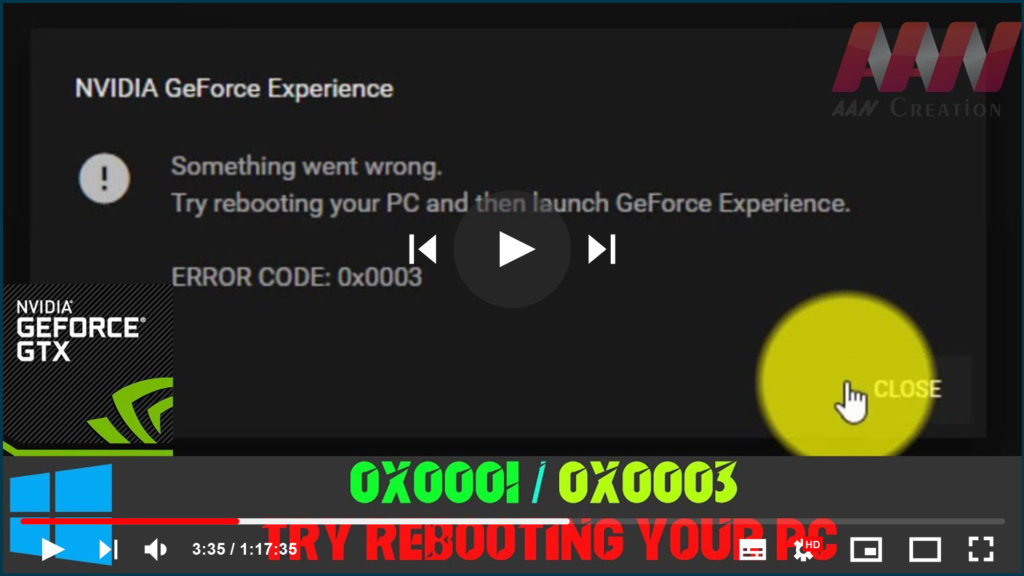
NVIDIA GFORCE EXPERIENCE (0x0001/0x0003) Something went wrong. Try rebooting your PC

If you’re trying to open GeForce Experience on your Windows but it fails, and you’re seeing the error saying one of the followings: * Something went wrong. Try restarting GeForce Experience. * Something went wrong. Try rebooting your PC and then launch GeForce Experience. ERROR CODE: 0x0001 * Something went wrong. Try rebooting your PC

NVIDIA GFORCE EXPERIENCE (0x0001/0x0003) Something went wrong. Try rebooting your PC Read More »

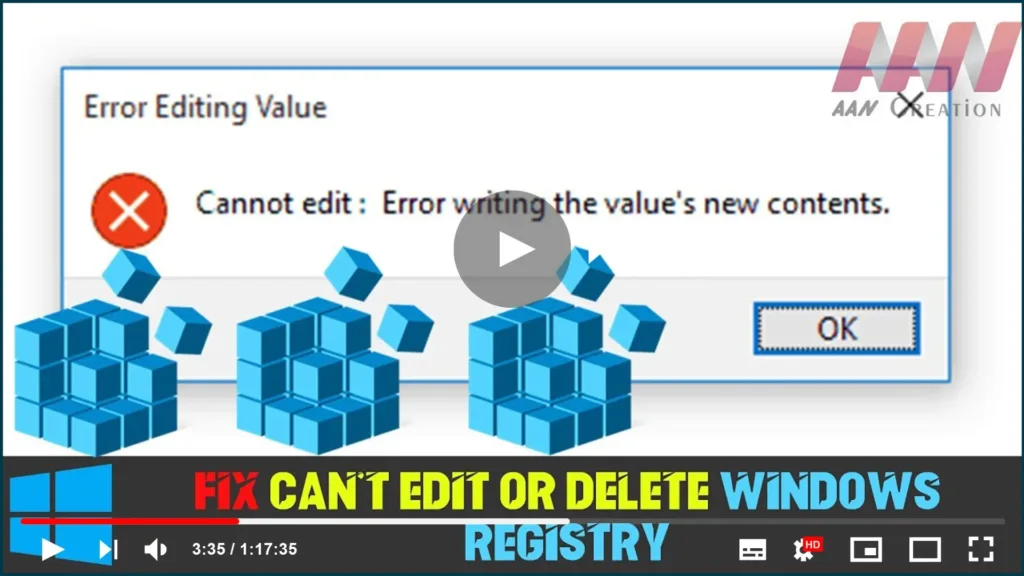
How to Fix Can’t Edit or Delete Windows Registry

The Registry is a database that stores Windows working framework and application settings. Here and there, you have to change those qualities physically. ‘Can’t alter Registry’ is a blunder you’ll confront when you attempt to alter a key in Registry however you don’t have the fundamental consents to do it. Instructions to alter any Registry

How to Fix Can’t Edit or Delete Windows Registry Read More »

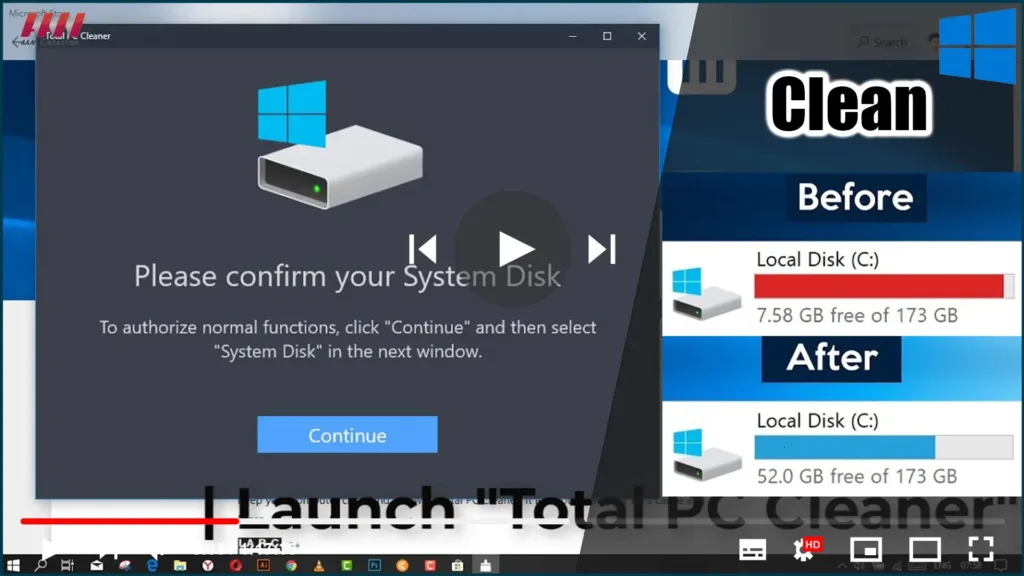
Best Free Total PC Cleaner for Windows 10

Total PC Cleaner is a UWP app for Windows 10 that helps you clean up junk files and optimize system performance. This application is completely free, simple to use, and ad-free. Download Total PC Cleaner and see for yourself! Total PC Cleaner: Optimize Memory and Windows System, Clean Up Free Disk Space. The application supports

Best Free Total PC Cleaner for Windows 10 Read More »

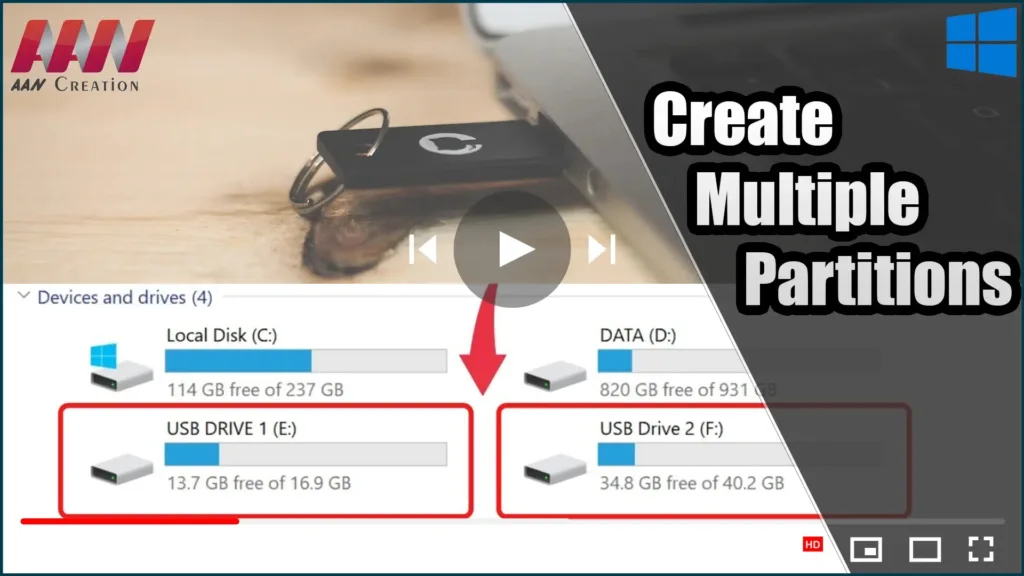
Create Multiple Partitions on a USB Flash Drive in Windows 10

Starting with build 1703, Windows 10 now supports full multiple partitions for any USB storage device (Creators Update). A user of Windows 10 can now access all partitions on a USB flash drive or SD card, as well as create multiple logical partitions on such media using the OS’s built-in tools. Previously, when connecting a

Create Multiple Partitions on a USB Flash Drive in Windows 10 Read More »

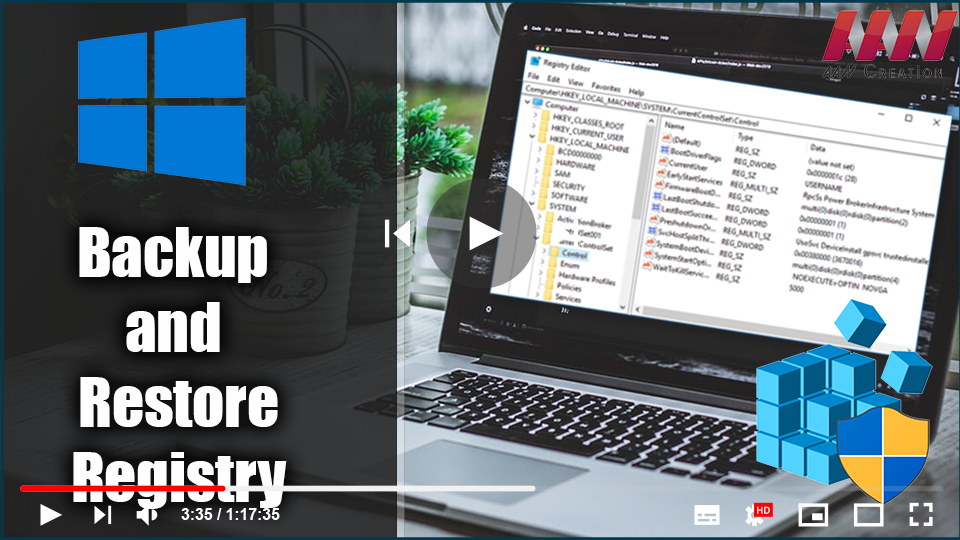
How to Backup and Restore Registry in Windows 10

The Windows Registry is a hierarchical database that stores low-level settings for the Windows OS & apps that use it. The registry can be accessed by the kernel, device drivers, services, Security Accounts Manager, and user interface. The registry also provides access to counters that can be used to profile system performance. In simple terms,

How to Backup and Restore Registry in Windows 10 Read More »