
How To Delete Undeletable File’s and Folders on Windows 10
How To Delete Undeletable File’s and Folders on Windows 10 Read More »

How to Block Adult Content Without Using Software OpenDNS in Windows/Mac/Linux. To begin, configure one or more of your devices to use OpenDNS’s DNS nameservers. Choose your device type from one of the categories below for instructions on how to do this. Family Shield Icon NOTE: Use our FamilyShield nameservers instead of the device’s nameservers
How to Block Adult Content in Device Without Any Software Read More »

If you frequently visit the same websites, creating desktop shortcuts to them can save time and make access quicker. Whether it’s a news site, email, or your favorite blog, having a shortcut on your desktop lets you open the page instantly, without the hassle of opening your browser and typing the address manually. Here’s how
How to Create Shortcuts to Websites on Your Desktop Read More »

The Tor browser is one of the best privacy solutions for anonymous web browsing. The Onion Router (its full name) routes your traffic through at least three Tor relays (servers) located around the world. This makes tracing your data traffic back to you nearly impossible, greatly increasing your privacy. Of course, it’s also the primary
How to Install Tor on Windows, Mac, Linux, and Android Read More »
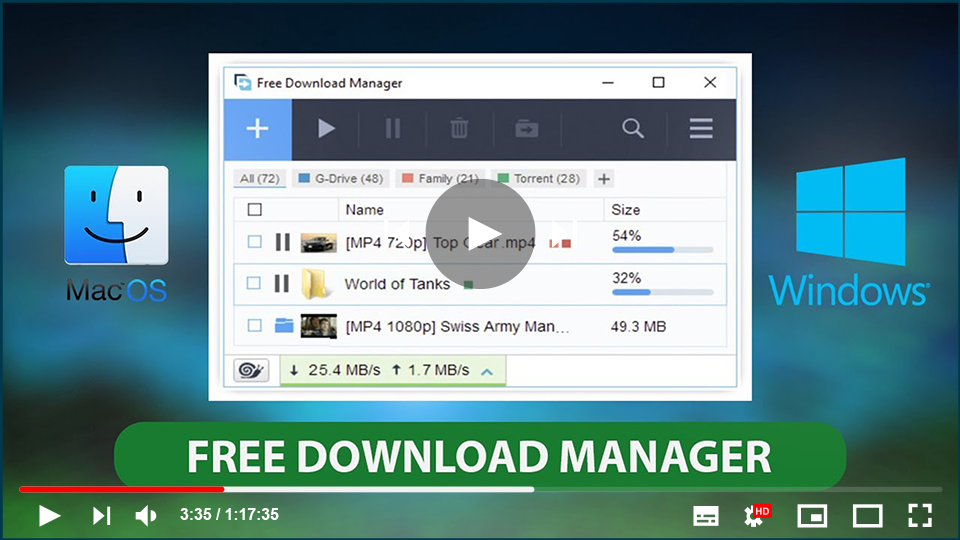
Free Download Manager (FDM) is an essential application designed to help you organize, manage, and accelerate your download tasks. While most web browsers come with built-in download managers, they often lack advanced functionalities like the ability to pause, resume, or accelerate downloads. FDM addresses these issues by offering robust capabilities to ensure your downloads are
Free Download Manager (FDM) for Windows: A Powerful, Free Tool for Managing Downloads Read More »
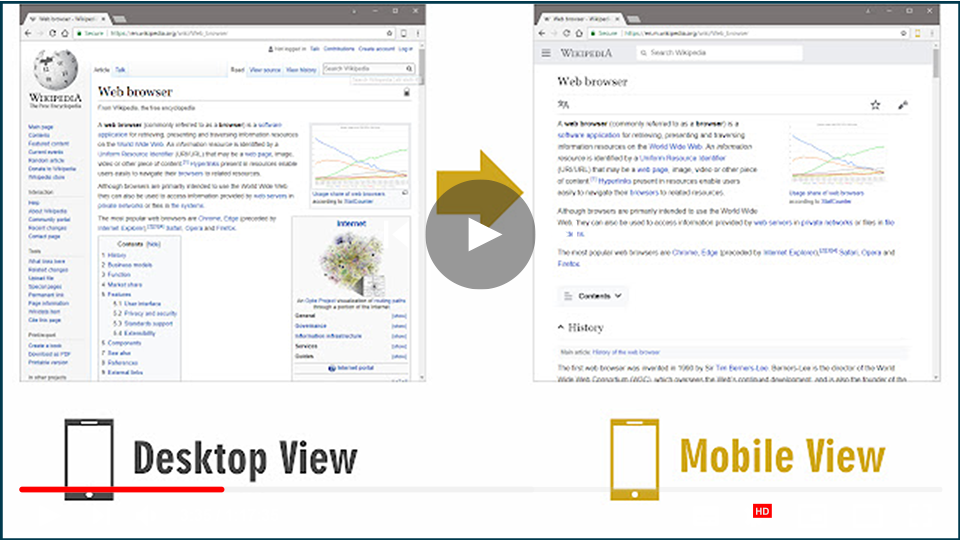
Switching to a mobile view on a desktop browser can be beneficial for web developers, designers, or anyone who wants to check how a website looks on mobile devices. Here are two effective methods to switch to mobile view effortlessly. Method 1: Using an Extension (Mobile View Switcher) The Mobile View Switcher extension is a
How to Switch to Mobile Website View on Desktop Read More »
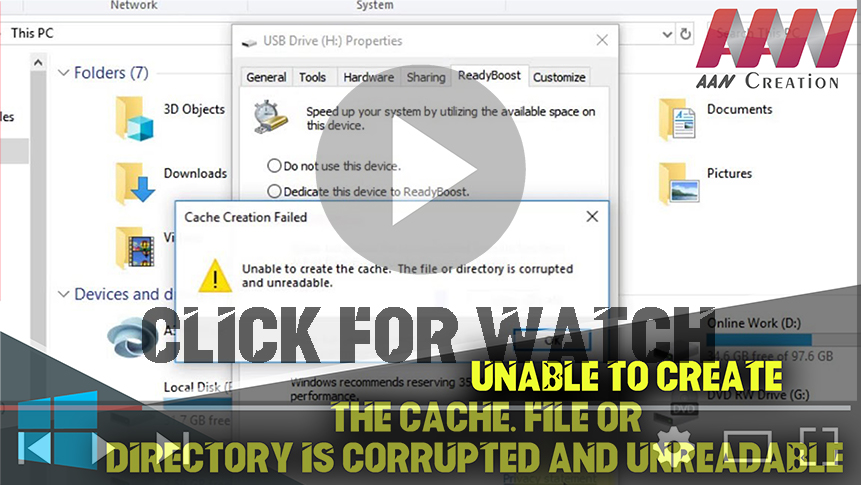
Unable to Create the Cache. File or Directory is Corrupted and Unreadable. A damaged file system usually causes this issue. & since we’re talking about flash drives, it’s most likely NTFS or FAT. The flash drive can also be infected with viruses & malware, which is quite possible because of the portability of USB drives.
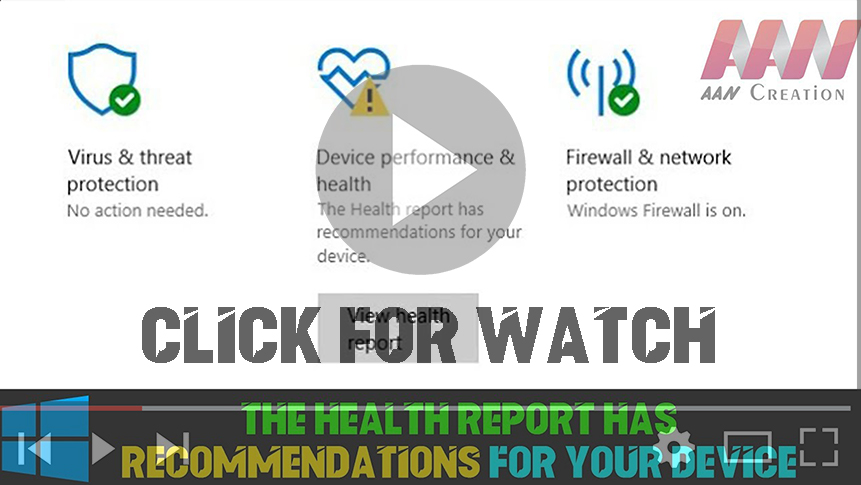
Windows Defender Battery Life Warning – infinite timeout After the 1703 Creators Update installed, I received a battery power warning that “The sleep timeout on this device is currently set to infinite”. Opening the power settings and correcting the battery timeout from ‘Never’ to 15 minutes did not clear the warning, even after a restart.
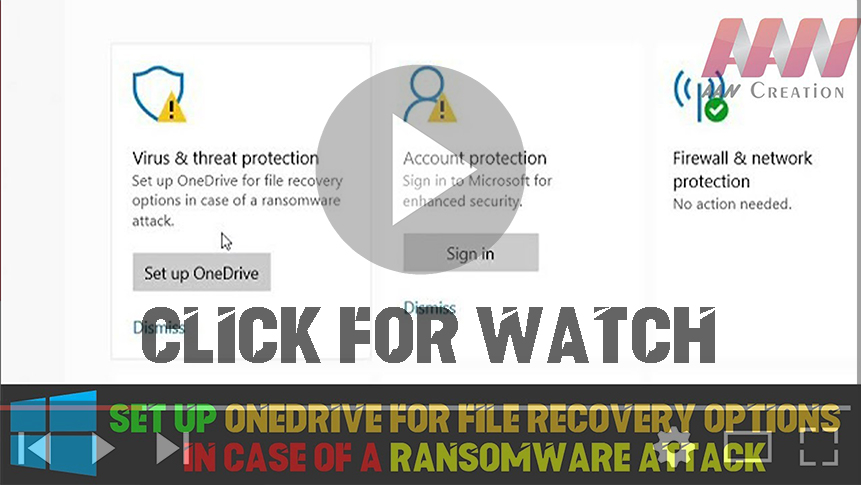
In April, Microsoft announced enhanced protection capabilities for OneDrive users, particularly targeting ransomware attacks. These improvements provide Office 365 Home and Office 365 Personal subscribers with new tools to safeguard their files and ensure a smooth recovery process in the event of a cyber incident. By integrating OneDrive’s Files Restore feature with Windows Defender Antivirus,
Set up Onedrive for File Recovery Options in Case of a Ransomware Attack (Fix | 2 Ways) Read More »
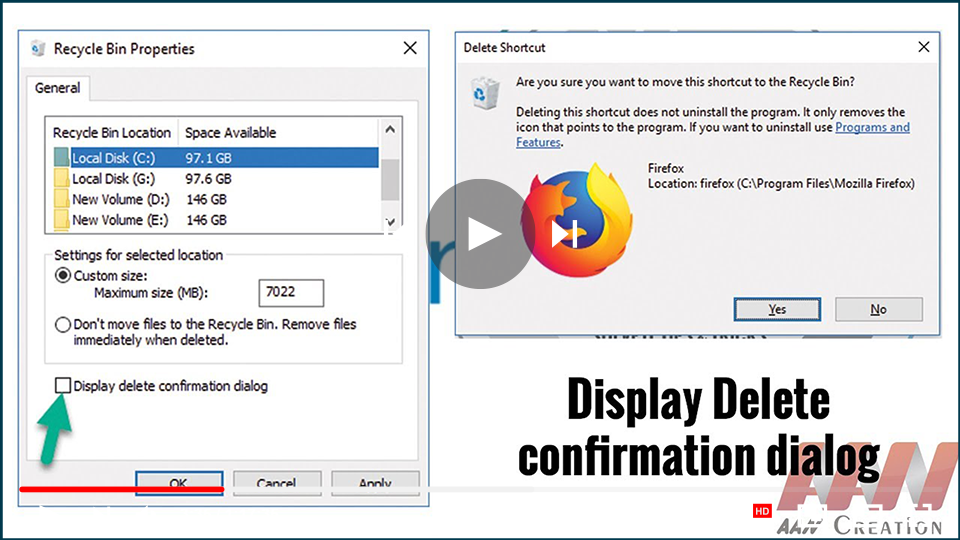
The Delete Confirmation Dialog box feature is disabled by default in Windows 10. If the user accidentally selects the delete option or presses the delete button, the file or folder will be moved to the Recycle Bin. If the “Do not move to the Recycle Bin” feature is enabled in the system then the
How to Enable the Delete Confirmation Dialog in Windows 10 Read More »