Windows 10

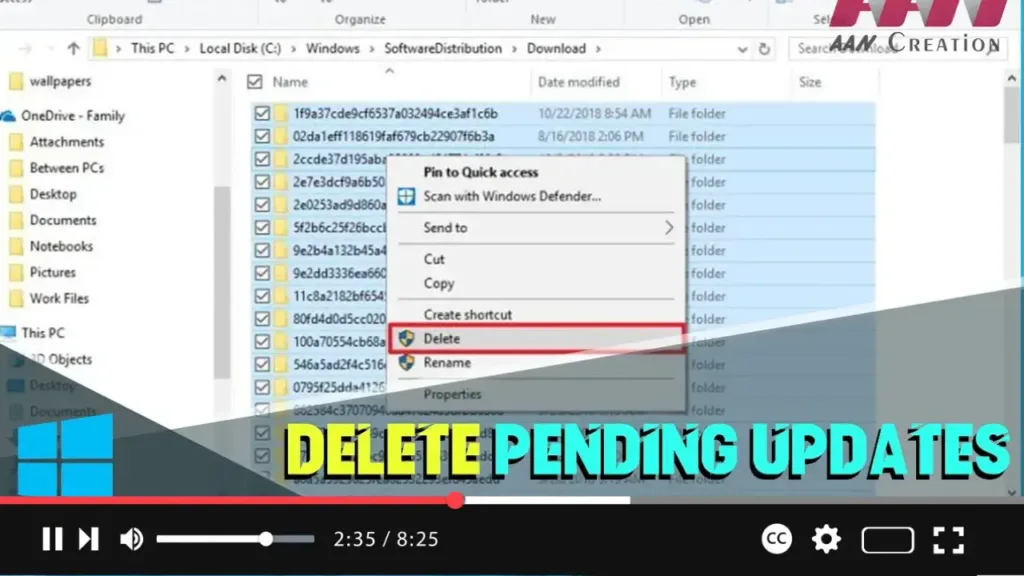
How to Delete Pending Updates on Windows 10

  Windows 10 updates are essential for system stability, security, and performance improvements. However, sometimes the installation of cumulative updates can cause problems due to file corruption, compatibility issues, or unknown bugs. If you’re having trouble installing a Windows update or want to avoid a problematic patch, you can delete the pending updates. This process […]

How to Delete Pending Updates on Windows 10 Read More »
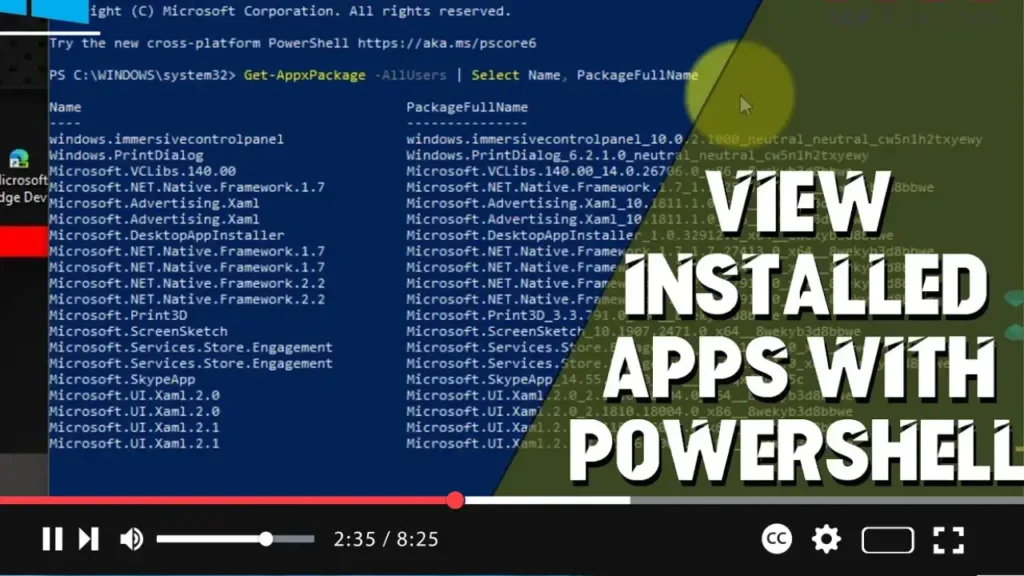
How to View Installed Apps with PowerShell on Windows 10

  PowerShell is a powerful command-line tool that allows you to manage and automate various system tasks on Windows 10. One useful capability of PowerShell is to list all installed applications on your computer. This guide will show you how to use PowerShell to view installed apps on Windows 10. Introduction Using PowerShell to view

How to View Installed Apps with PowerShell on Windows 10 Read More »

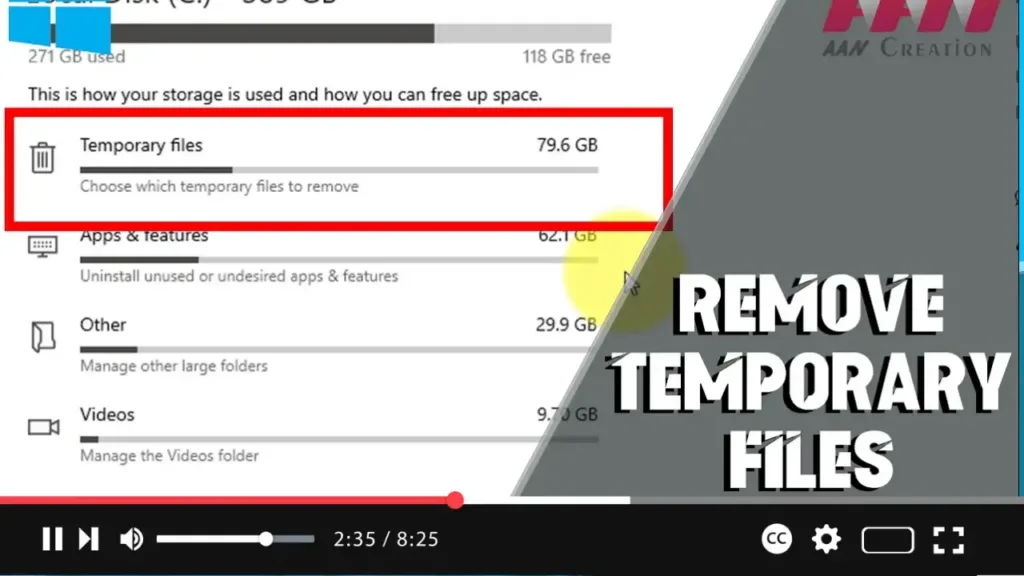
How to Remove Temporary Files on Windows 10

 Removing temporary files on Windows 10 can free up disk space, improve system performance, and help maintain your computer’s overall health. This guide will show you how to remove temporary files using built-in Windows tools. Introduction Temporary files are created by Windows and various applications to store intermediate data. Over time, these files can accumulate

How to Remove Temporary Files on Windows 10 Read More »

How to Check Bluetooth Version on Windows 10

 Knowing the Bluetooth version of your Windows 10 PC can help you determine compatibility with various Bluetooth devices and understand the capabilities of your Bluetooth hardware. This guide will walk you through the steps to check the Bluetooth version on your Windows 10 computer. Introduction Different Bluetooth versions offer various features and improvements. By checking

How to Check Bluetooth Version on Windows 10 Read More »

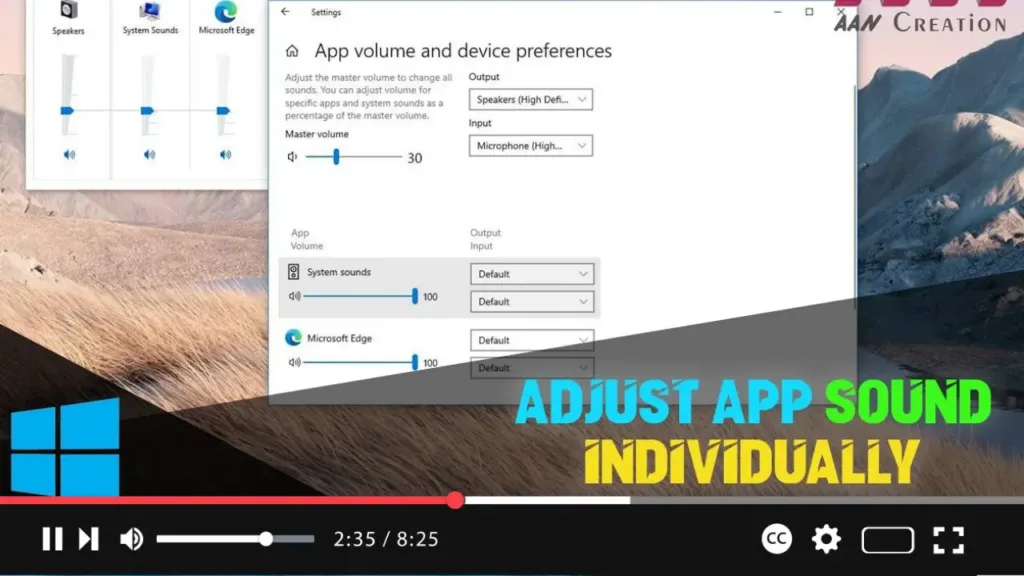
How to Adjust App Sound Individually on Windows 10

 Windows 10 allows you to adjust the sound volume for individual applications, providing you with finer control over your audio experience. This can be especially useful when you want to lower the volume of background apps while keeping others at a higher level. Introduction Adjusting app sound individually on Windows 10 can enhance your user

How to Adjust App Sound Individually on Windows 10 Read More »

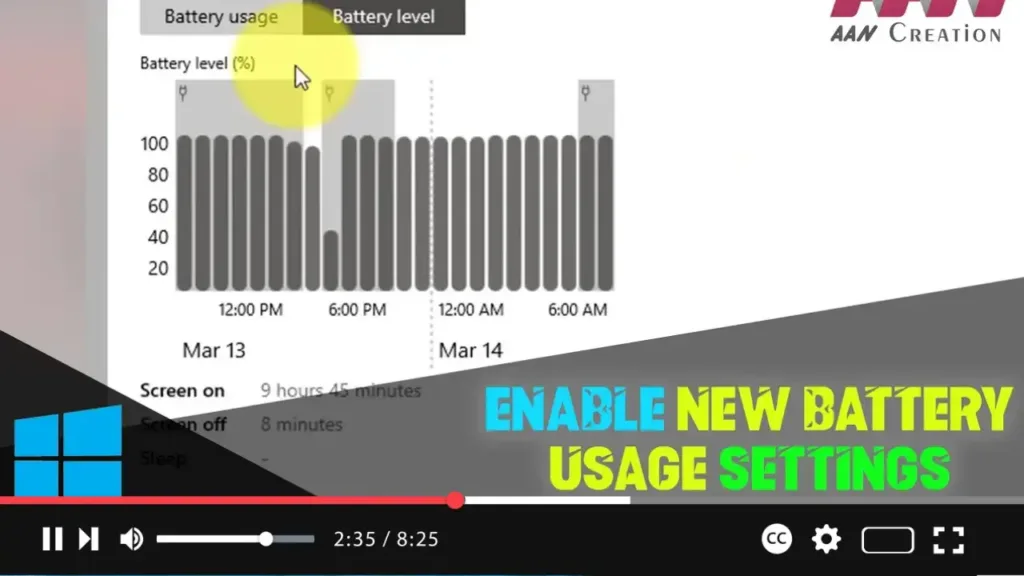
How to Enable New Battery Usage Settings on Windows 10

 Windows 10 has a range of built-in tools for managing battery usage, but enabling new battery usage settings can offer more detailed insights and control. Here’s how to enable these new settings using ViveTool. Introduction Enabling new battery usage settings on Windows 10 provides enhanced features for monitoring and managing your device’s battery performance. This

How to Enable New Battery Usage Settings on Windows 10 Read More »

How to Disable Windows Hello PIN Sign-in Option on Windows 10

 Windows Hello provides a quick, secure way to sign in using a PIN, facial recognition, or fingerprint. However, you might want to disable the PIN sign-in option for various reasons. Here’s how to do it. Introduction Disabling the Windows Hello PIN sign-in option can enhance security by forcing the use of more secure sign-in methods

How to Disable Windows Hello PIN Sign-in Option on Windows 10 Read More »

How to Change Translucent Selection Rectangle Color in Windows 10

 Windows 10 allows users to customize various visual elements, including the color of the translucent selection rectangle that appears when you click and drag to select multiple items on the desktop or in File Explorer. This guide will show you how to change the color of the translucent selection rectangle by modifying the Windows Registry.

How to Change Translucent Selection Rectangle Color in Windows 10 Read More »