
Windows 10

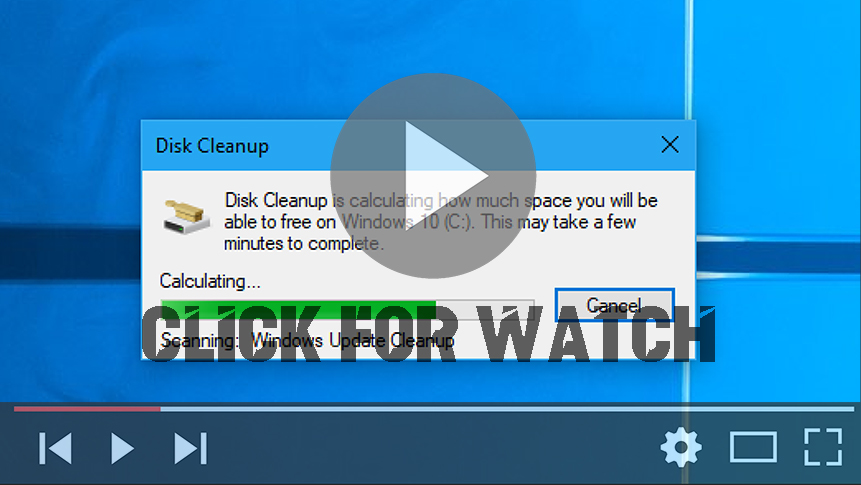
How to Disk Cleanup in Windows Tool

On windows, To delete temporary files: Disk Clean-up (cleanmgr.exe) is a computer maintenance utility included in Microsoft Windows designed to free up disk space on a computer’s hard drive. The utility first searches and analyzes the hard drive for files that are no longer of any use, and then removes the unnecessary files. There are […]

How to Disk Cleanup in Windows Tool Read More »
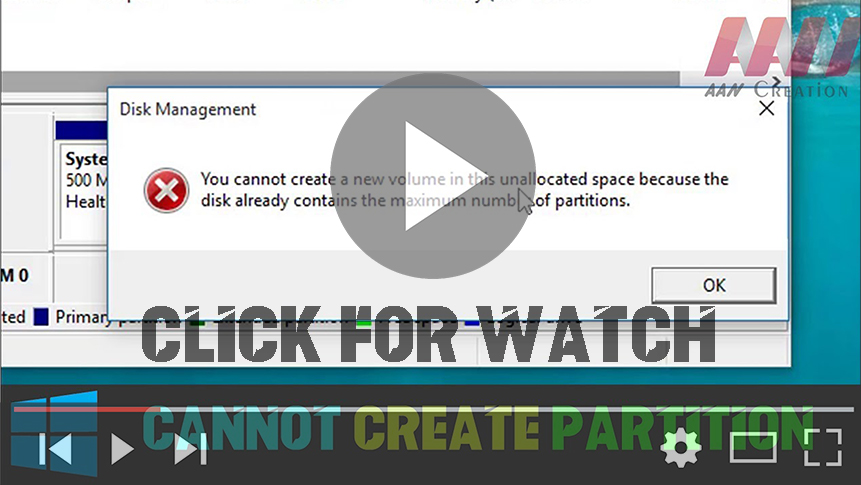
How to Fix Can’t Create Partition in Windows (Already contains the maximum number of partitions)

You Cannot Create a new volume in the unallocated space because the disk already contains the maximum number of partitions. this video about how to fix your partitions problem follow this video and fix your problem. you can use this method all type of windows pc AOMEI Partition Assistant Standard is a FREE disk partition

How to Fix Can’t Create Partition in Windows (Already contains the maximum number of partitions) Read More »

How To Destroy Your Windows Spying 3 Best Apps (Stop Spying Your PC)

Privacy is a far more serious concern than most people realize. Personal data could be used to steal your identity & your money. It could also allow malicious people to track you or your loved ones and find opportune moments to do harm. Or on a simple level, it could be used to publicize information

How To Destroy Your Windows Spying 3 Best Apps (Stop Spying Your PC) Read More »

How to Fix Windows Store Error 0x80072ee7 on Windows 10

Error code 0x80072ee7 is a common issue experienced by users of Windows 10 when attempting to access the Microsoft Store. This error is typically accompanied by messages such as “The server has stumbled” or “We couldn’t connect to the server,” despite the device being connected to the Internet. Follow these steps to resolve the Windows

How to Fix Windows Store Error 0x80072ee7 on Windows 10 Read More »

How to boot into Safe Mode Enable/Disable Windows 10

Safe mode starts Windows in a basic state, using a limited set of files and drivers. It can help you troubleshoot problems on your PC. For example, if the problem doesn’t happen in safe mode, you’ll know default settings and basic device drivers aren’t causing the issue. There are two versions of safe mode: Safe

How to boot into Safe Mode Enable/Disable Windows 10 Read More »


